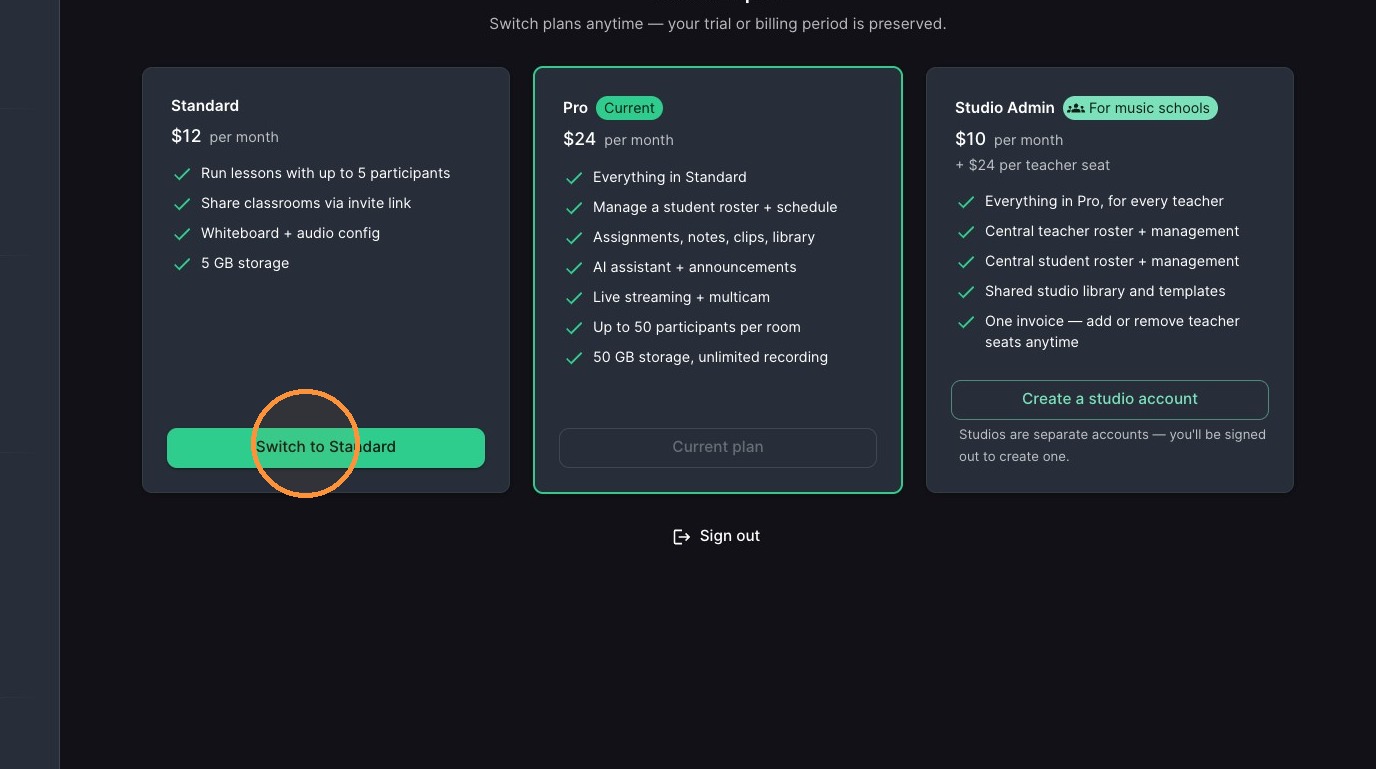
Use this guide to help you upgrade your Muzie account to Lite, Pro or Studio and confidently manage billing for your studio. I’ll walk you through where to find your billing settings, how to start a subscription, and how to switch plans so you can access more features like student rosters, scheduling tools, and AI assistants - and keep your payment details and preferences up to date.
Access Billing Settings
-
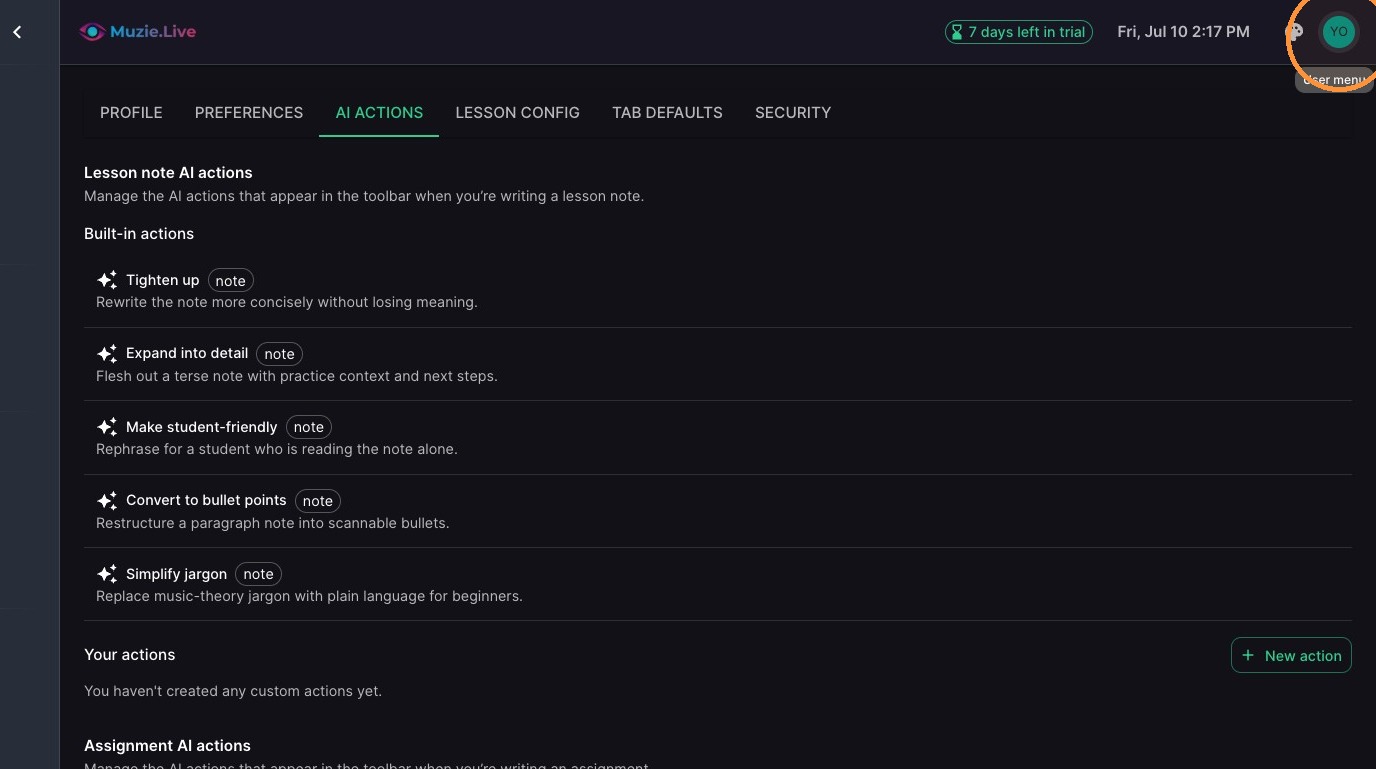
Click user profile icon in top right corner
-
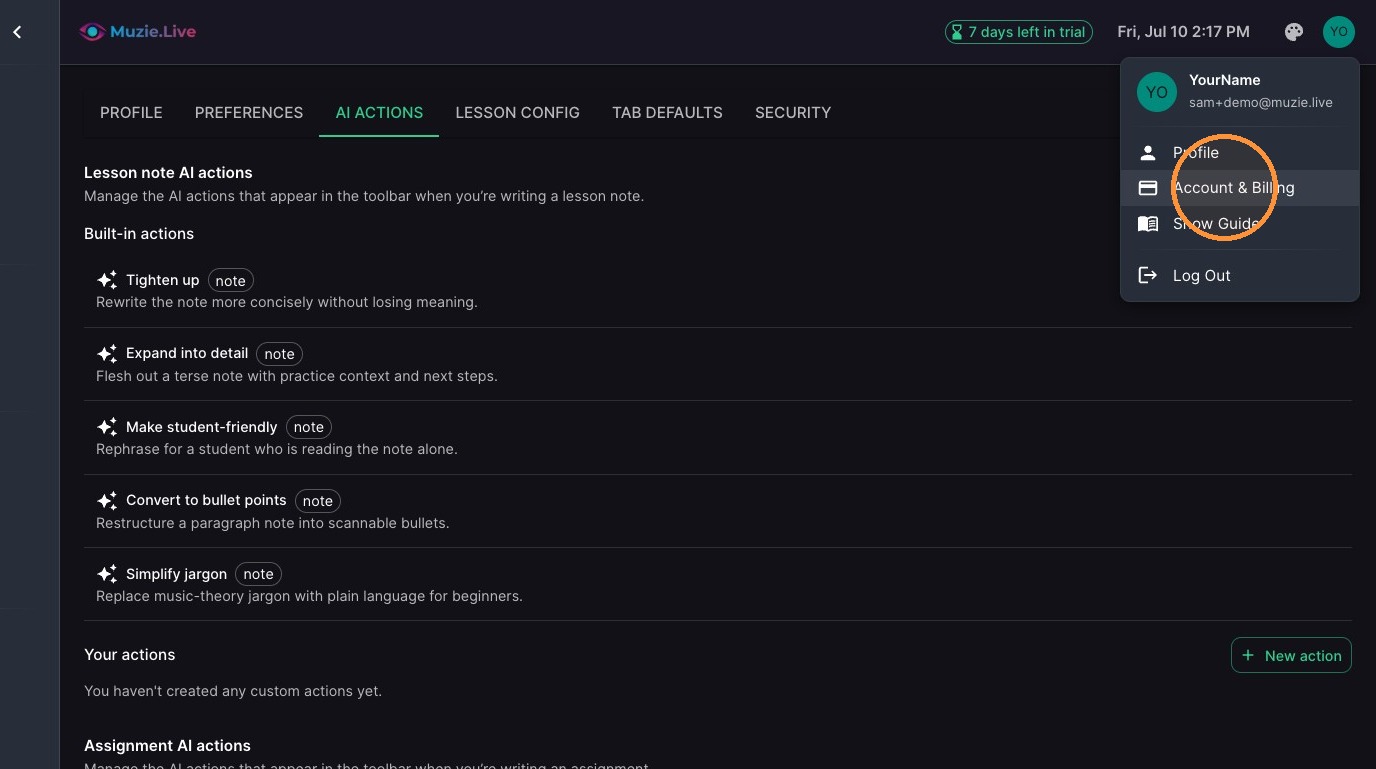
Click "Account & Billing"
Subscription Management
-
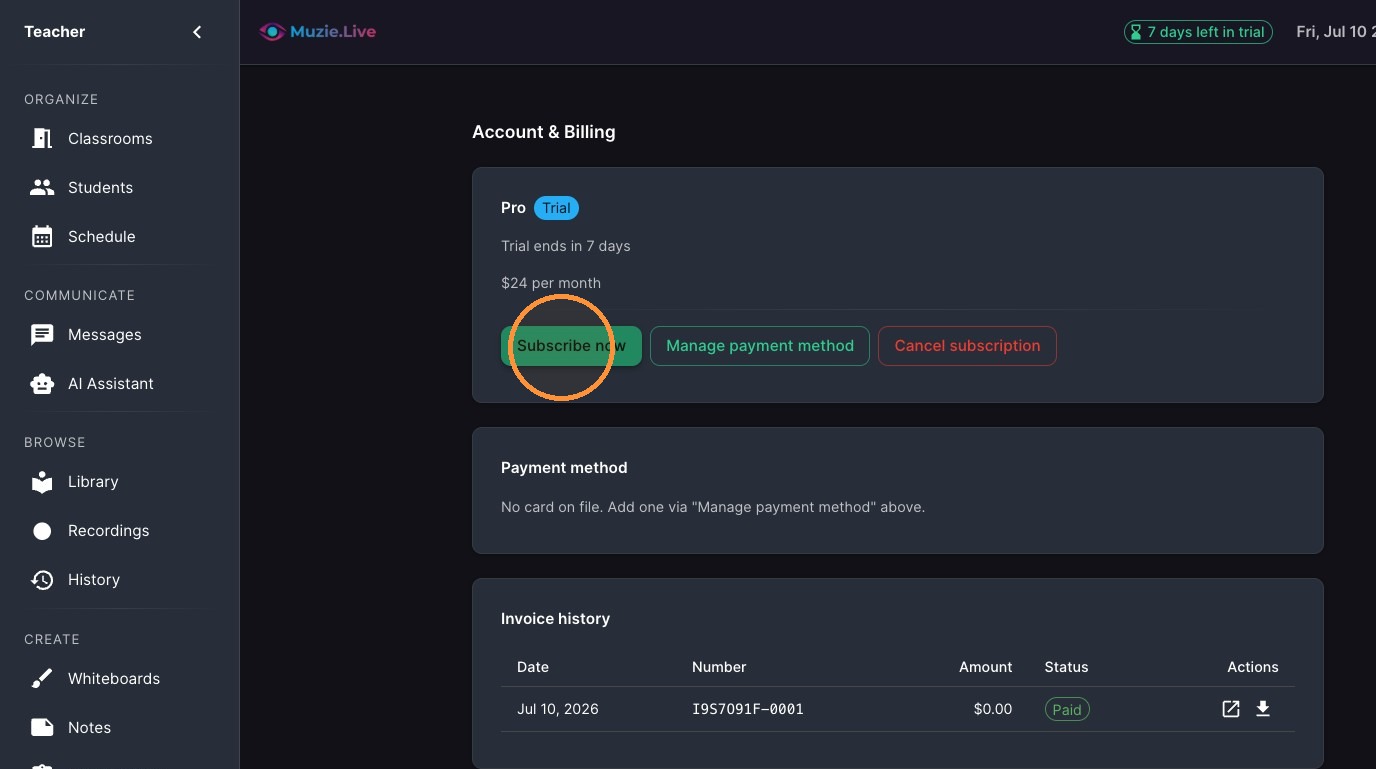
Click "Subscribe now"
-
Enter card number
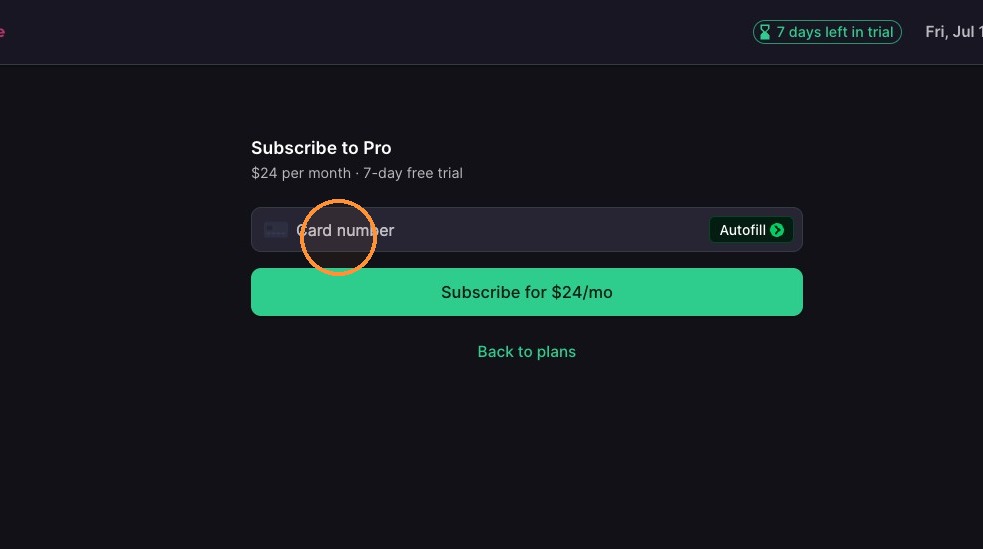
-
Click "Subscribe"
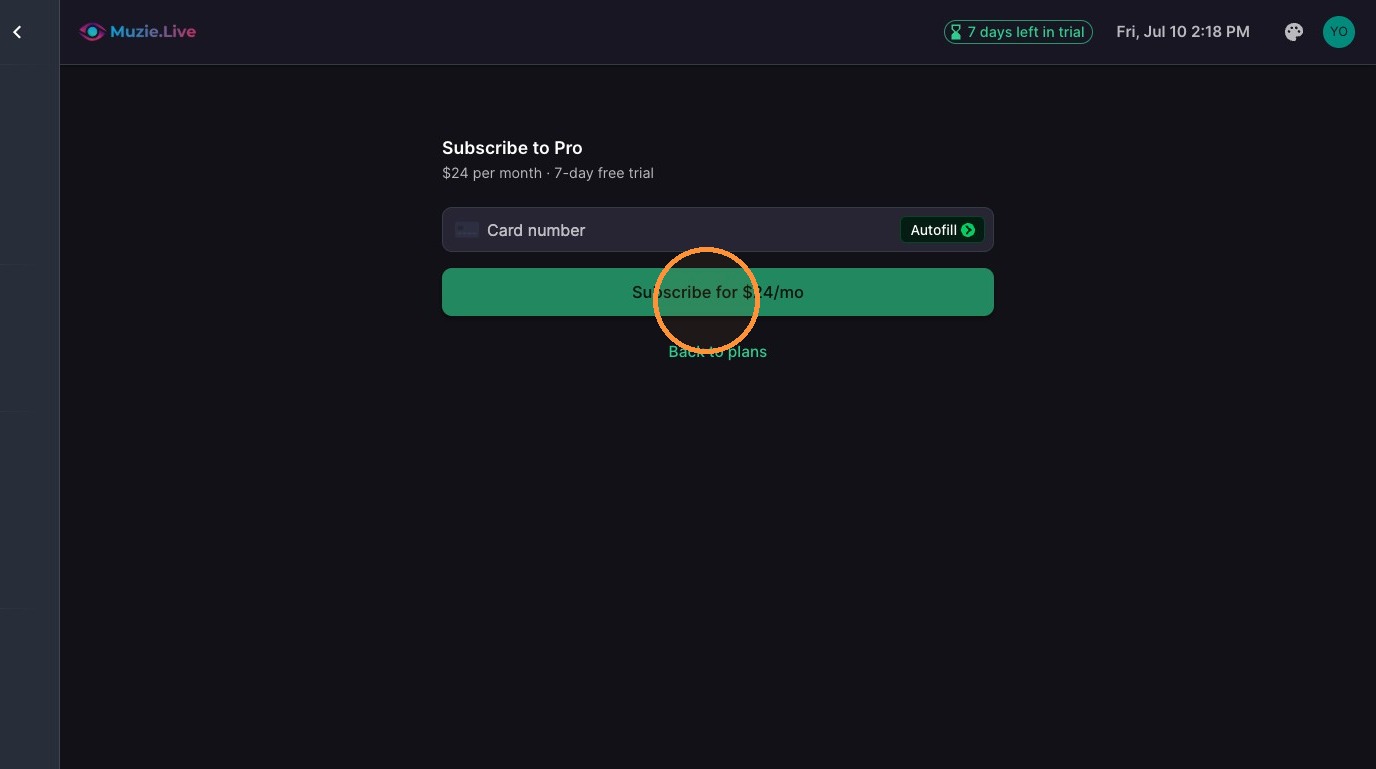
Change Upgrade Account Type
-
Click "View all plans"
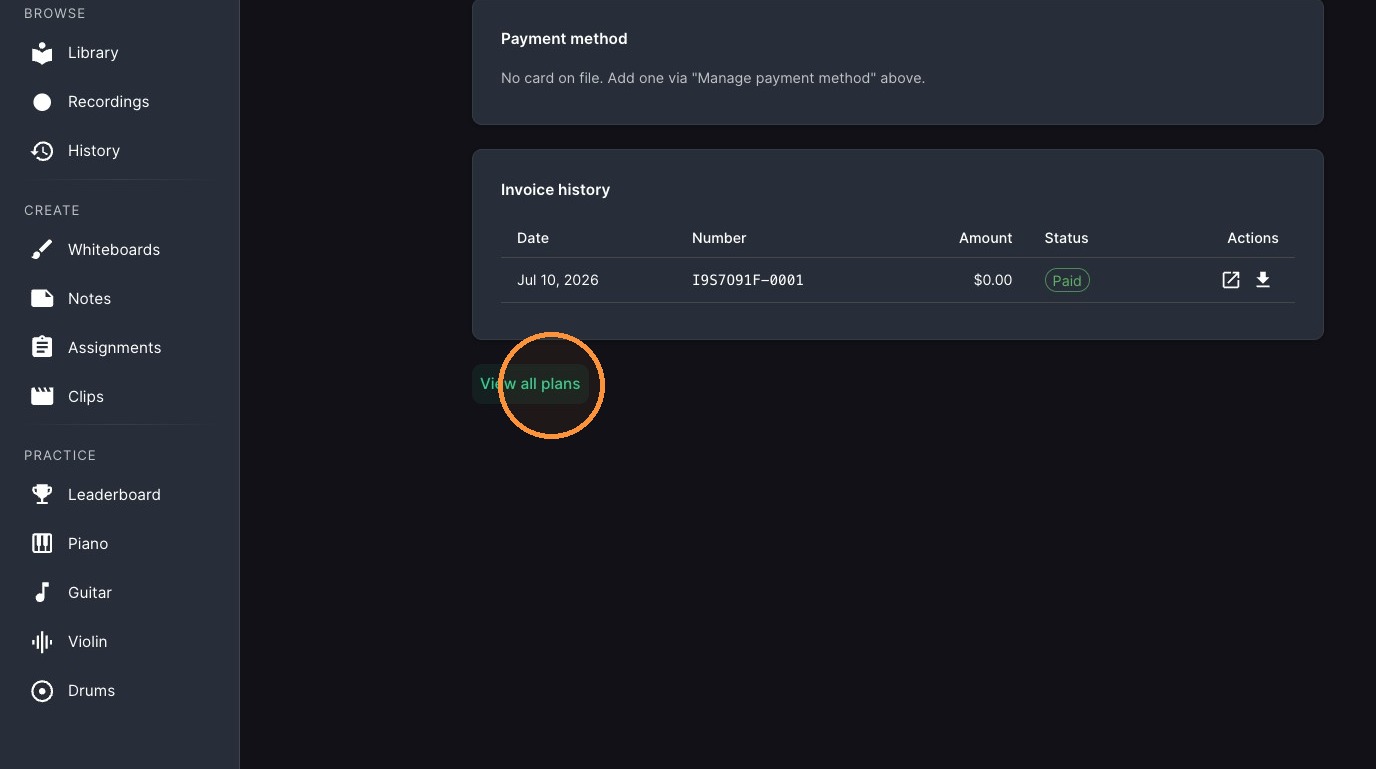
-
Select Plan you want to switch to