

Use this guide to create your Muzie music teacher account from start to finish. You’ll sign up as a teacher, verify your email with the code sent to your inbox, choose the account type and subscription that fits your studio, and start your free trial — no payment method required for Lite & Pro accounts.
-
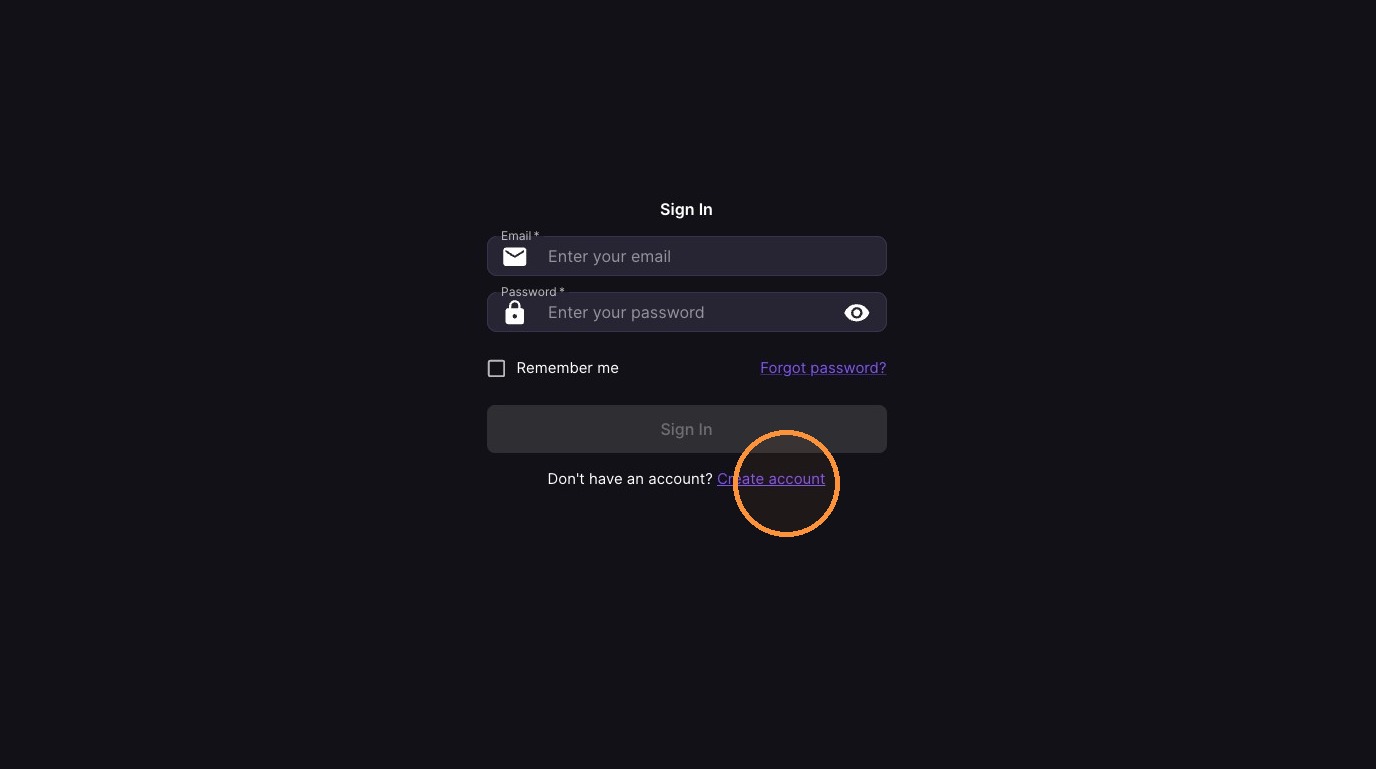
Click "Create account"
-
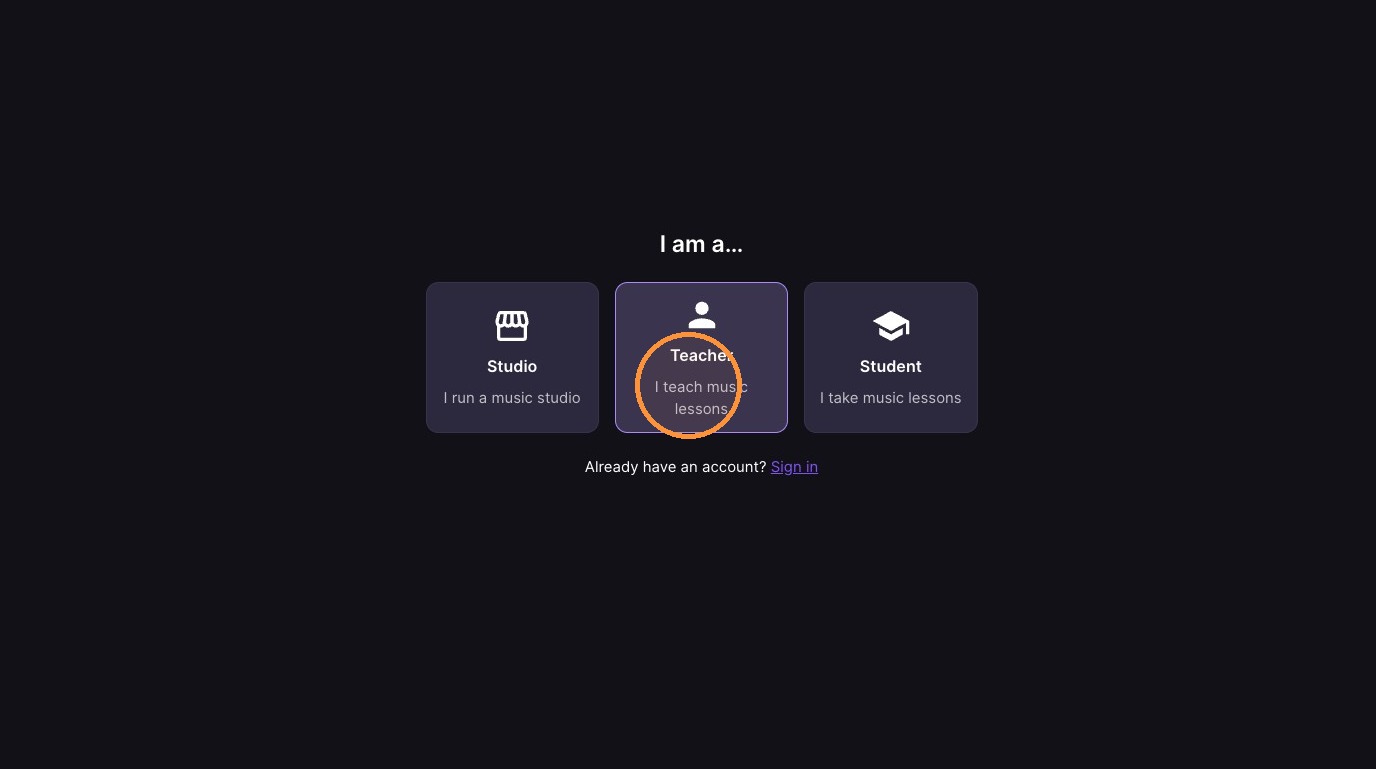
Click "Teacher"
-
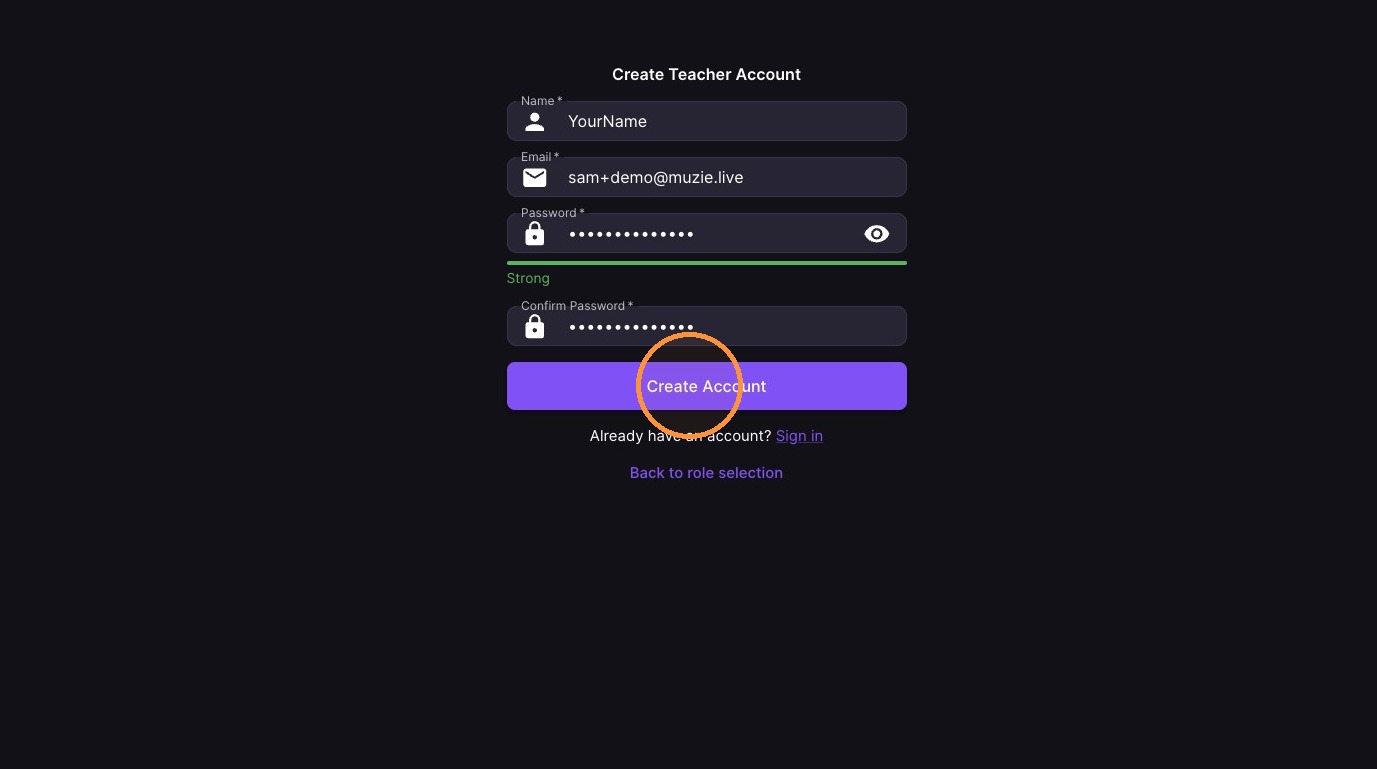
Fill out the sign up form
-
Click "Create Account"
-
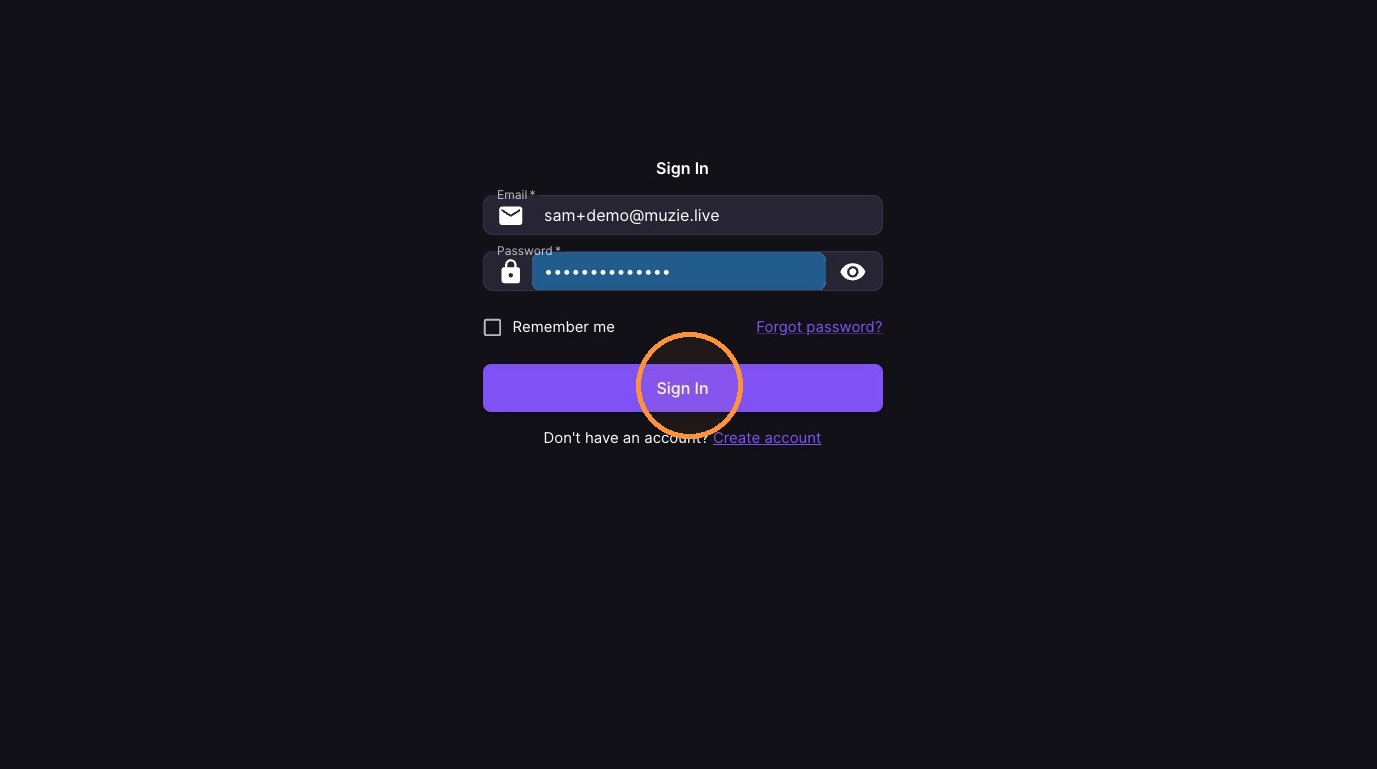
Click "Sign in"
-
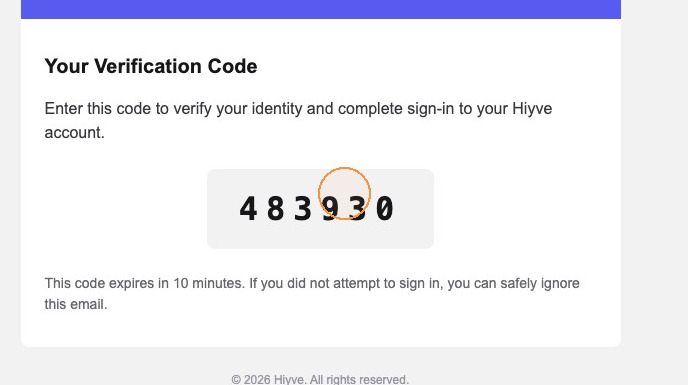
Go to your email inbox
-
Open the email from Muzie
-
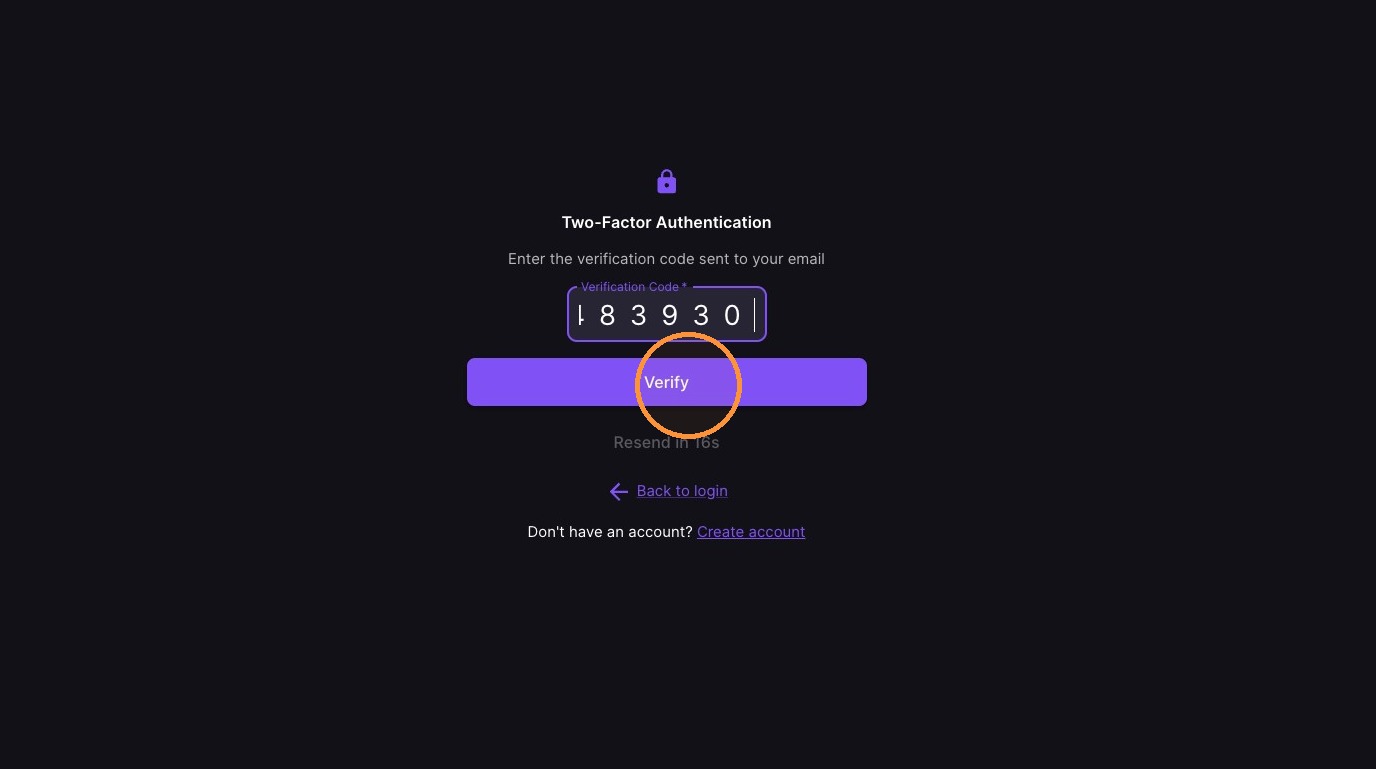
Enter Code & Click "Verify"
-
Select the account type you would like to use
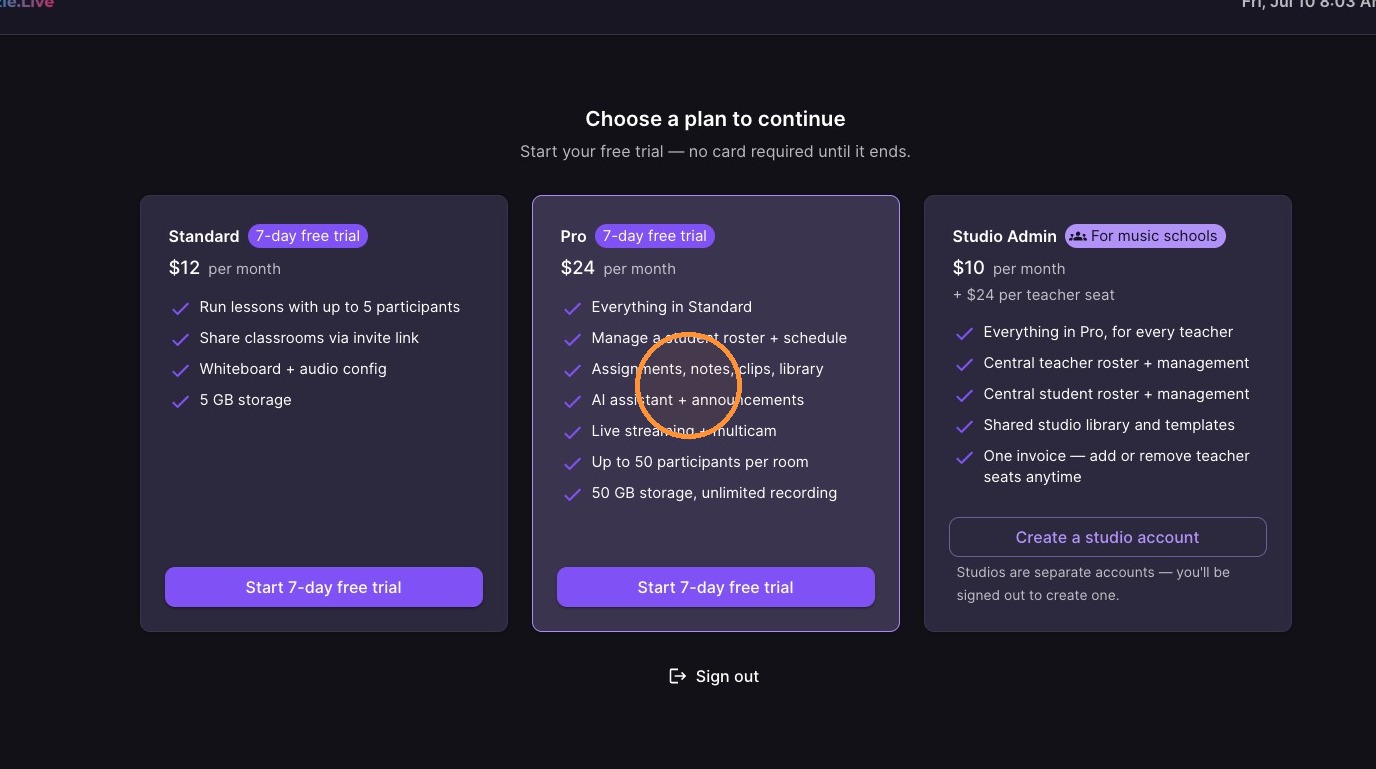
10. Click "Start 14-day free trial"
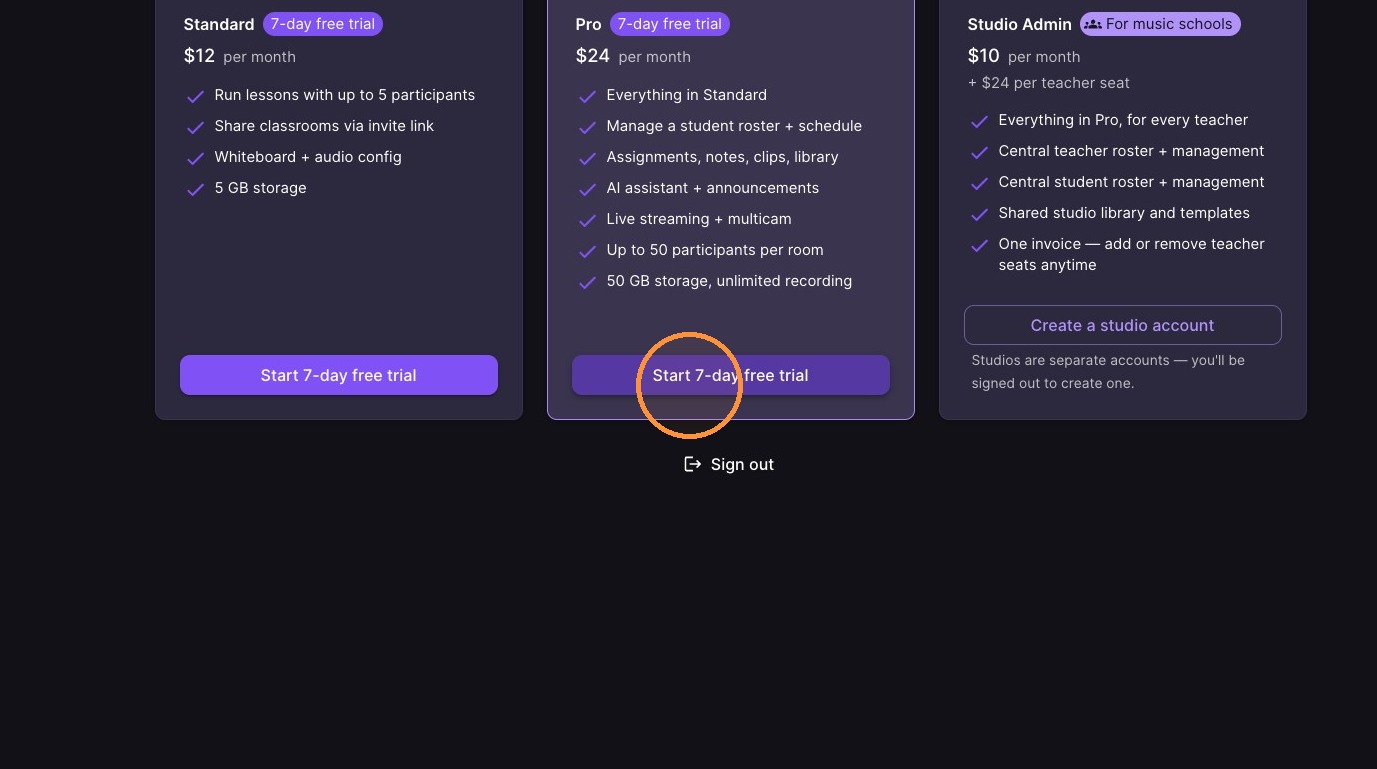
11. No payment method is required to try Muzie