Muzie Help Guides

AI Assistant: Outside of Lessons

Use the AI Assistant to quickly create classrooms, schedule lessons, generate assignments, and review lesson plans - plus get help with many other everyday teaching tasks, all from one chat.


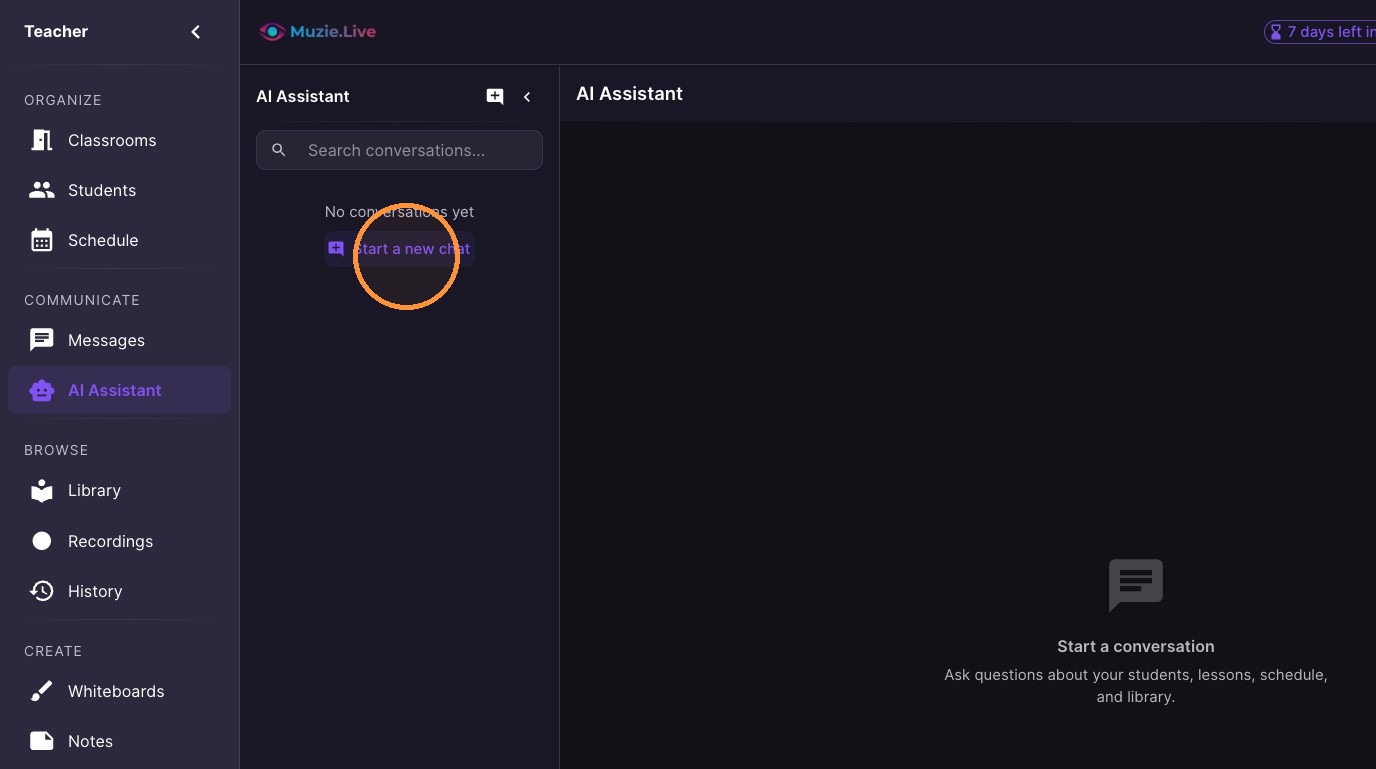
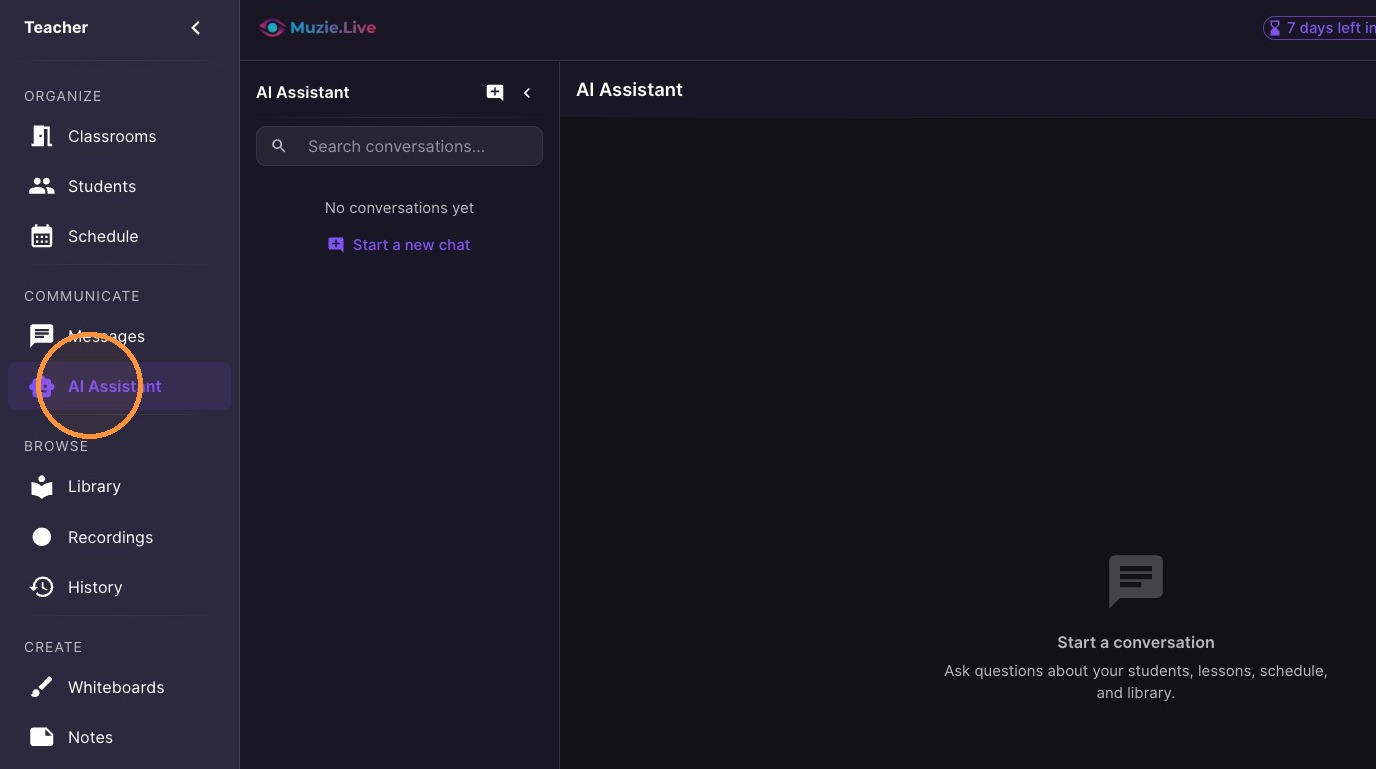
  1. Select "AI Assistant" from the sidebar.
ascreenshot_77c518f995694de486955a0ed66d26ee_text_export.jpeg
  1. Click "Start a new chat"

ascreenshot_450a020ed1a44386b62f3d01030f1870_text_export.jpeg
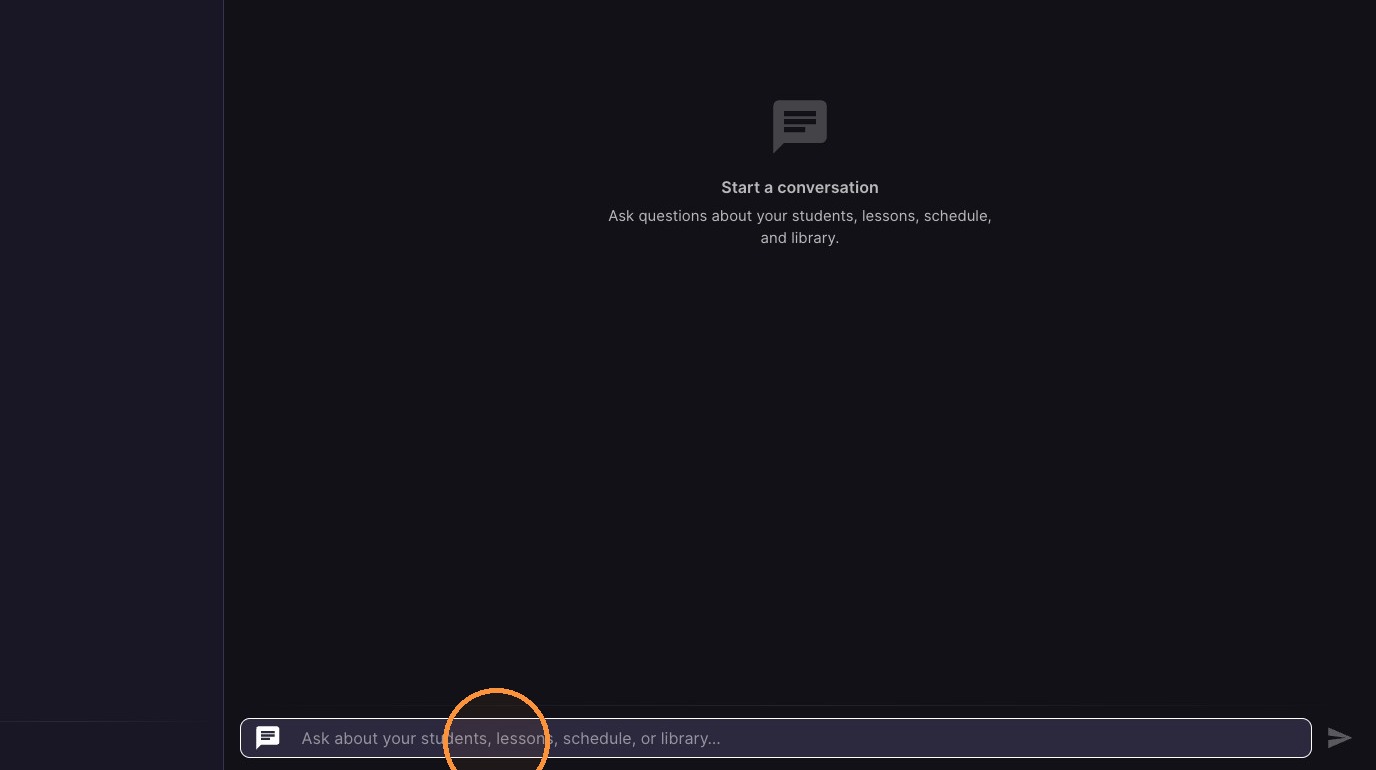
  1. Type a question or request

ascreenshot_2265516780a746379ae2455d4bd5939f_text_export.jpeg

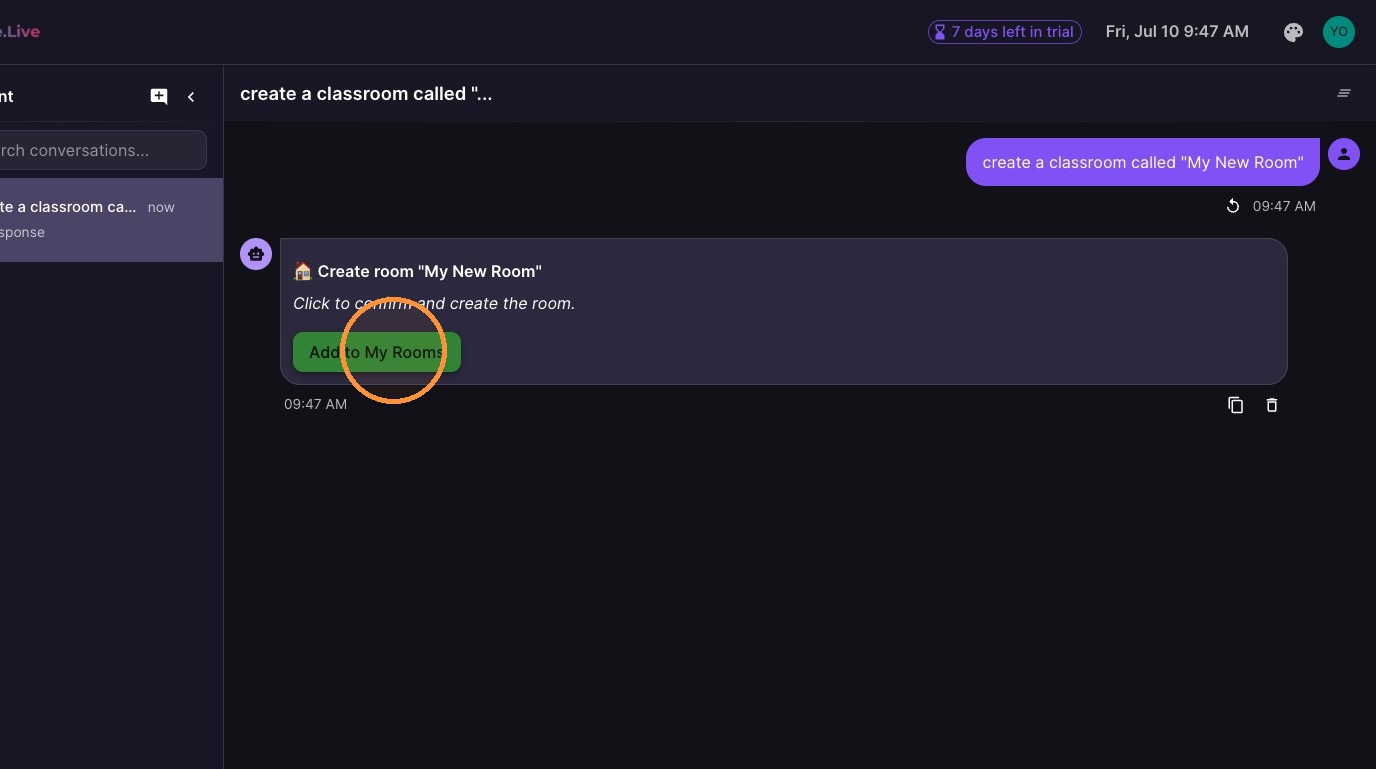
Tip: In this example I asked the AI to make a new classroom

  1. Click "Add to My Rooms" to save the classroom.
ascreenshot_d08ee648c9c44b8b843dd7984e682e77_text_export.jpeg
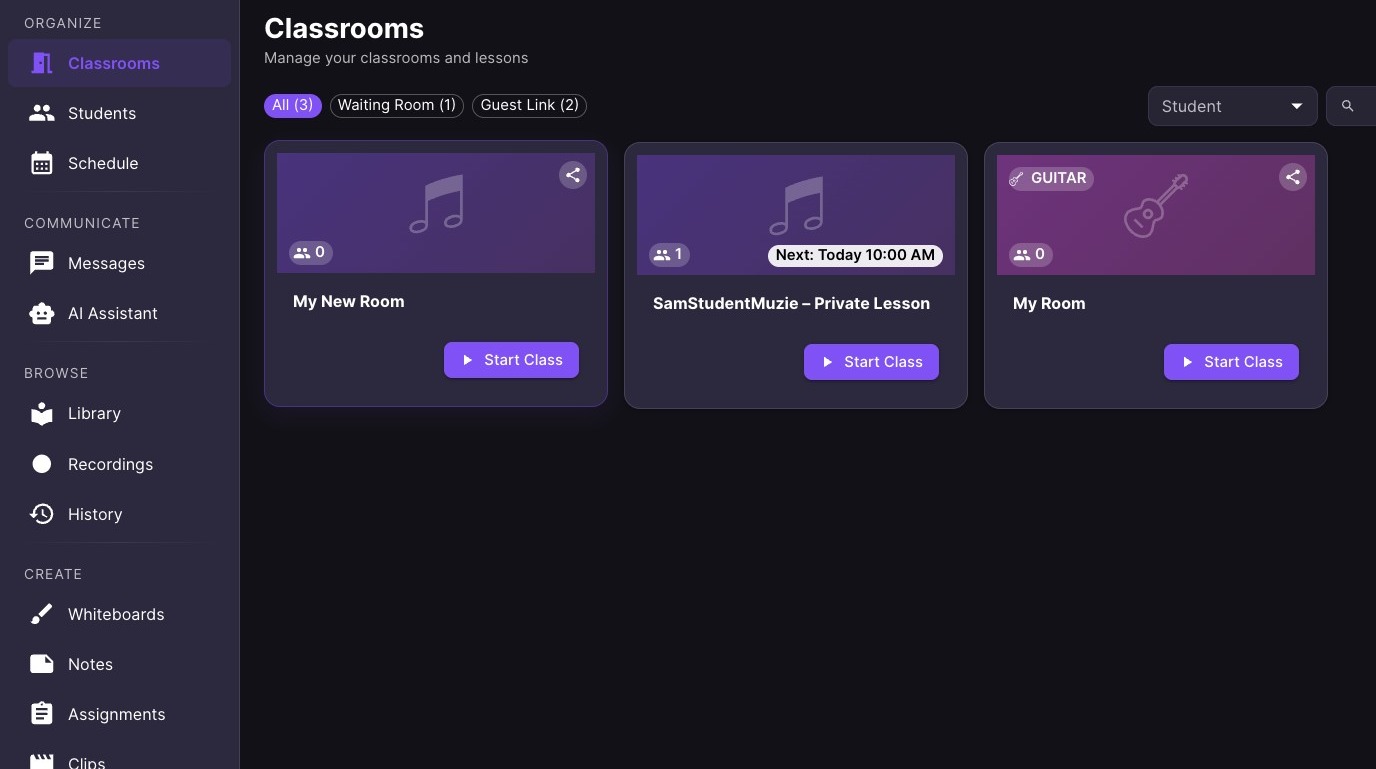
  1. You can see the new room added to my Classrooms
ascreenshot_0b3f92047ac8478d9a9ee4a01dc72ea6_text_export.jpeg
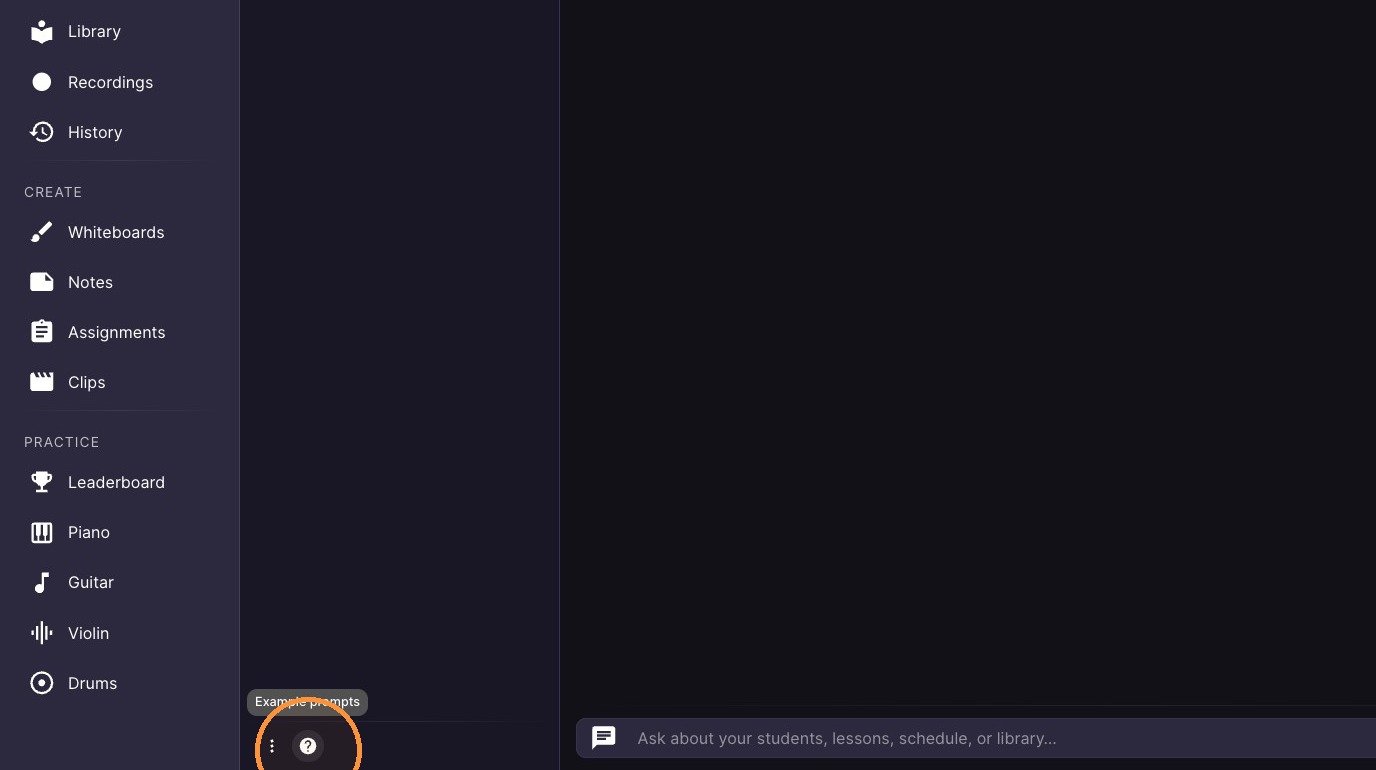
  1. Click "?" in the sidebar

ascreenshot_c9f56c34cabb400aaf538ee24979bcc4_text_export.jpeg
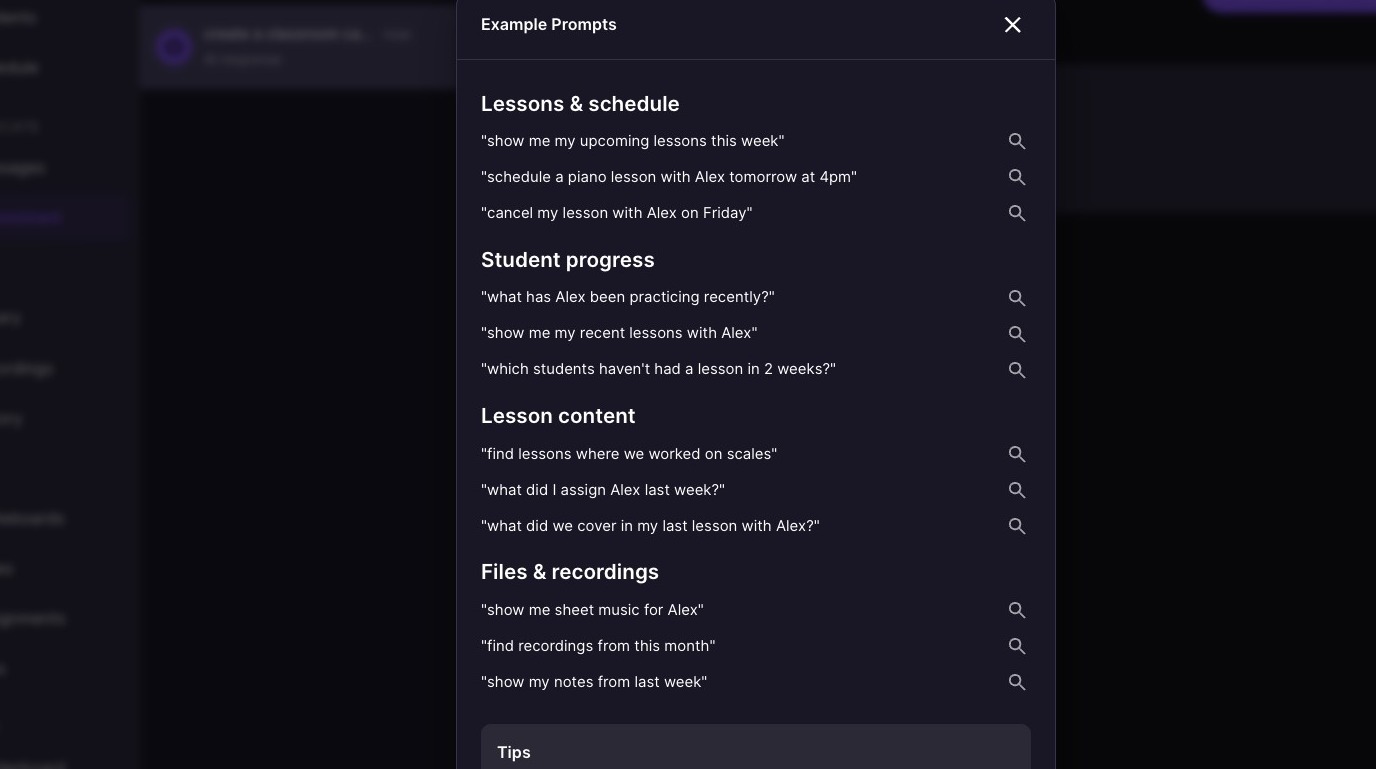
  1. Select an example prompt from the list.
ascreenshot_6538e34dbcbd45a8b02a1cb66dba6a52_text_export.jpeg
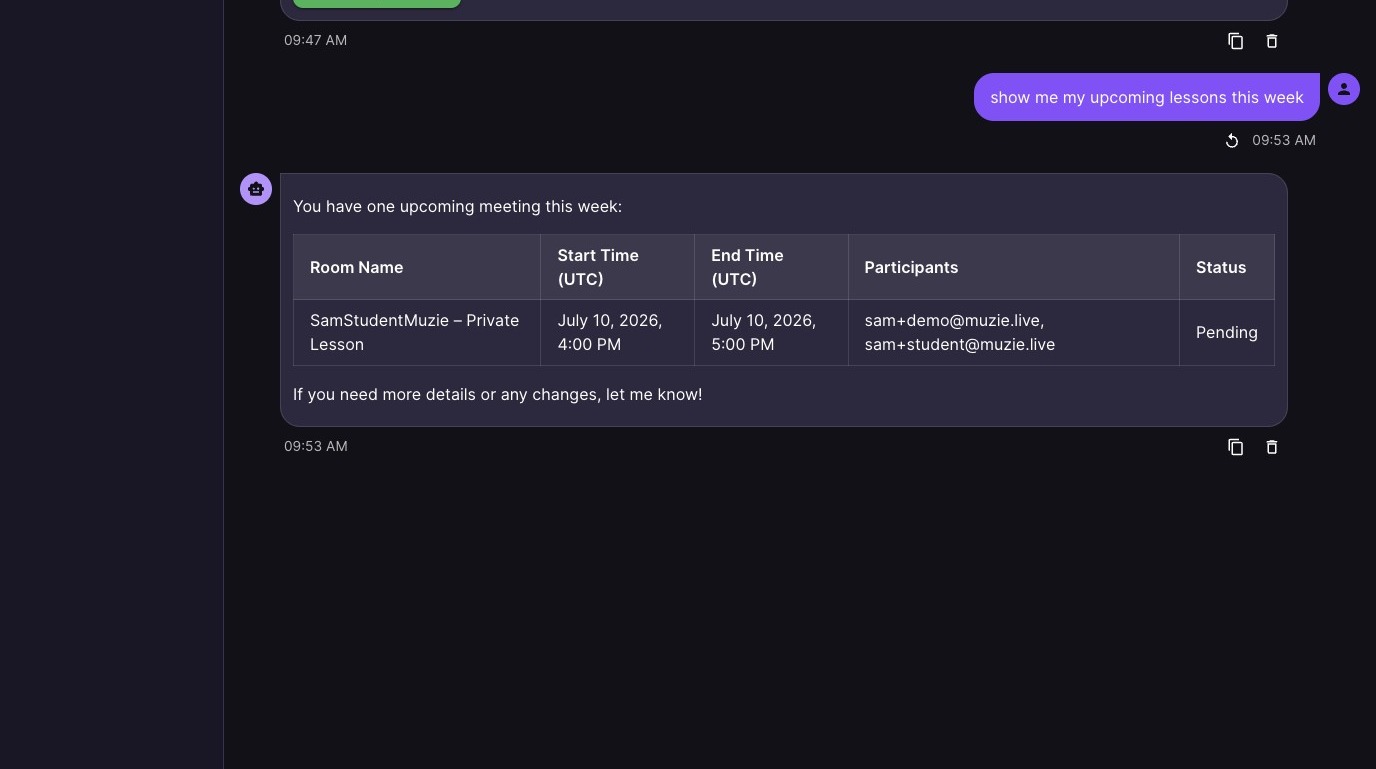
  1. See the AI response in the chat

ascreenshot_8bc2570ad70744dbbb052c188beddc09_text_export.jpeg