

Use this guide to create and manage assignments for your students from start to finish. You’ll learn how to set due dates and practice duration, assign work to individual students, add instructions and files, monitor student activity, review practice history, and mark assignments complete when students are finished.
Assignment Creation
-
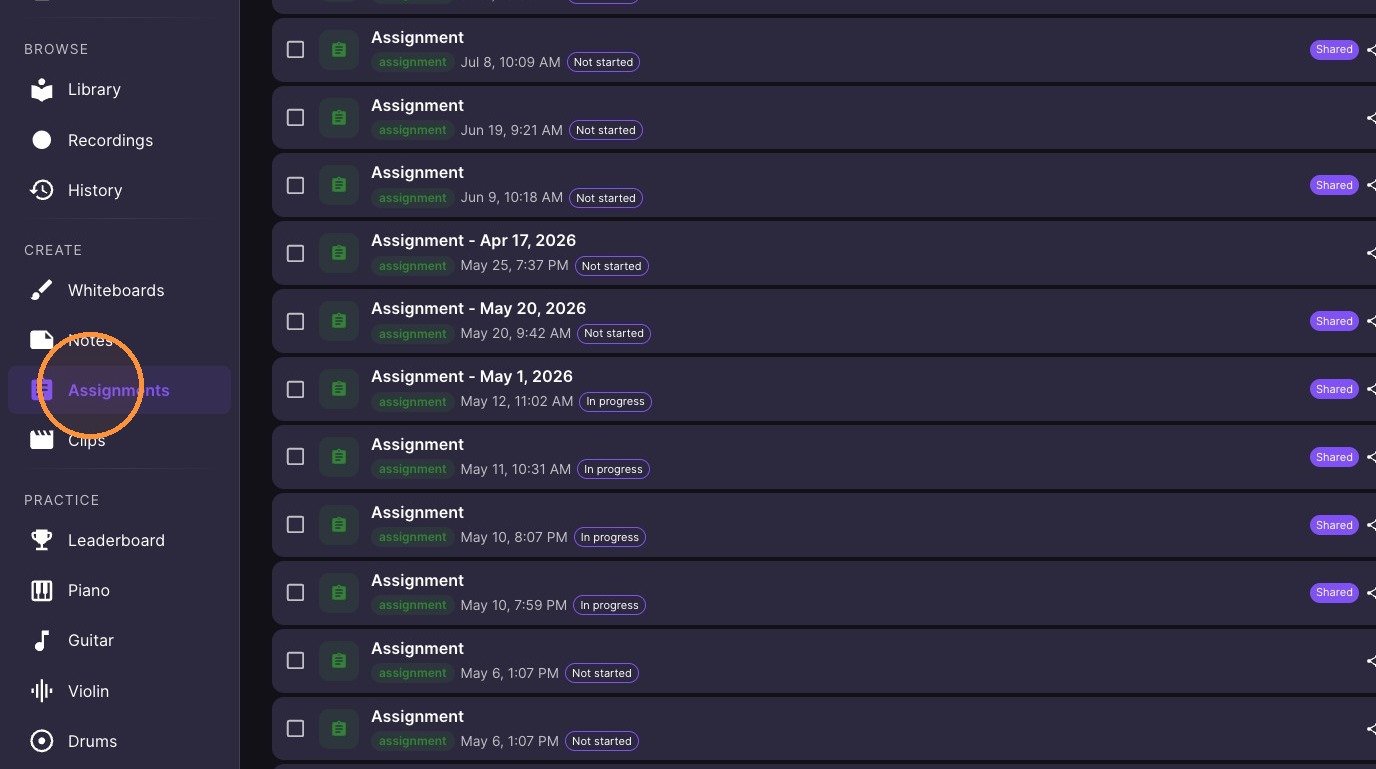
Click "Assignments" in the left sidebar
-
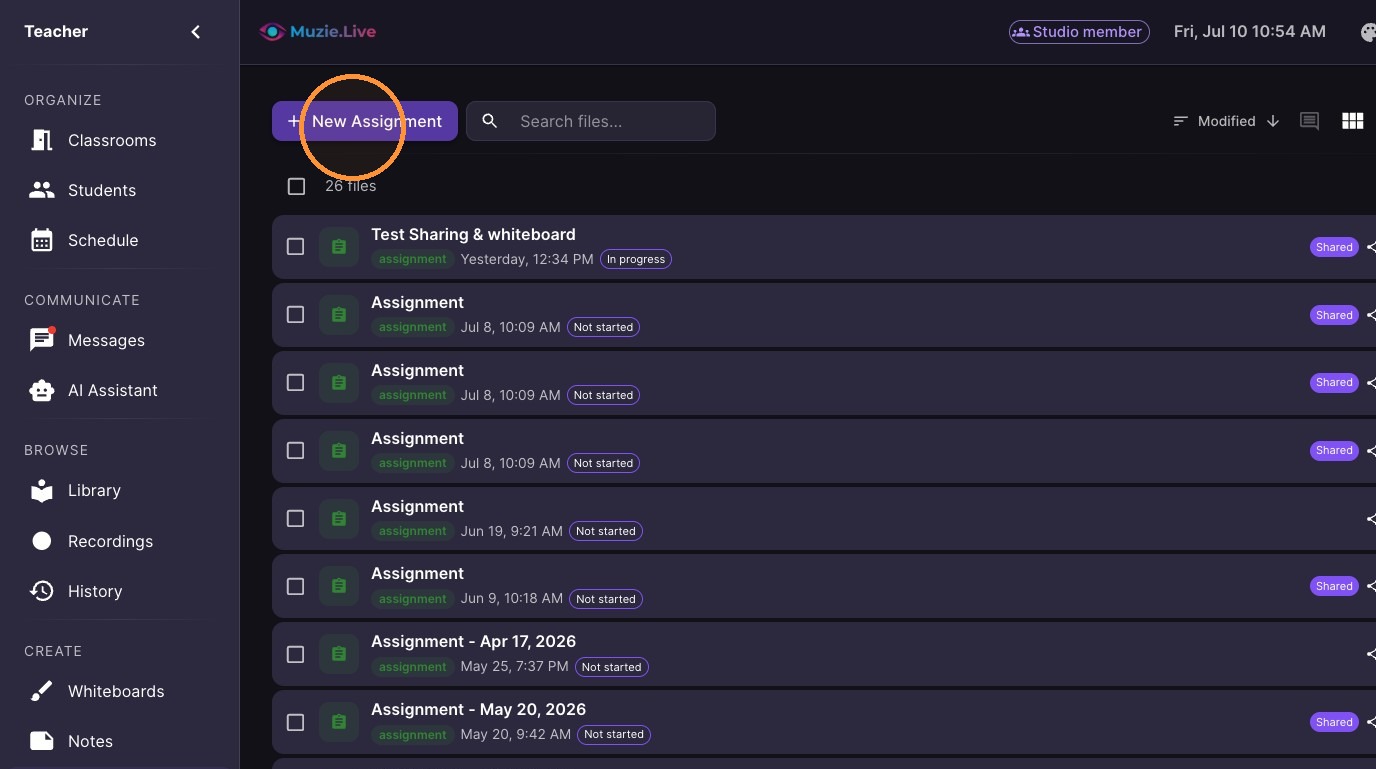
Click "New Assignment" at the top of the assignments list
-
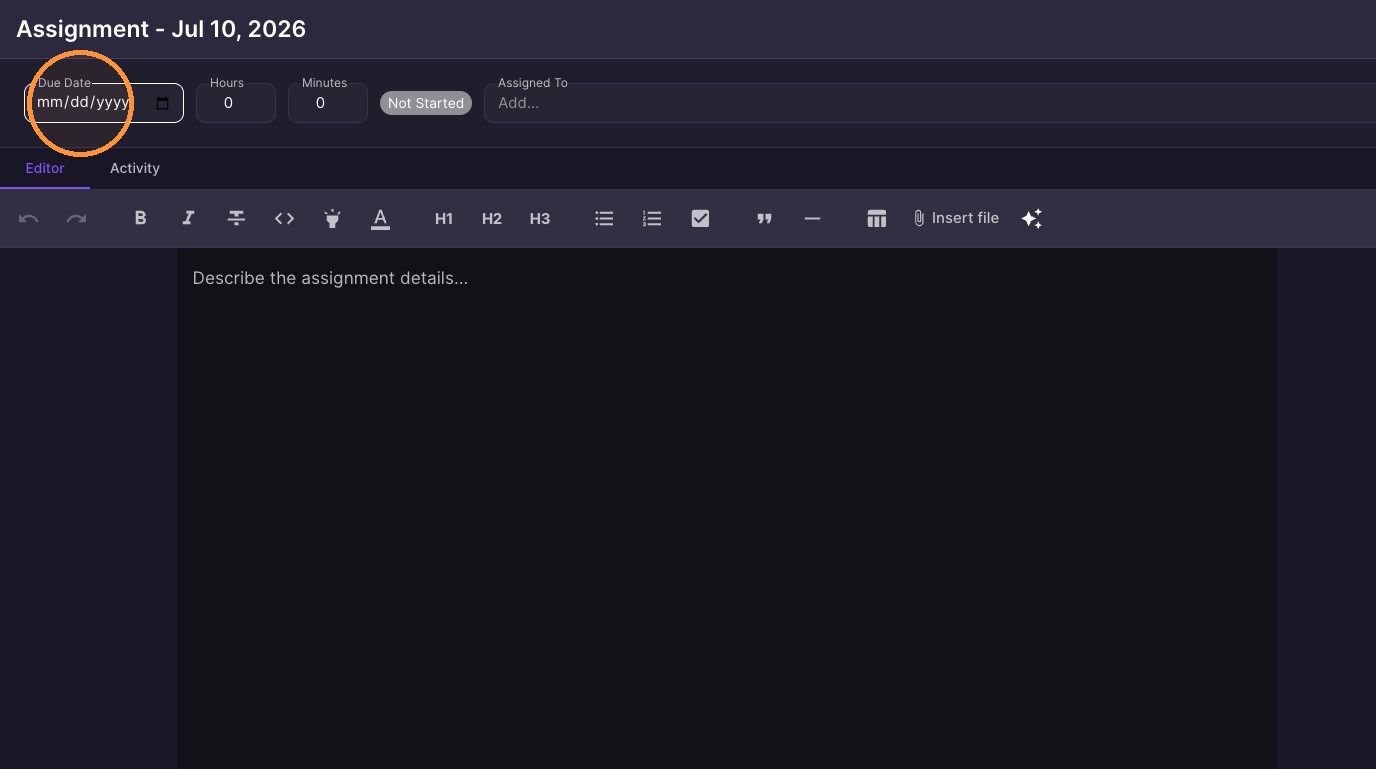
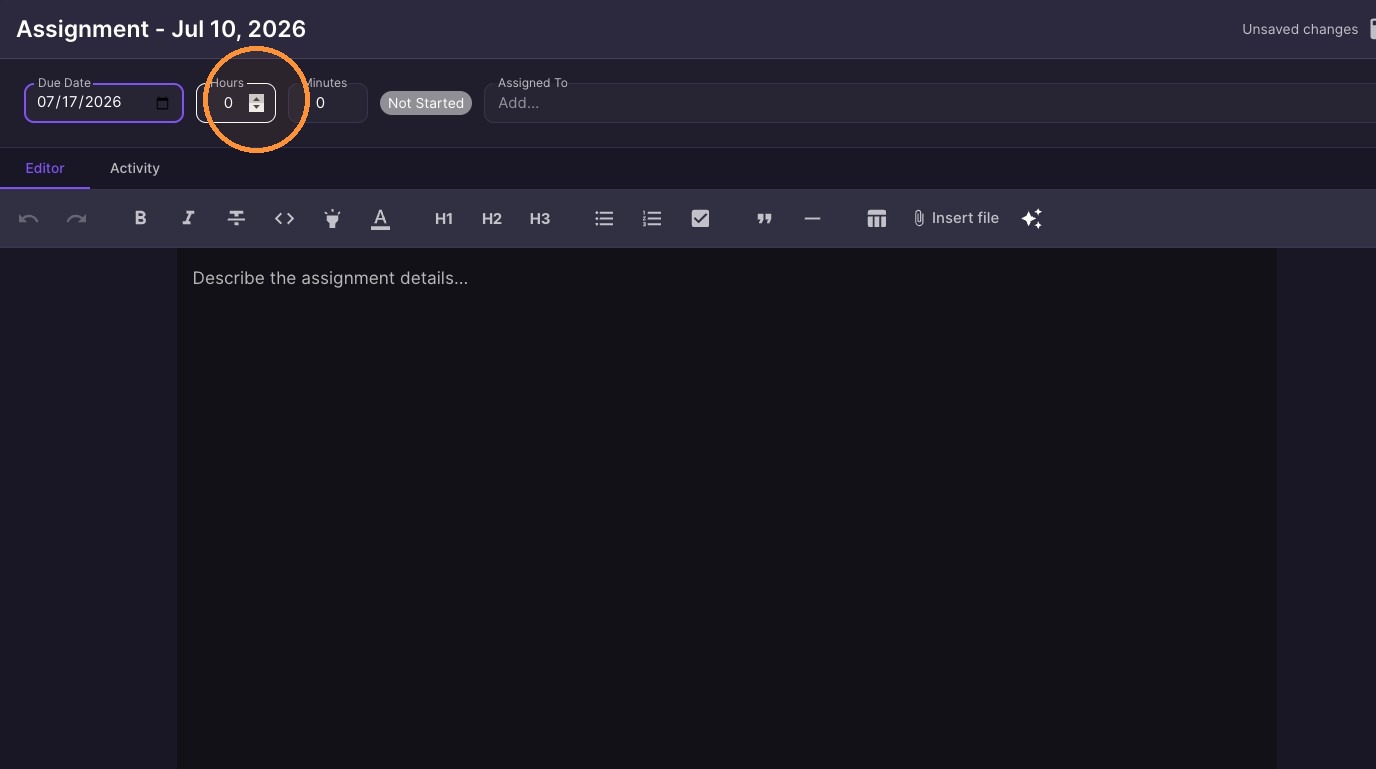
Set assignment due date and practice duration
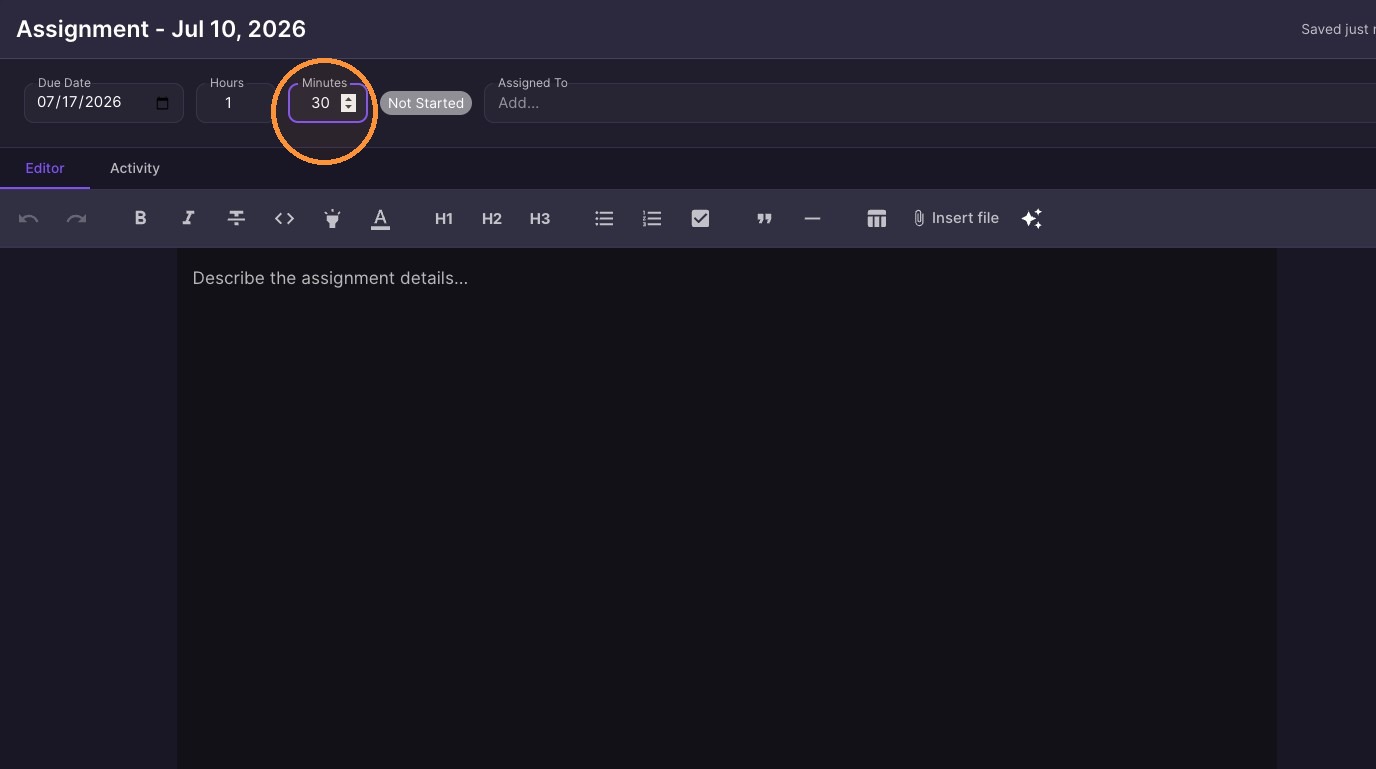
-
Click "Assign" in the top-right of the assignment and pick the student or students
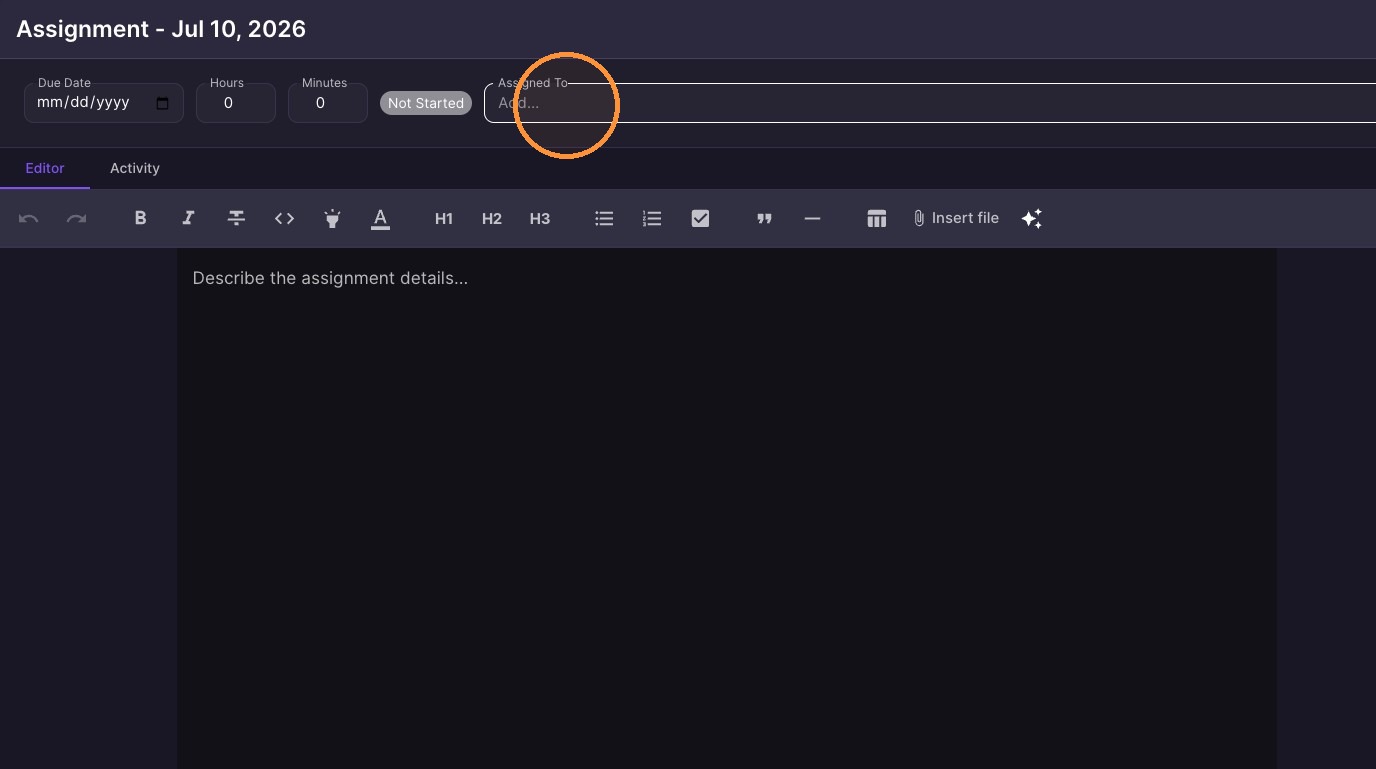
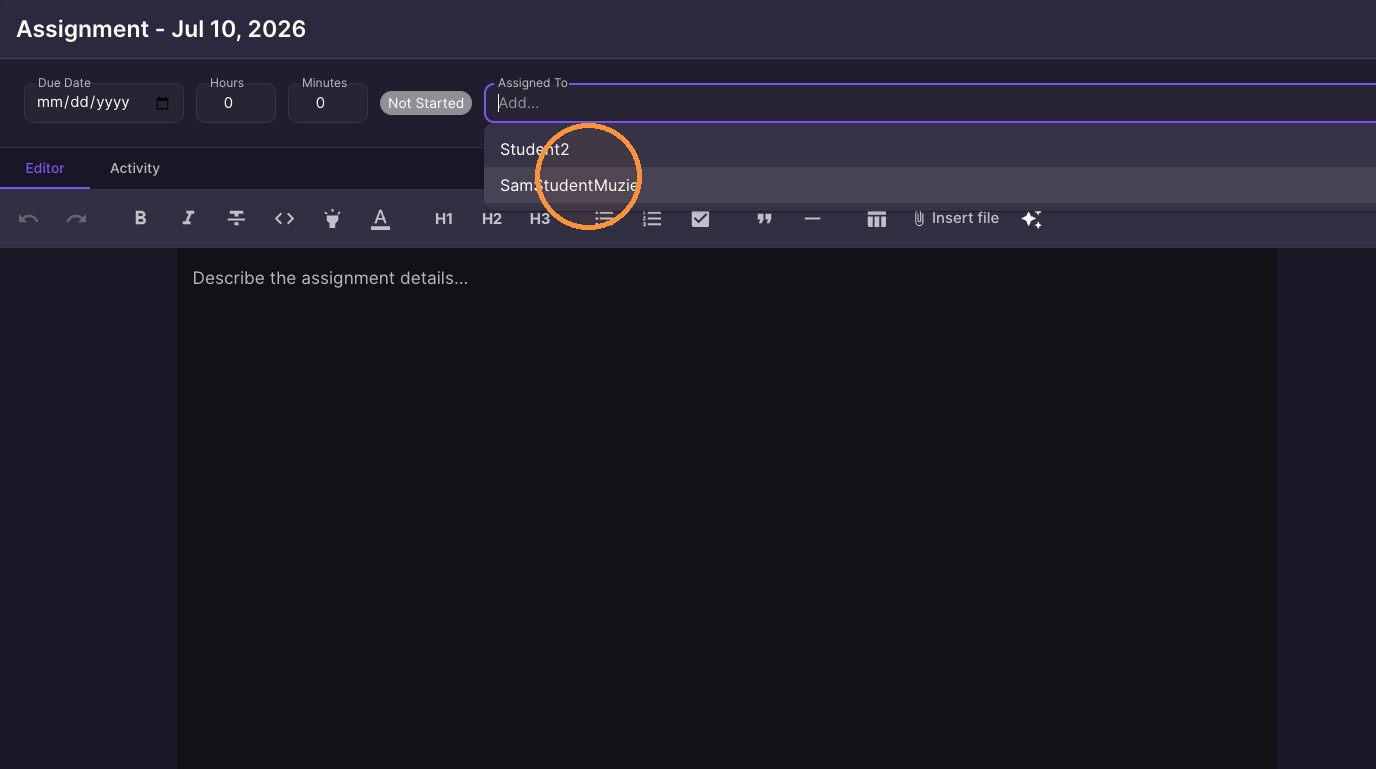
-
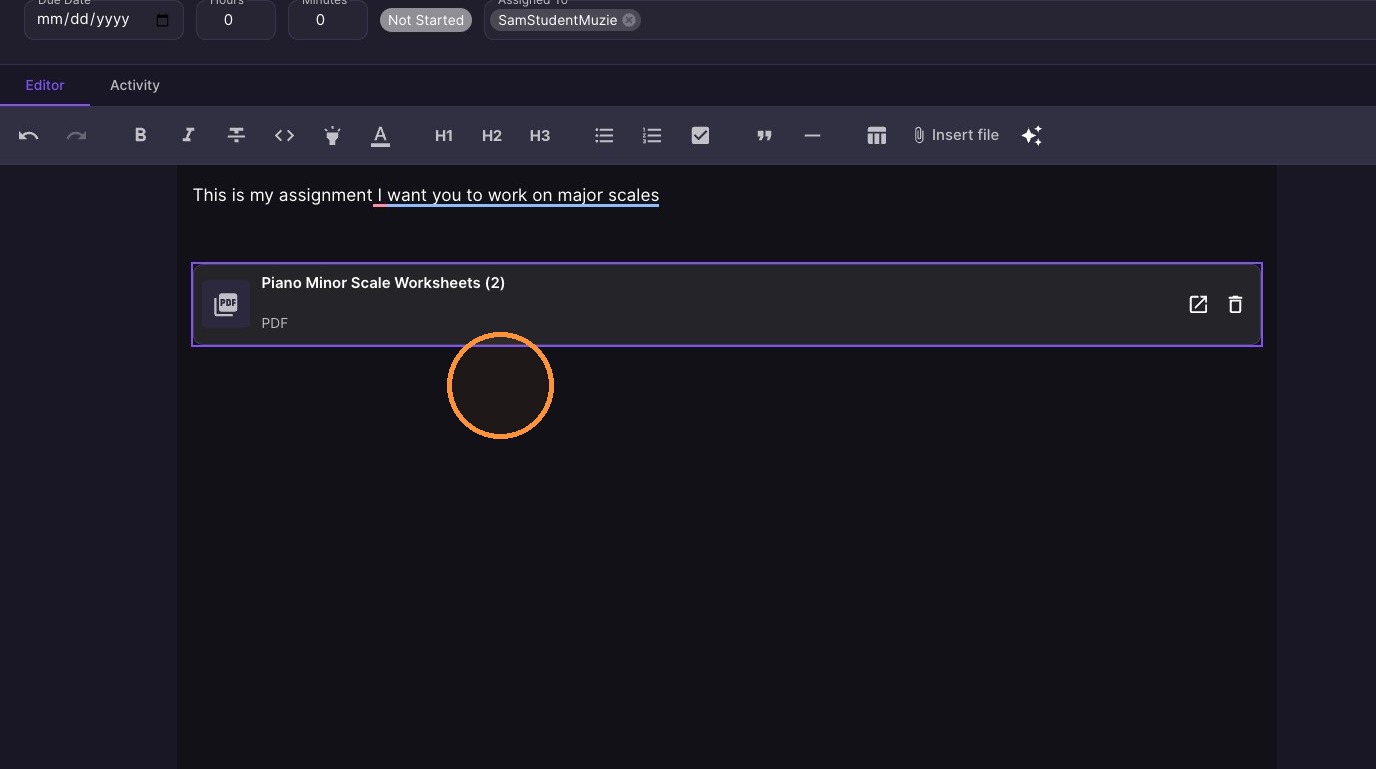
Write your assignment & Insert files
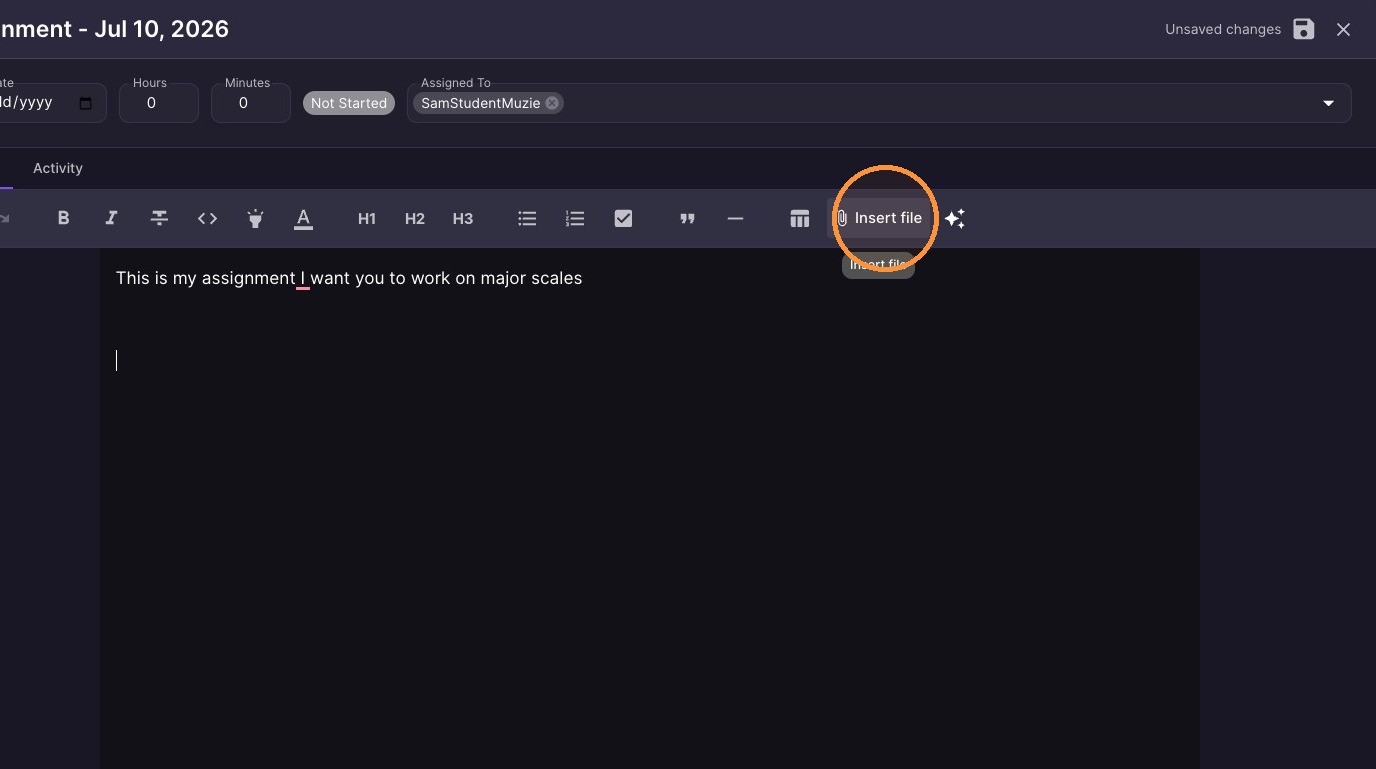
Activity Monitoring
-
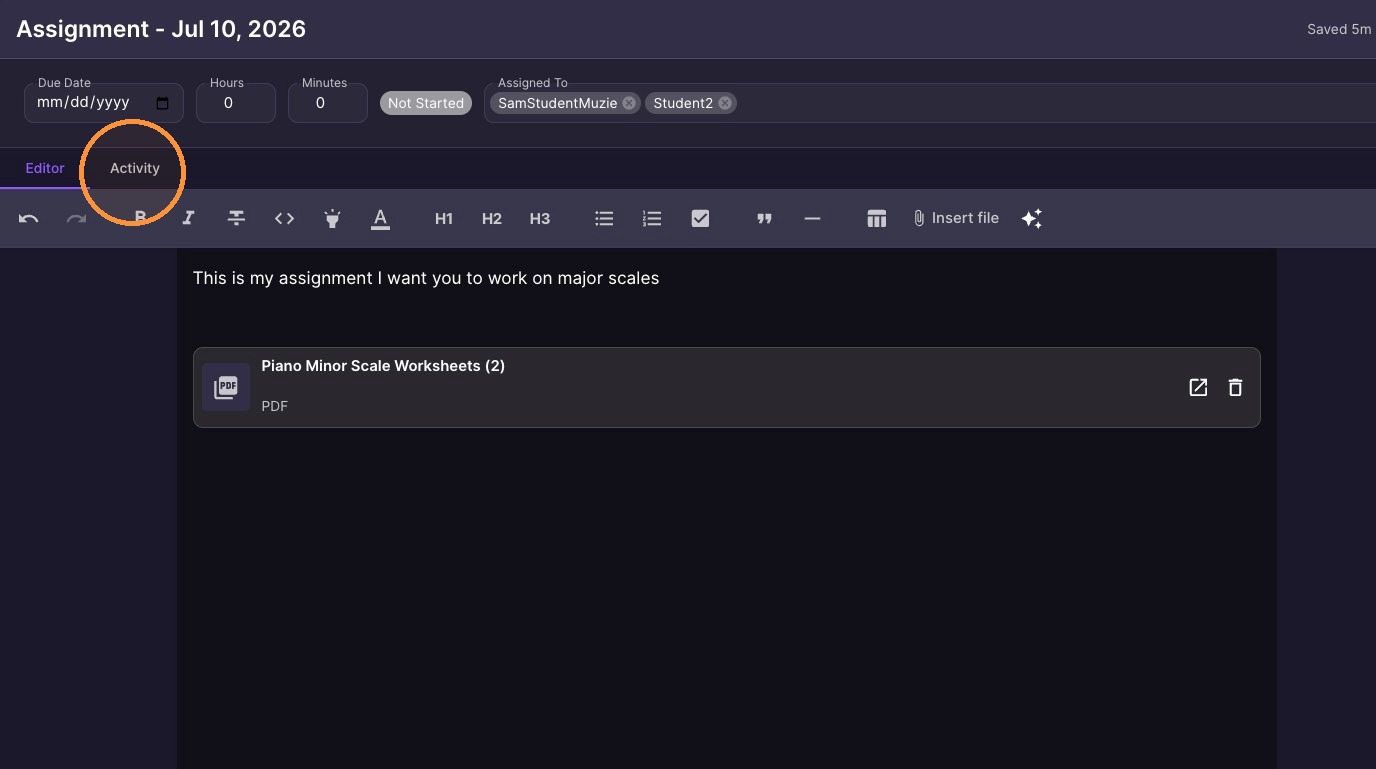
Click the "Activity" tab at the top-left of the assignment
-
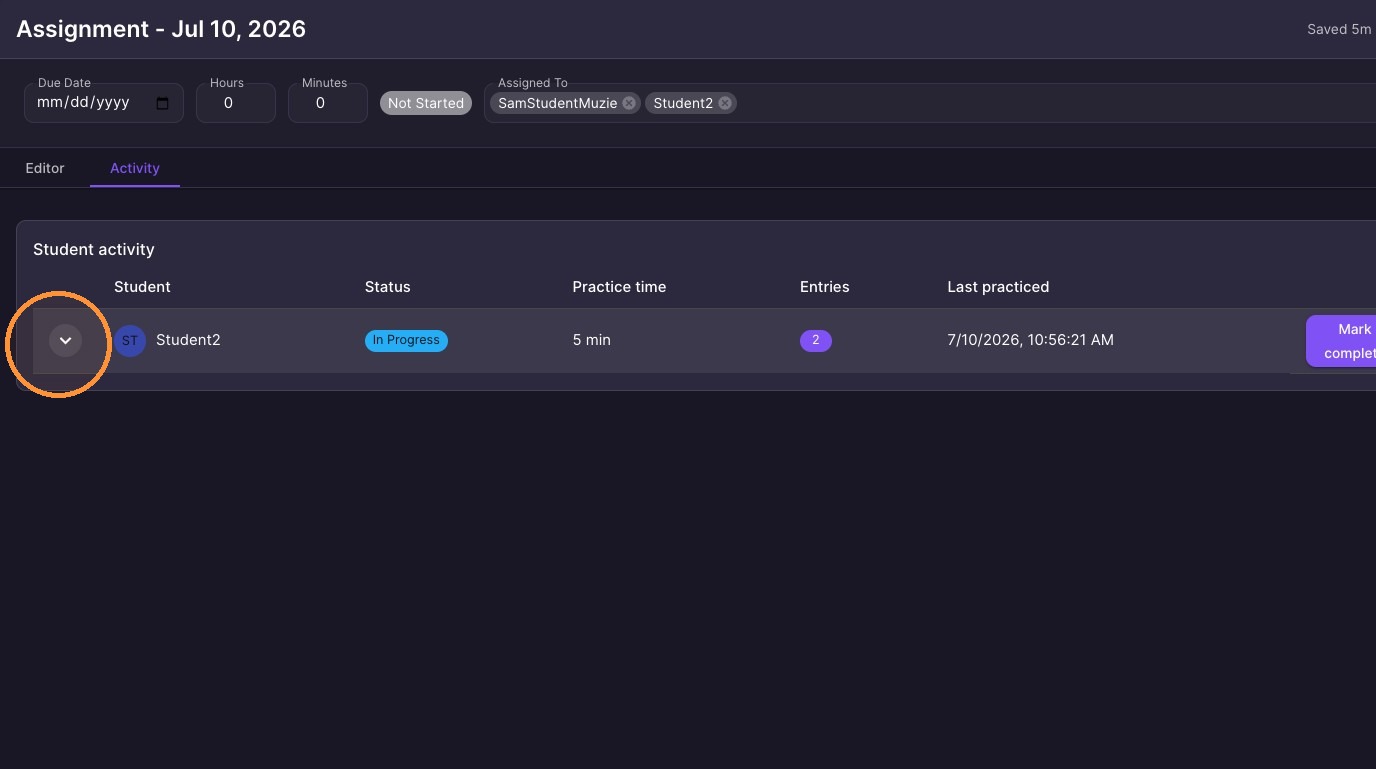
Click the arrow at the left of the student's row to expand their activity
-
Select practice entries to view history
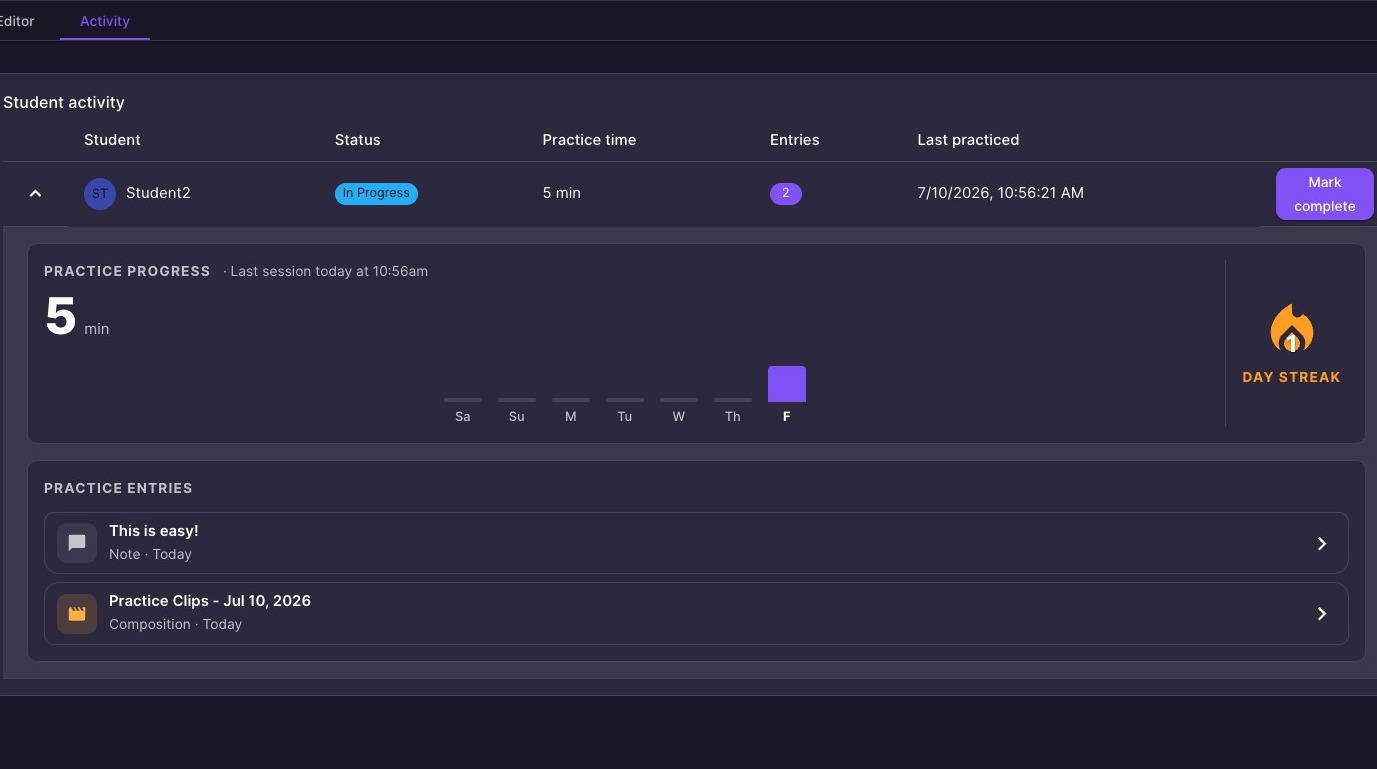
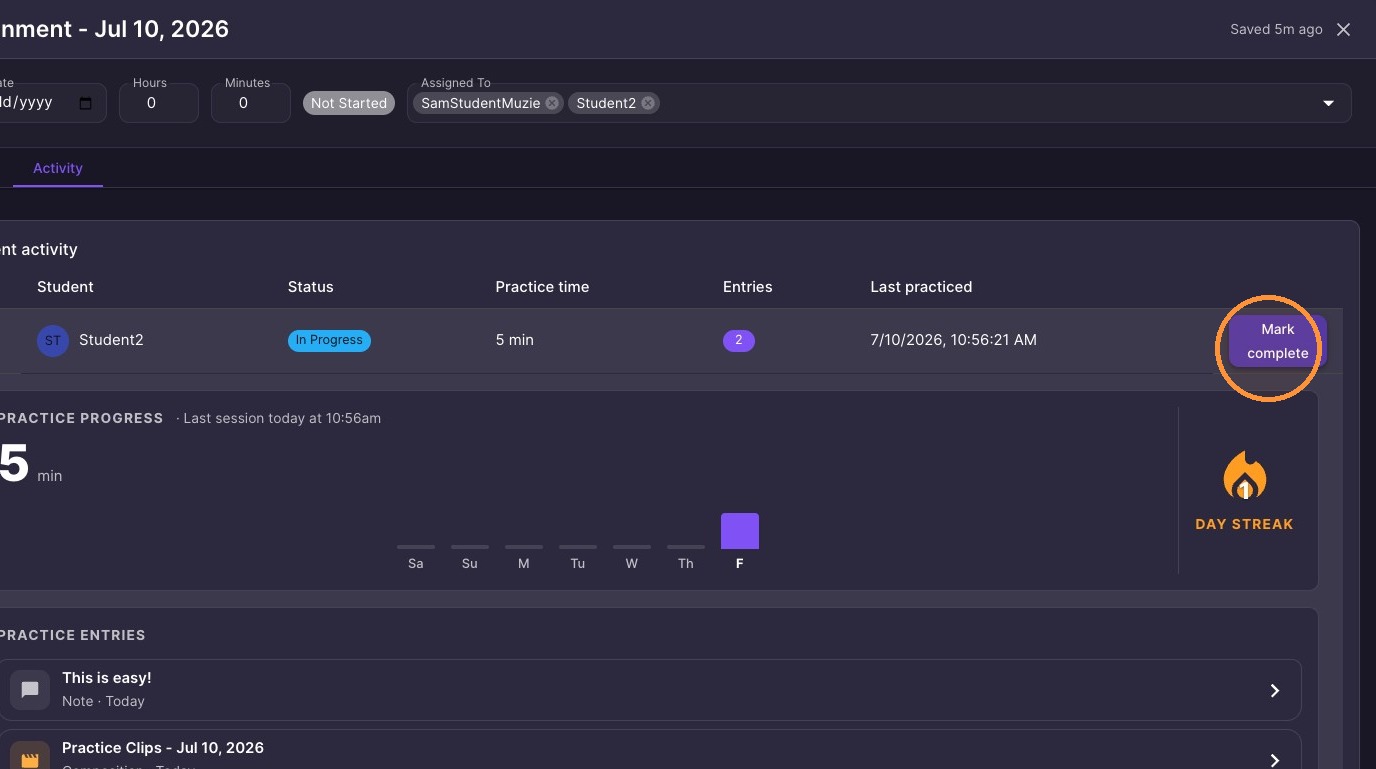
10. Click "Mark complete" at the right of the student's activity row
Finding a student's assignments: open Assignments and search — search works by assignment name, not the student's name.
The Shared with filter only works while that student is in the lesson room with you — that is how it knows who you mean. When they are not in the room it shows nothing; that is normal.
Assignments do not require a live lesson — you can create, assign, and track them any time, including for in-person students.
If a student clicks an assignment in the lesson and nothing happens: sidebar sync is on, which means you open the tools and they open for the student — their own clicks do nothing. Turn sync off if students should navigate themselves.