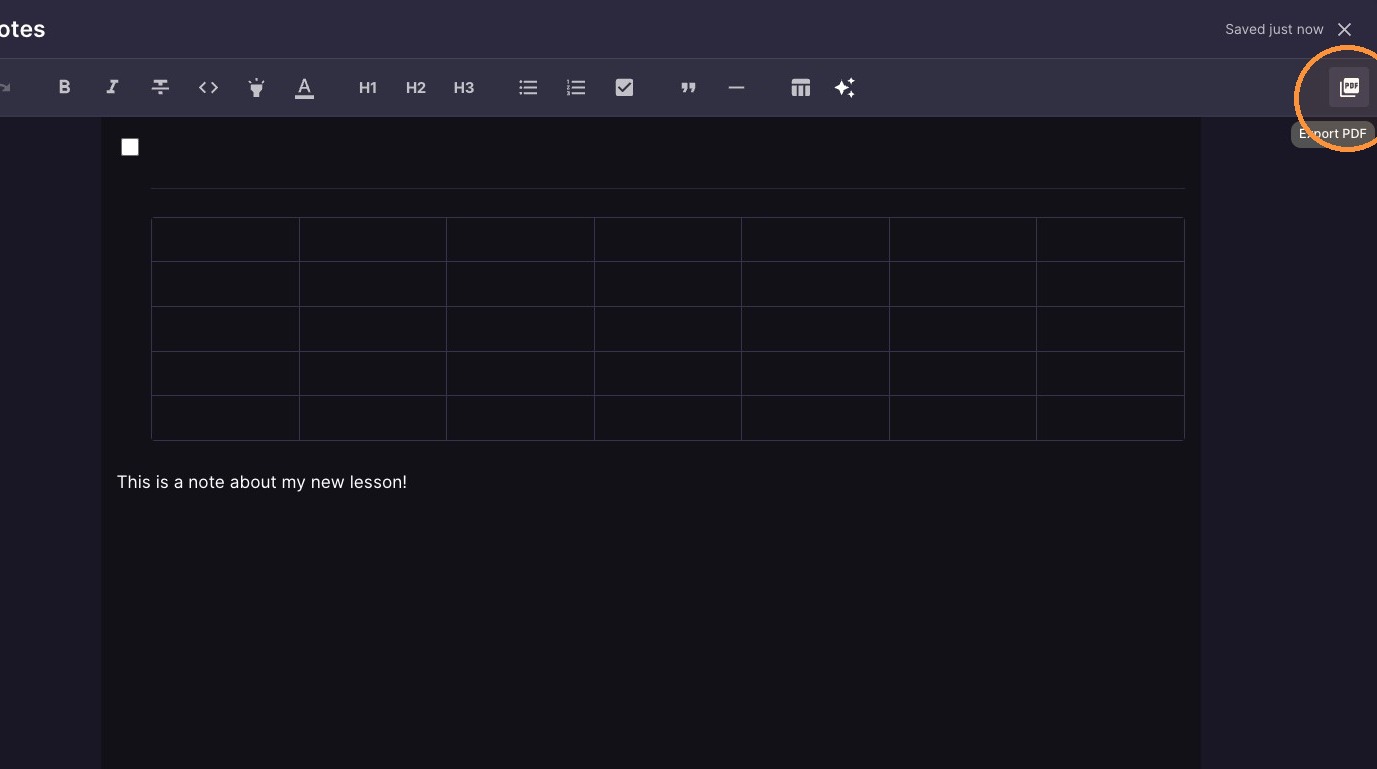
Use this guide to create lesson notes in Muzie from a teacher’s point of view. You’ll learn how to start a new note, add and format instructional content, organize information with lists, quotes, dividers, and tables, use AI Magic to support note creation, rename your note, and export it as a PDF for easy offline sharing or reference.
Note Creation
-
Click "Notes"

-
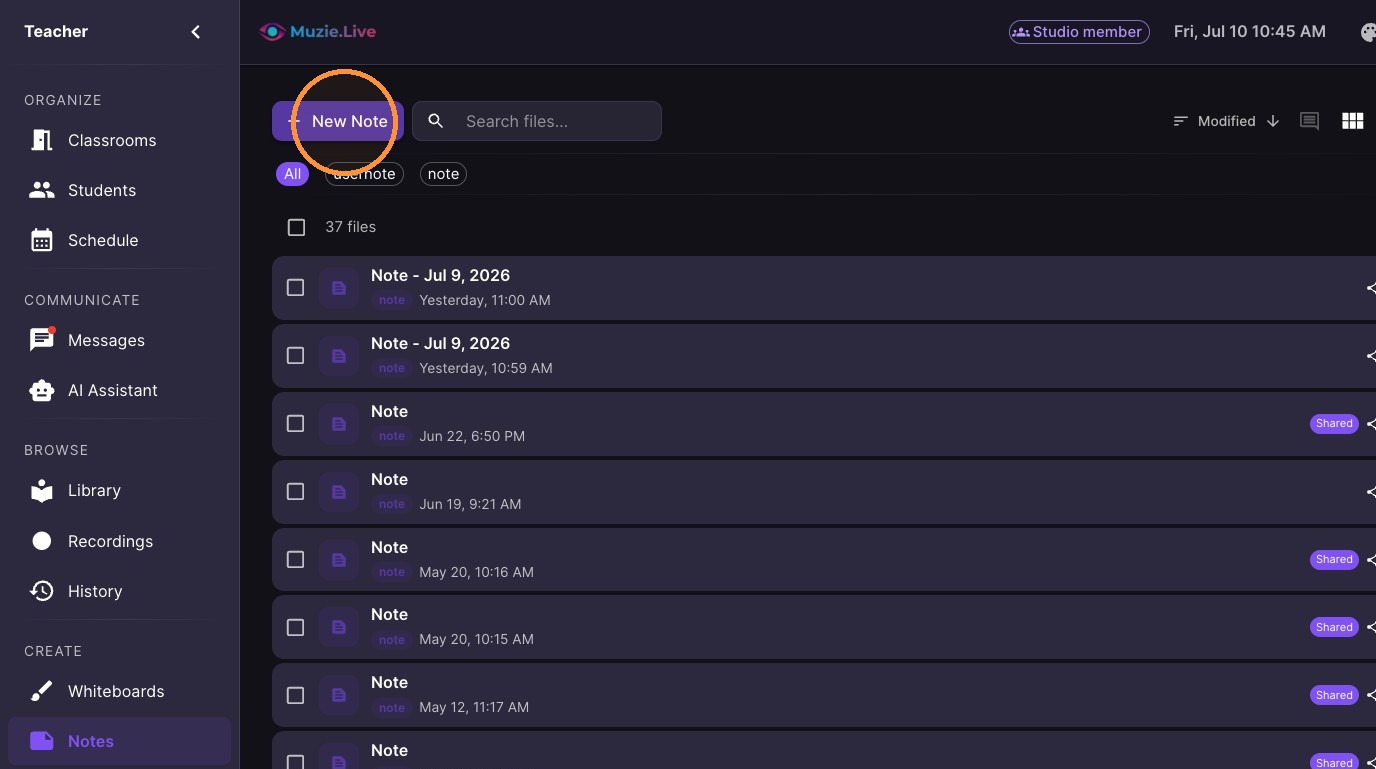
Click "New Note"
Formatting Options
-
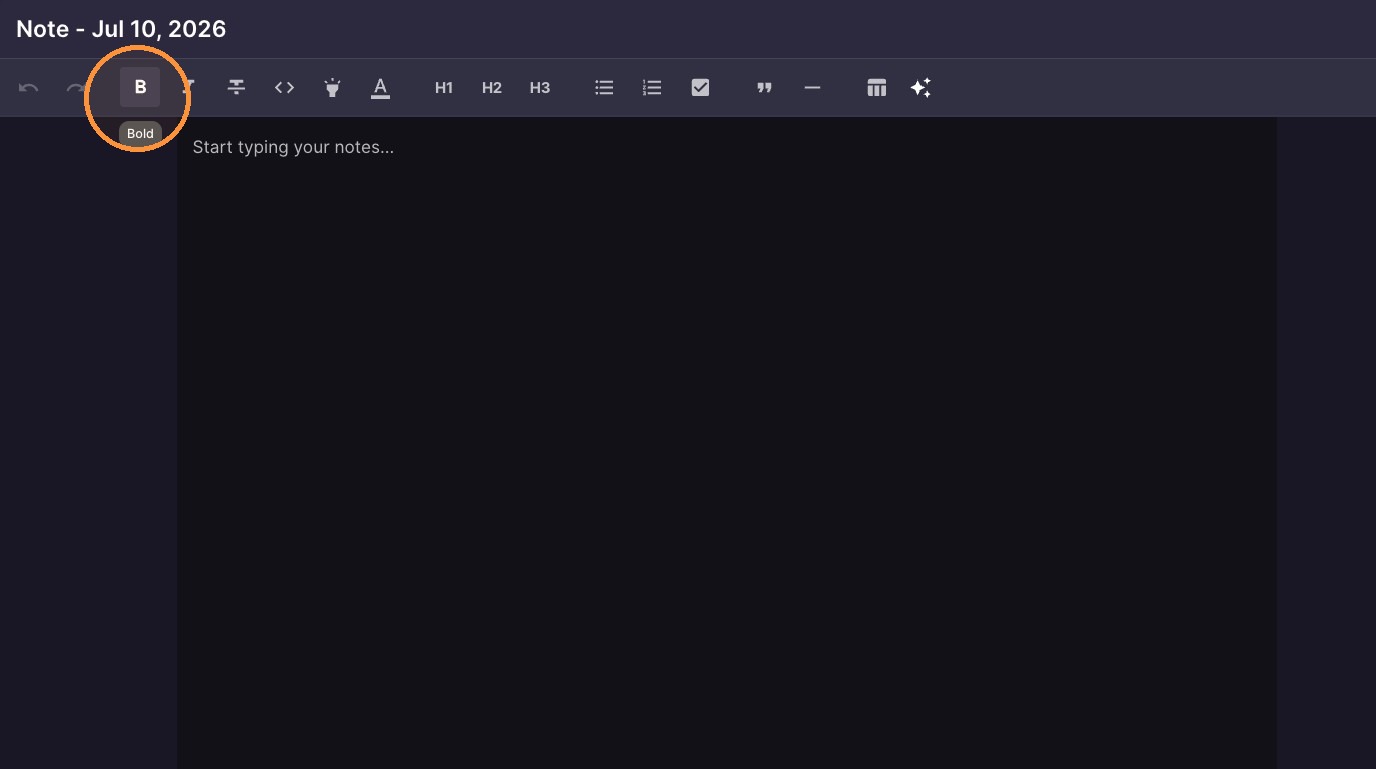
"Bold"
-
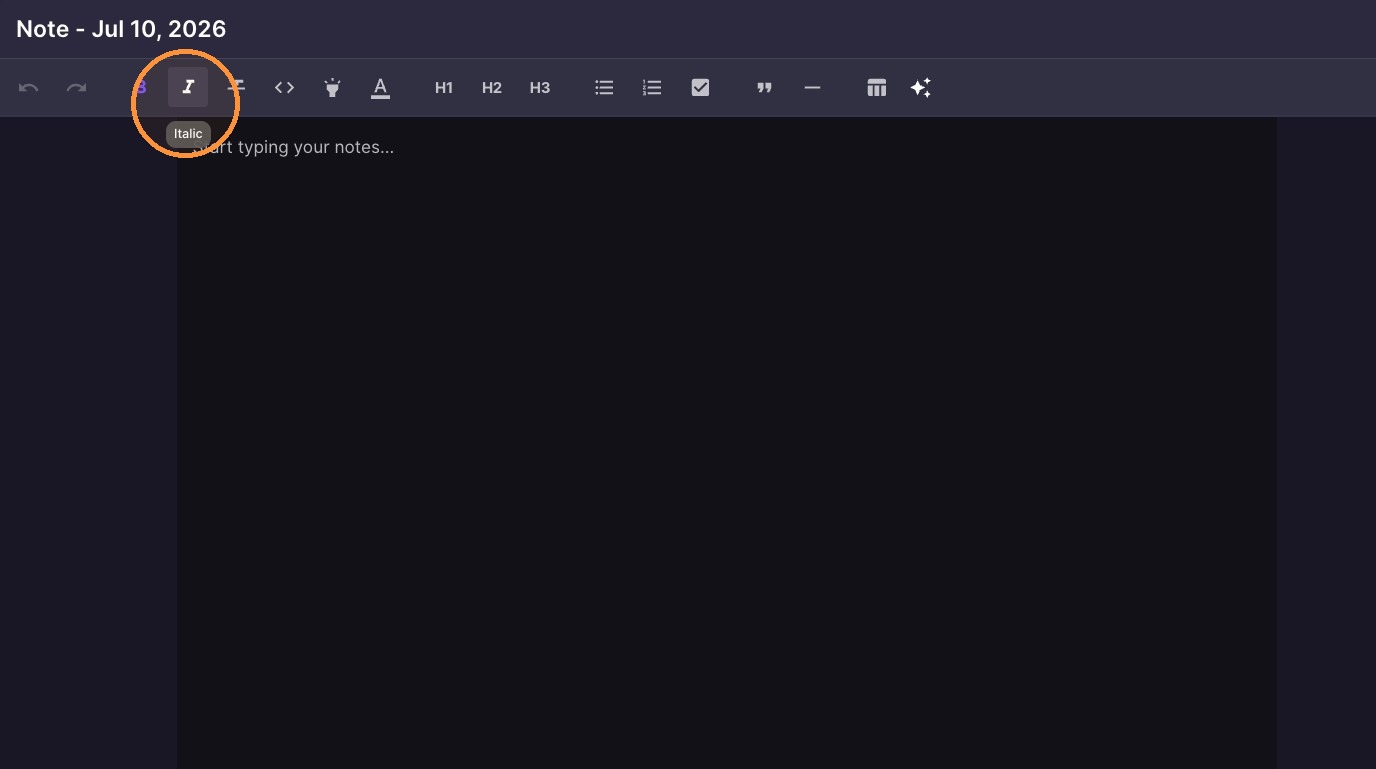
"Italic"
-
"Strikethrough"
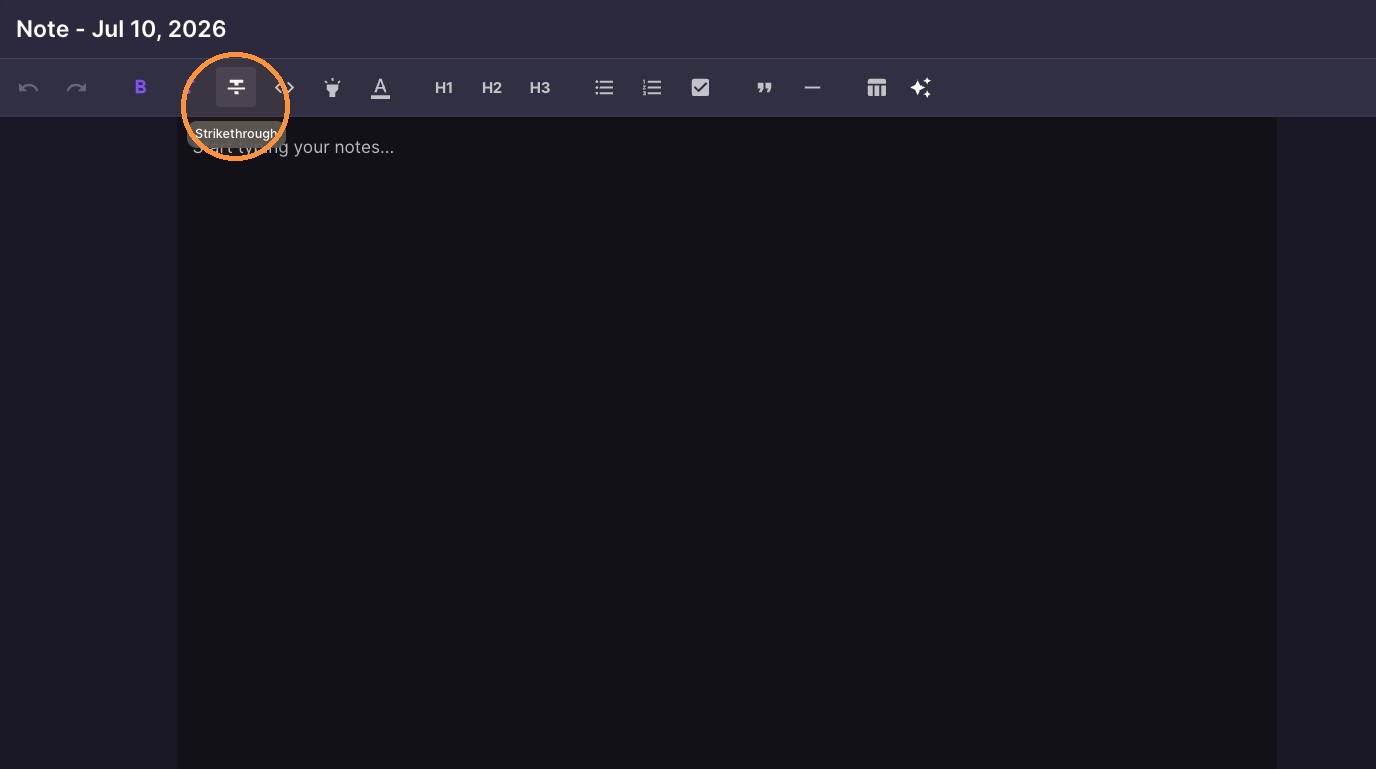
-
"Code"
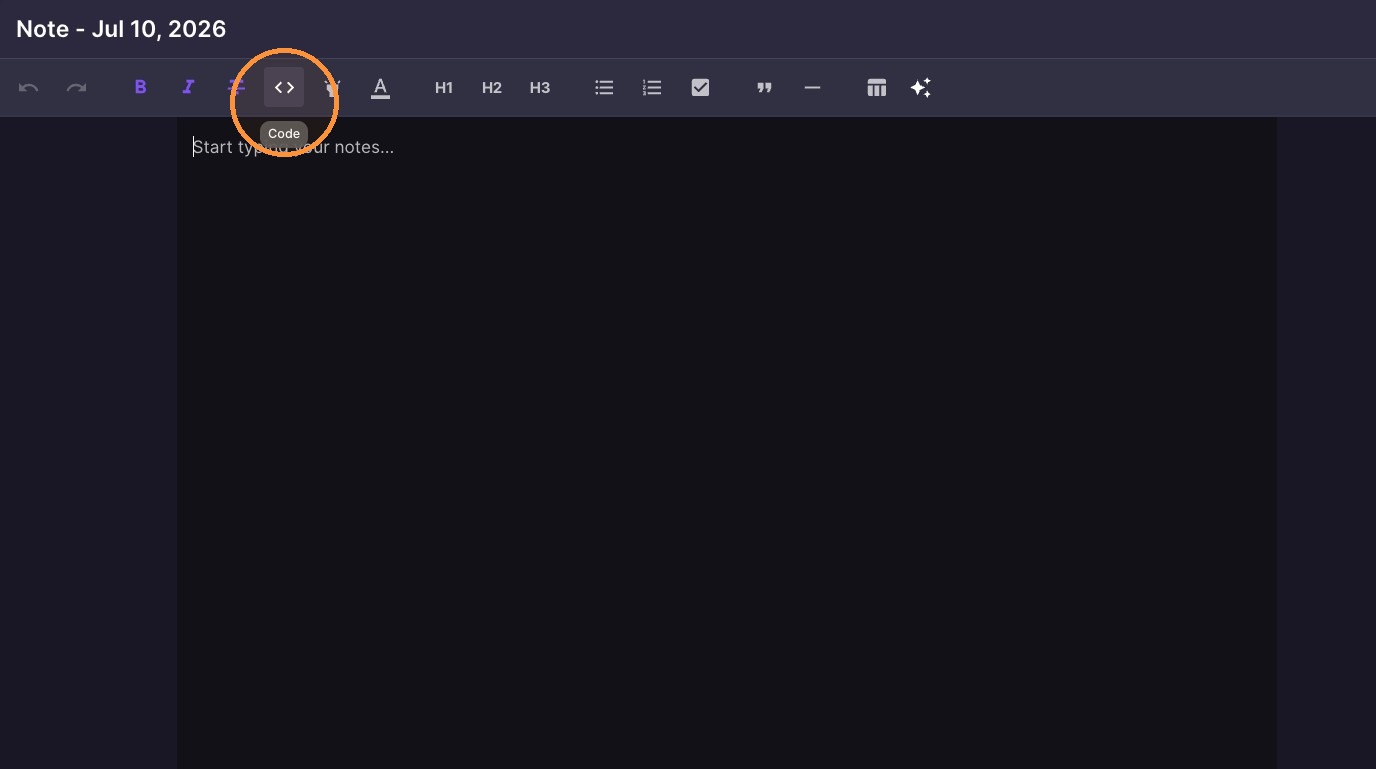
-
"Highlight"
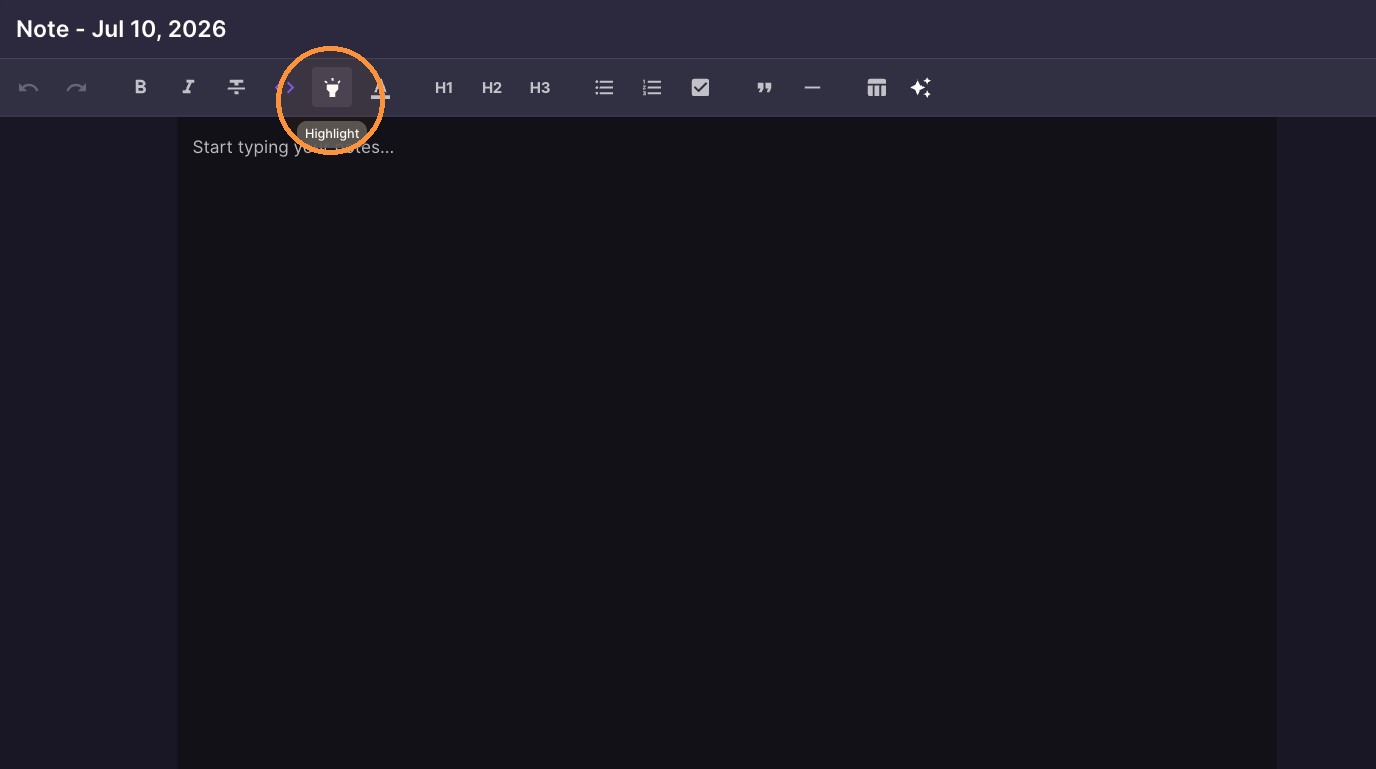
-
"Text Color"
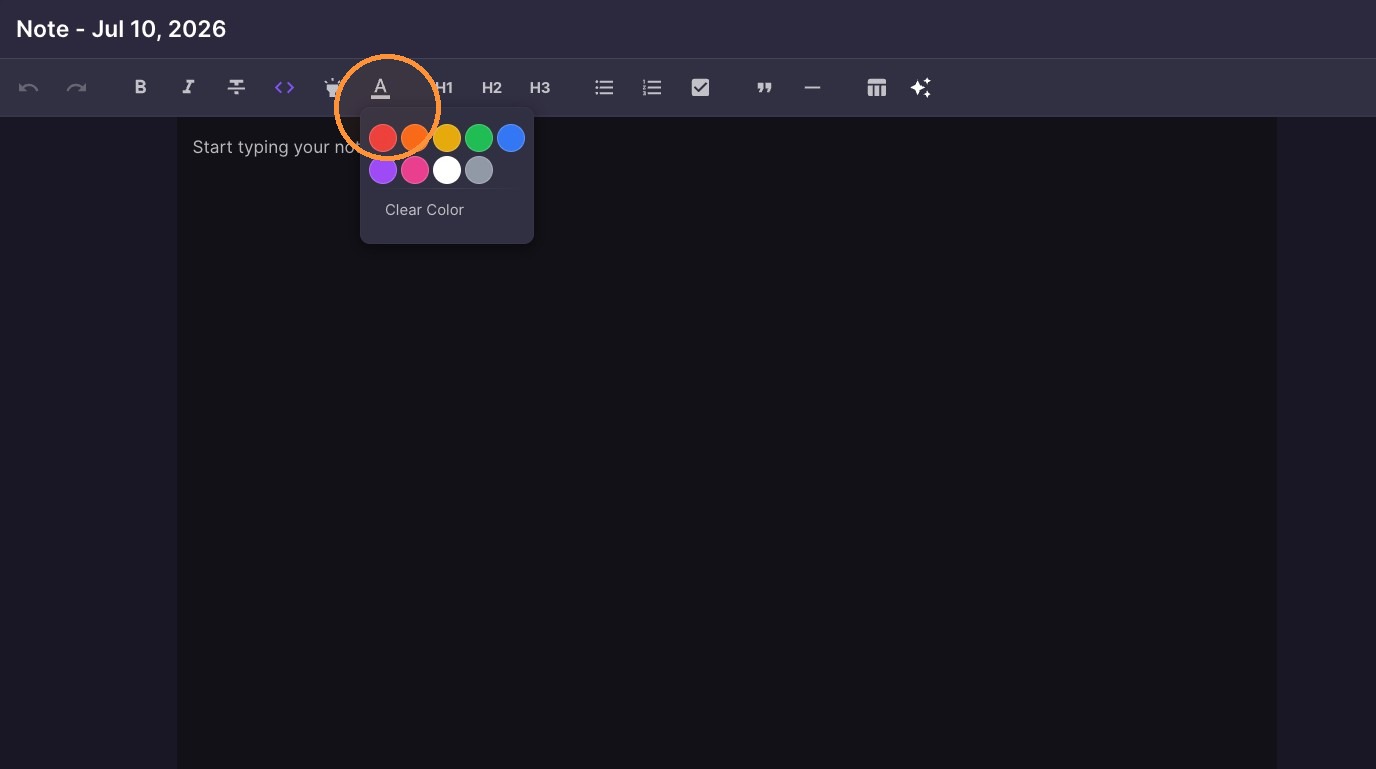
-
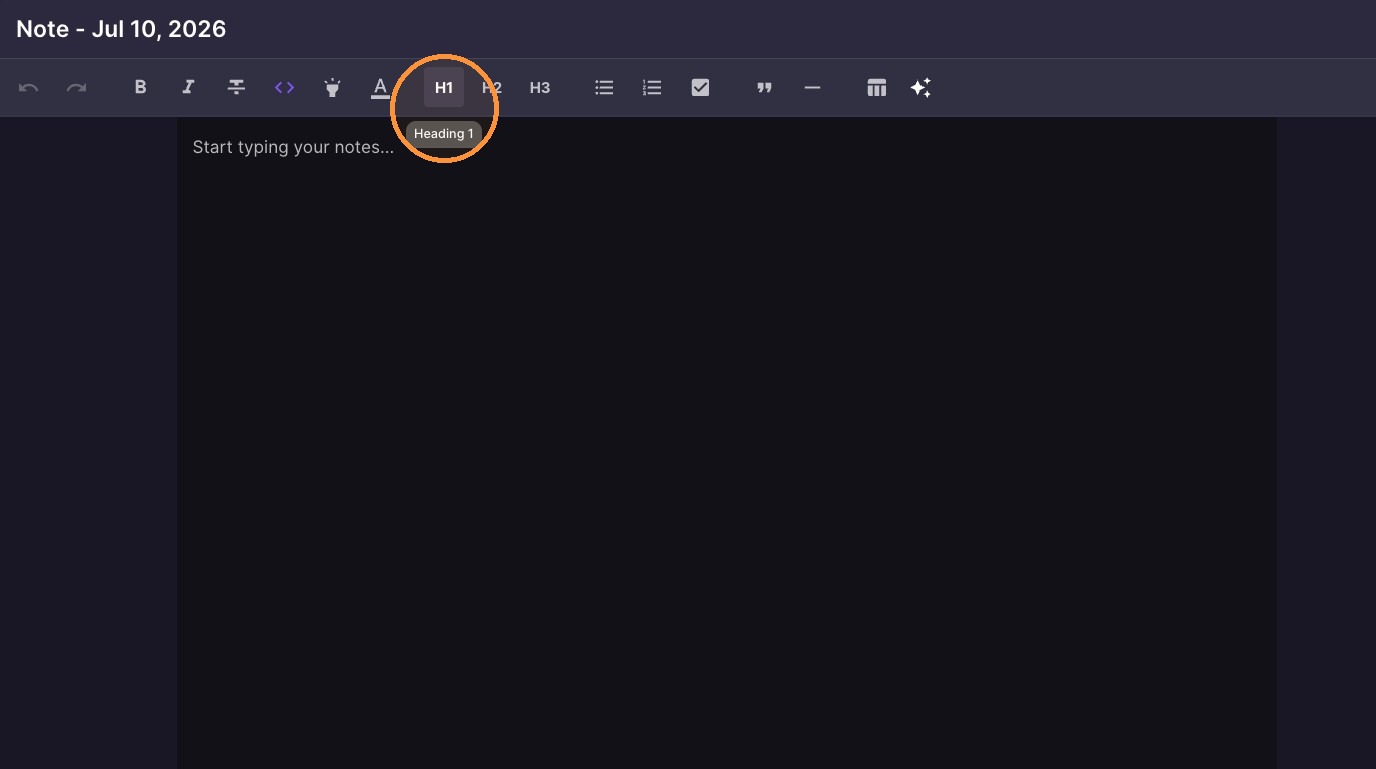
"Heading 1"
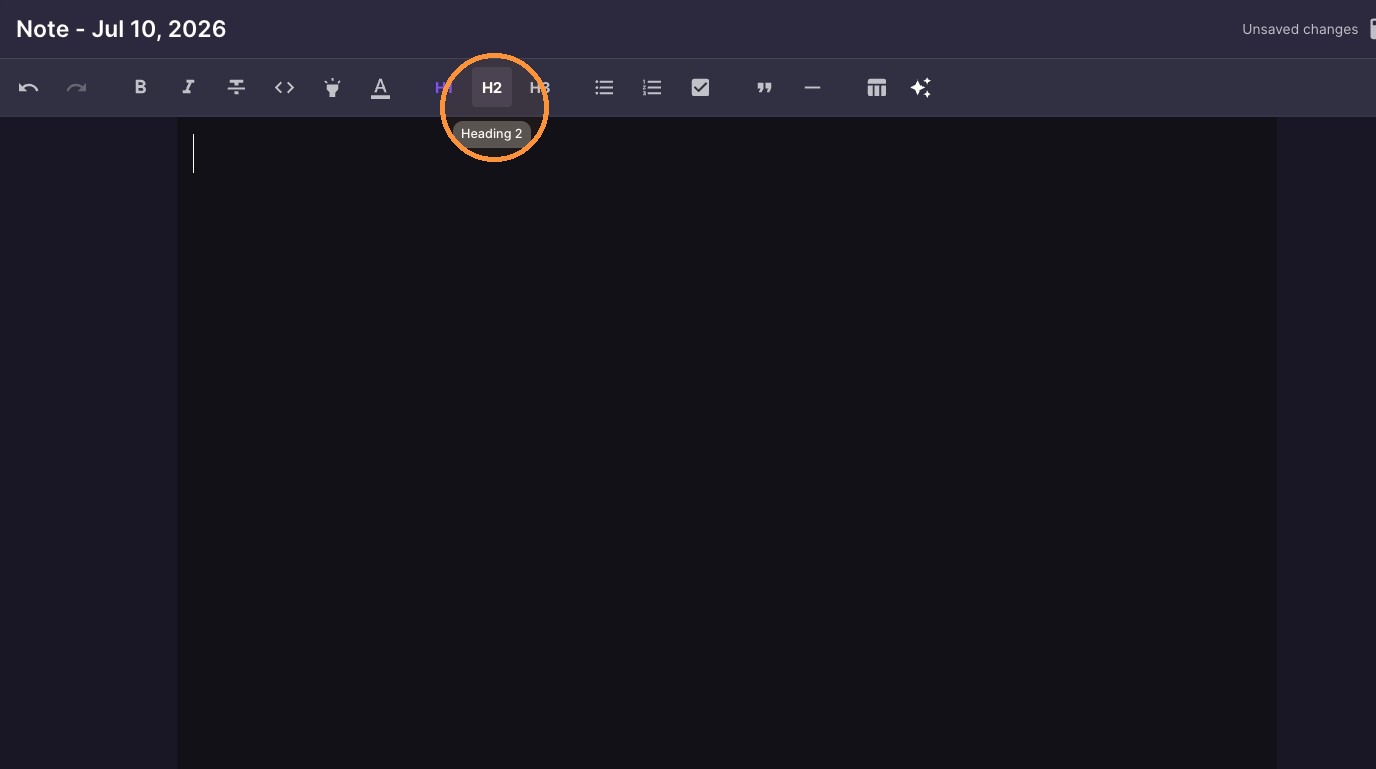
10. "Heading 2"
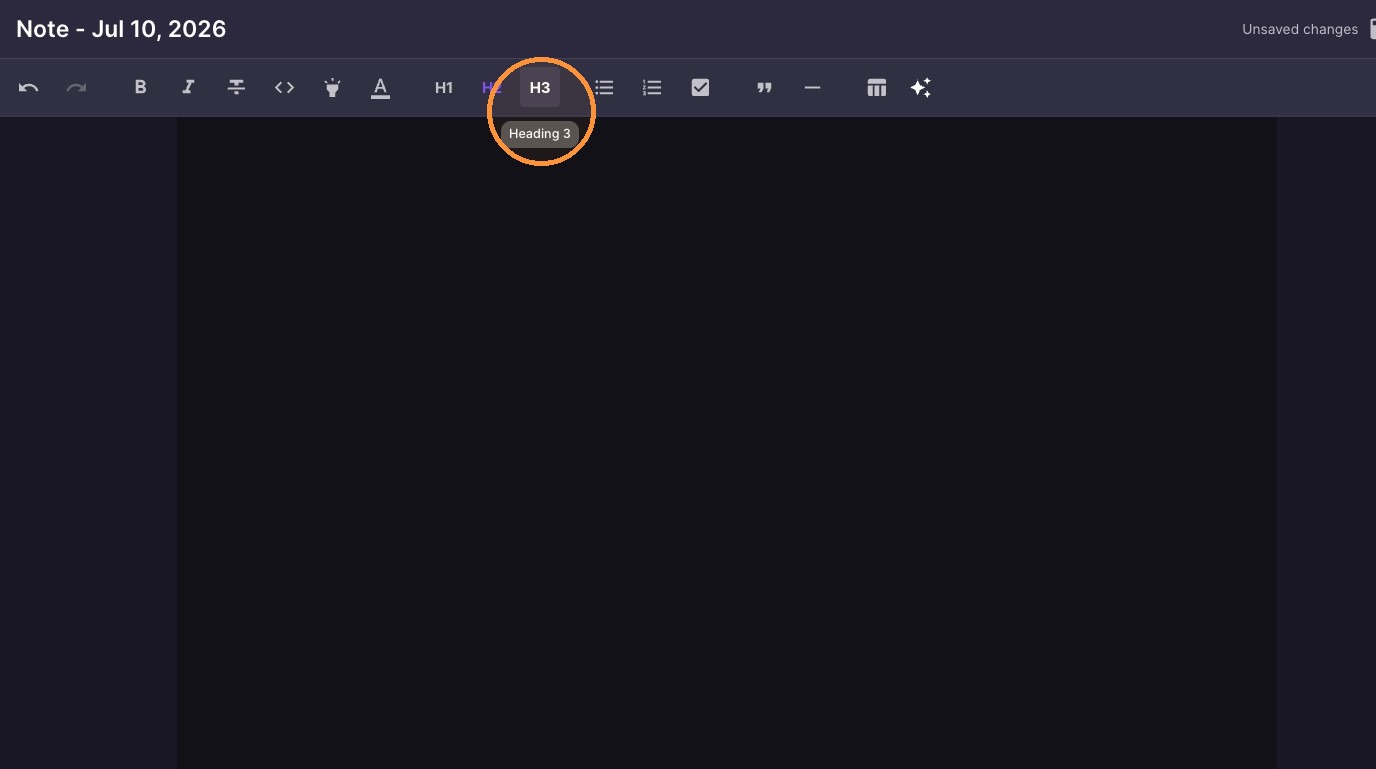
11. "Heading 3"
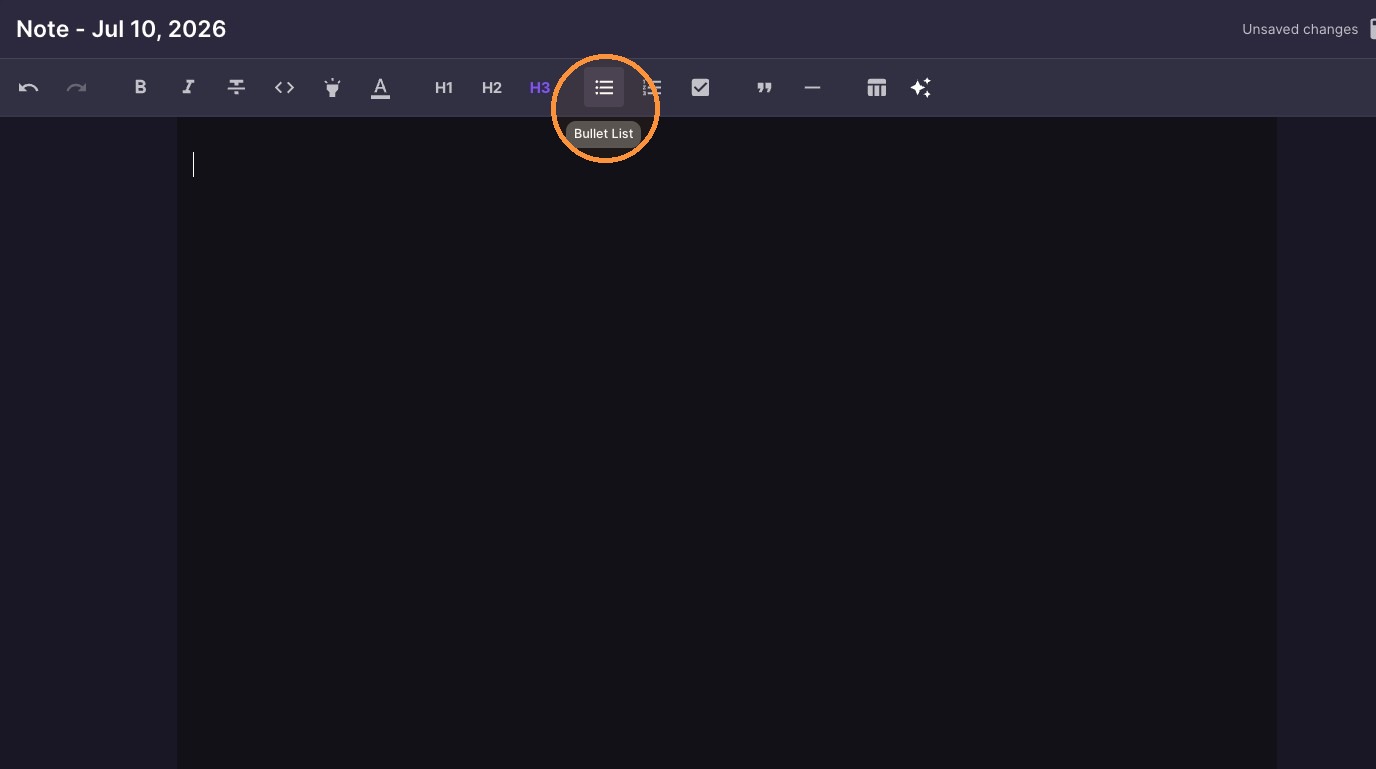
12. "Bullet List"
13. "Numbered List"
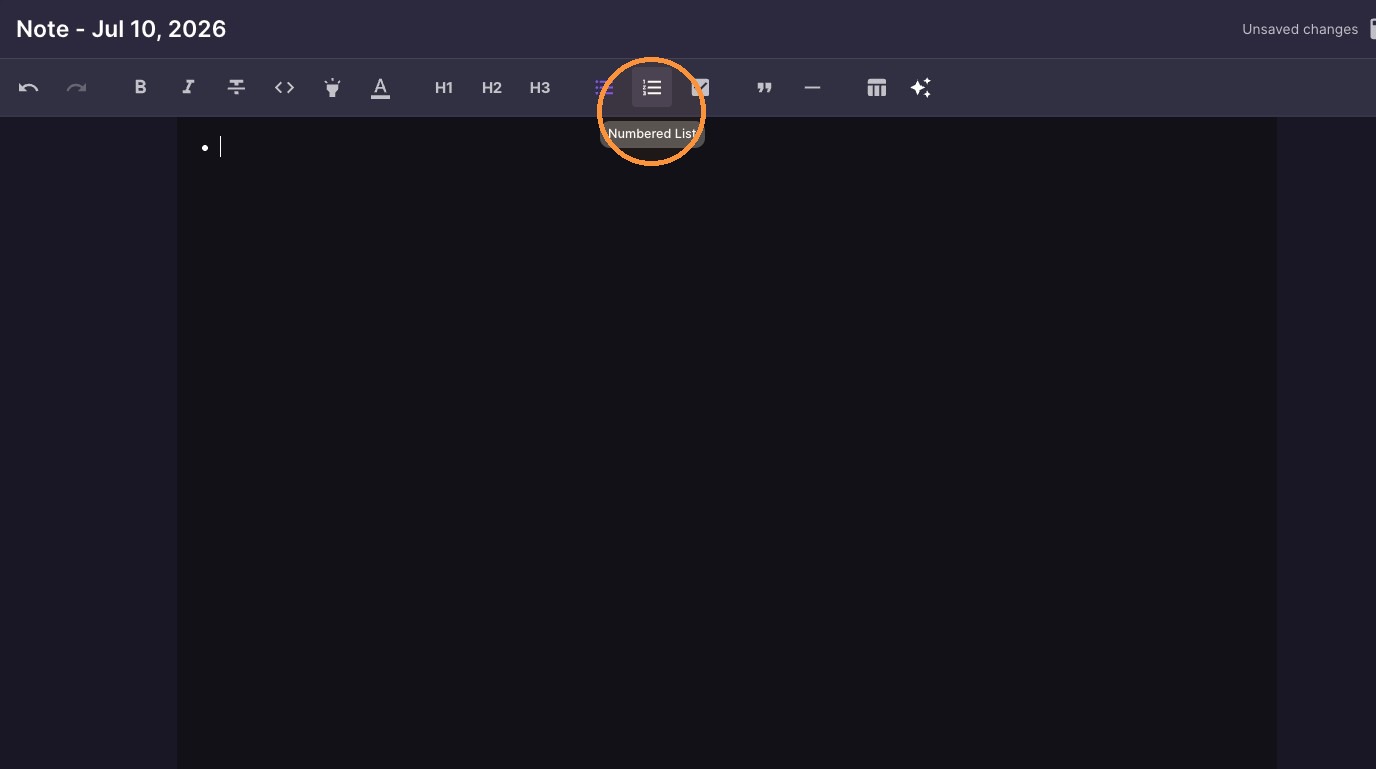
14. "Task List"
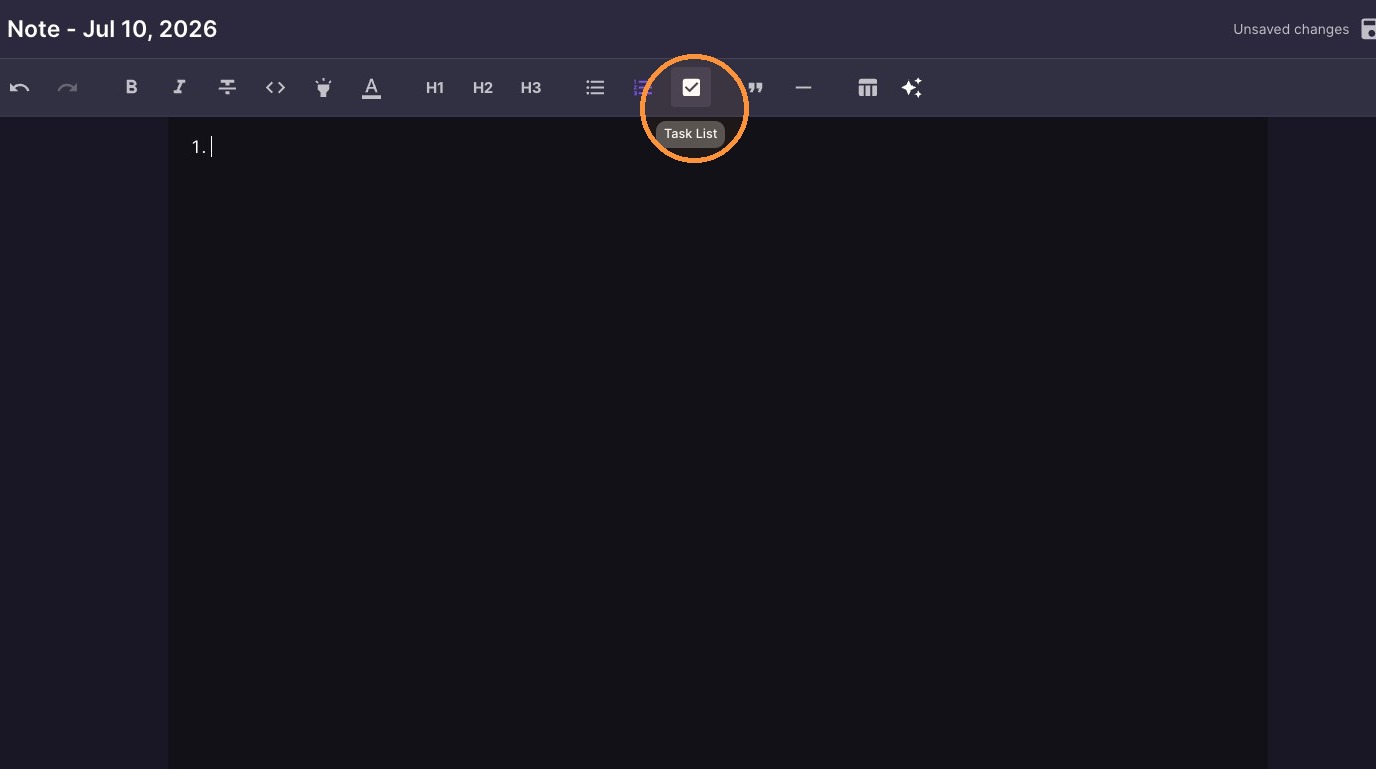
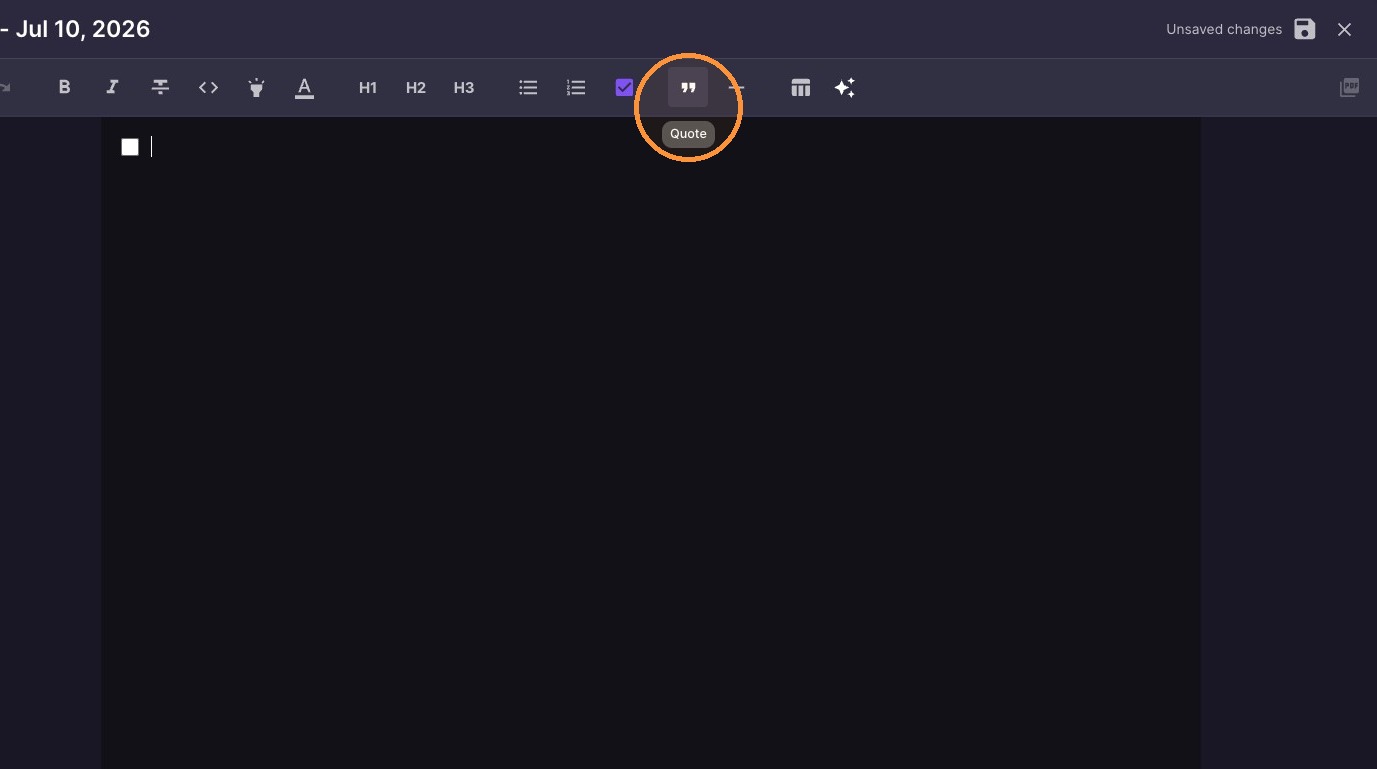
15. "Quote"
Advanced Elements and AI
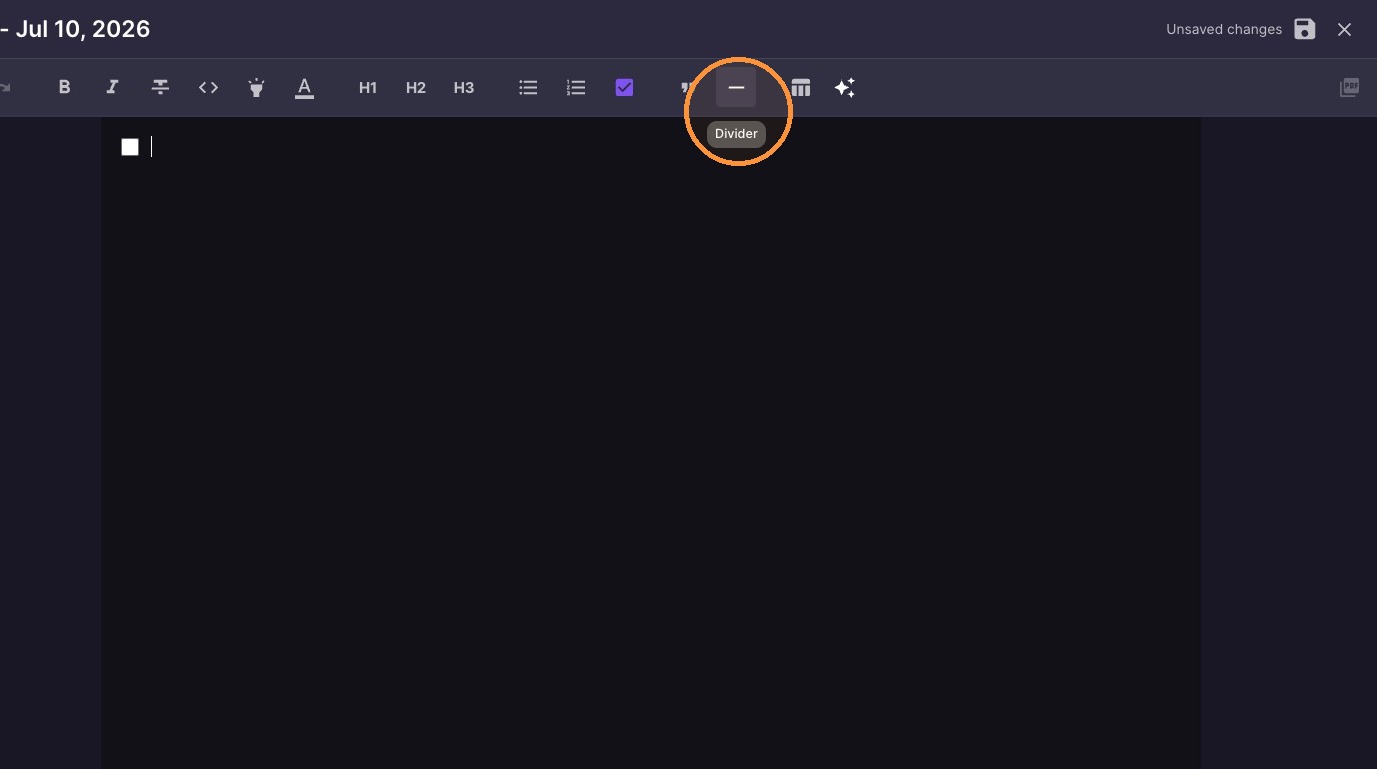
16. "Divider"
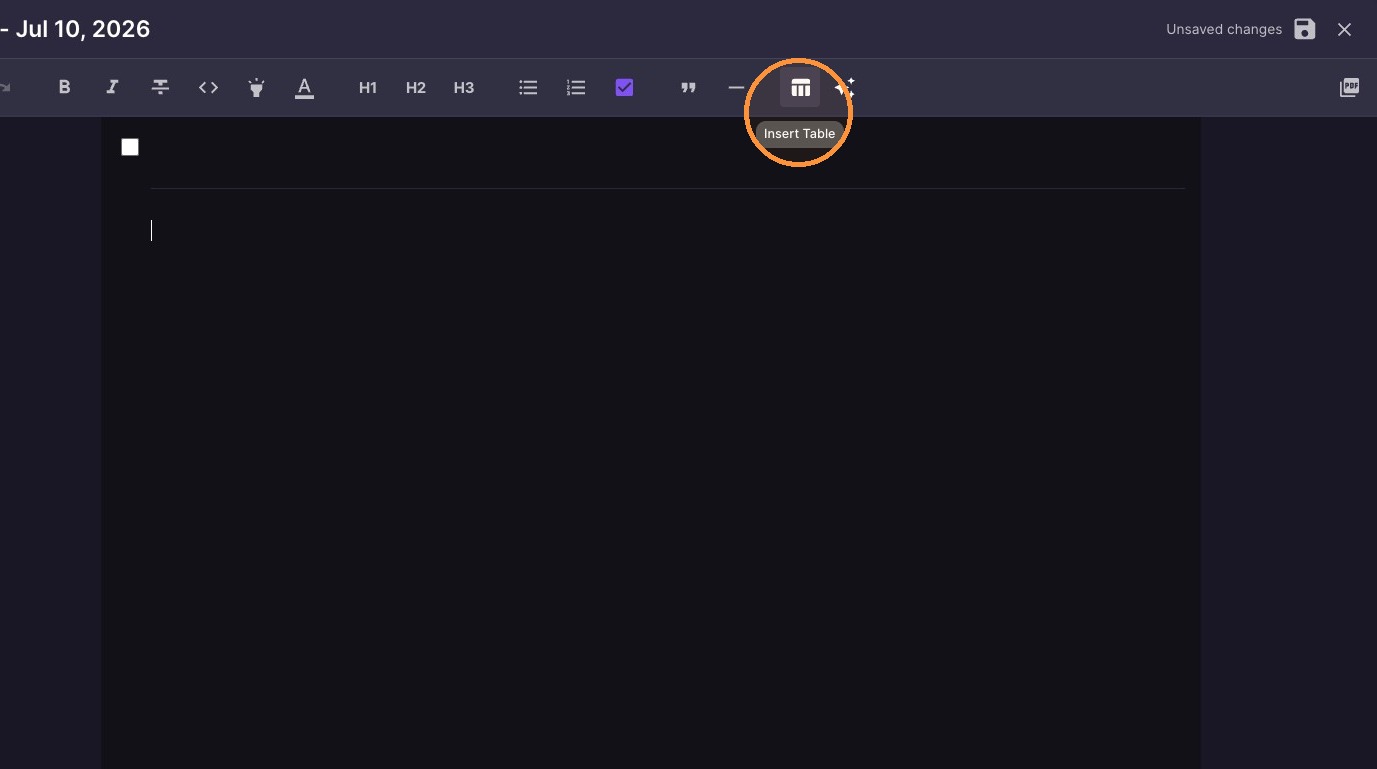
17. "Insert Table"
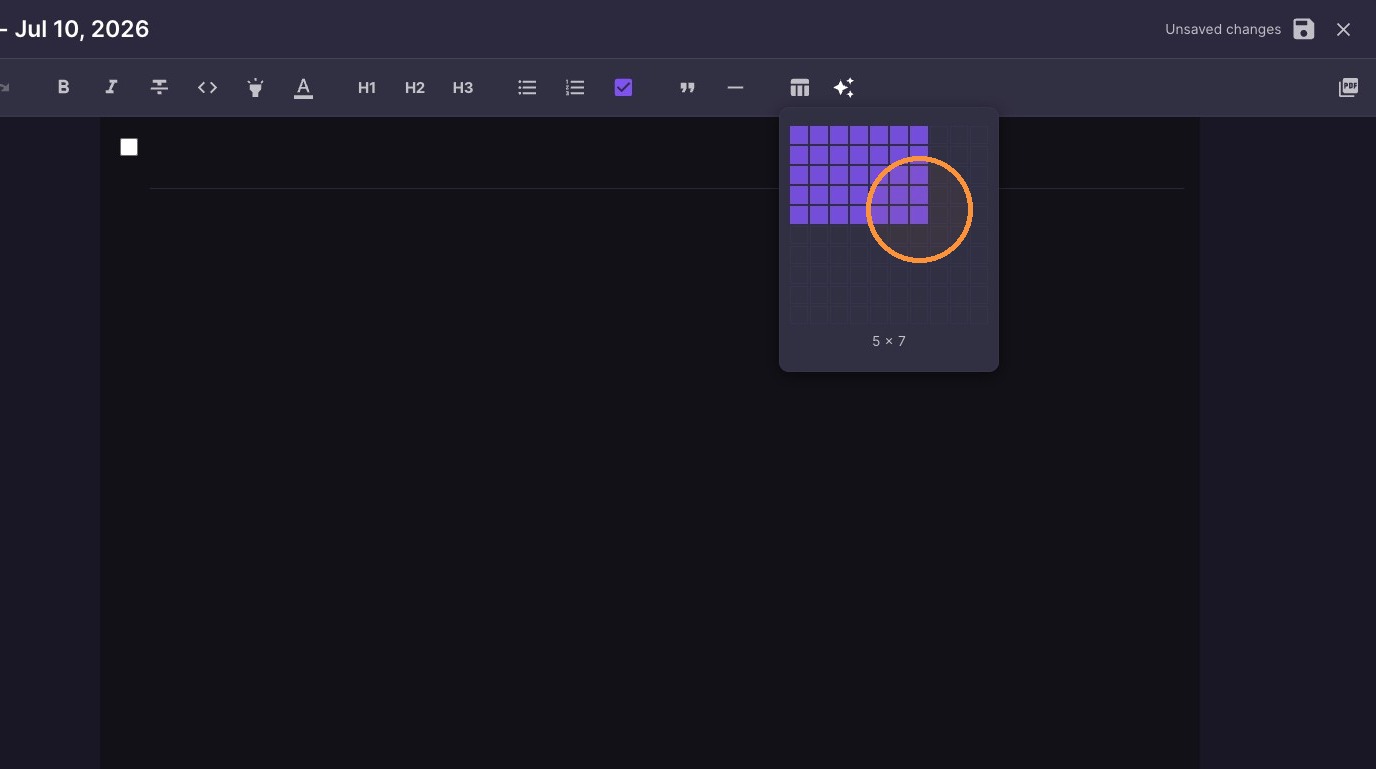
18. Select a table size
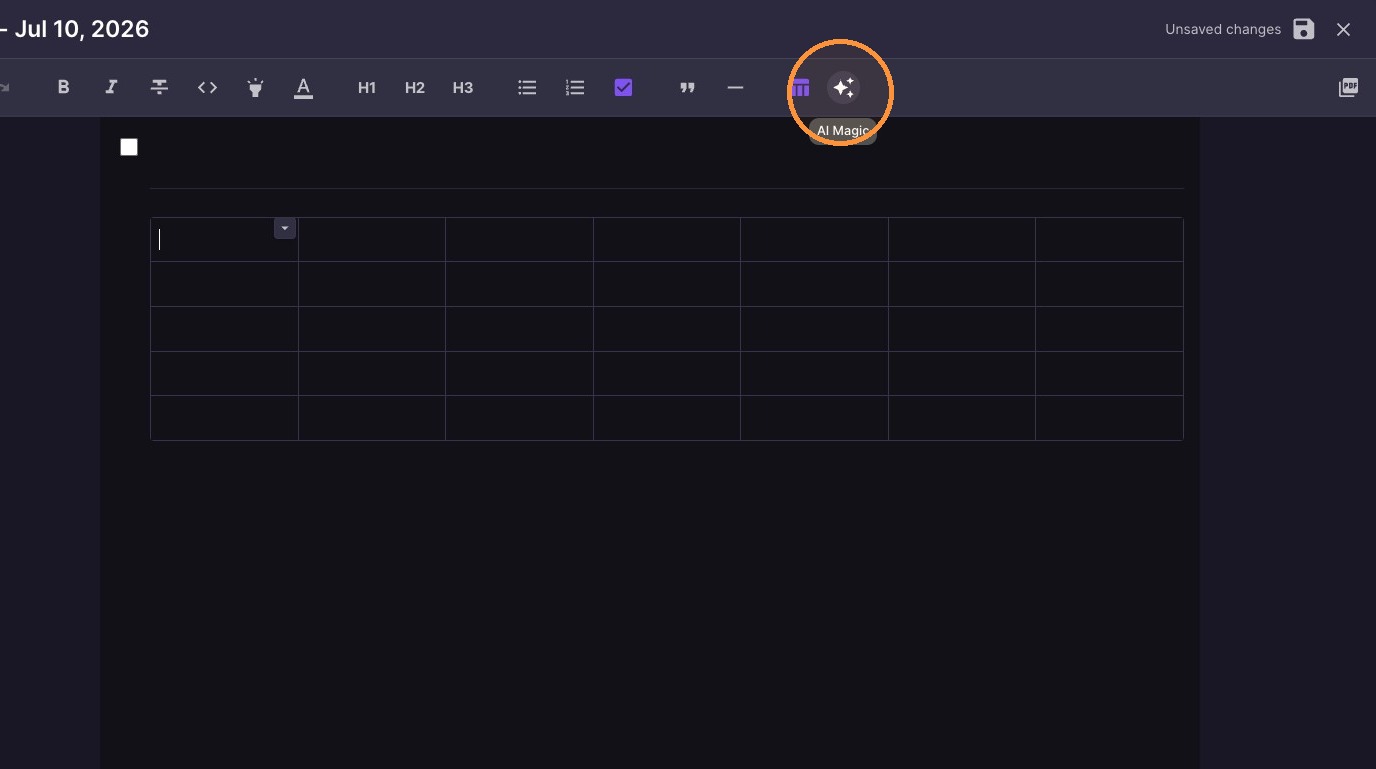
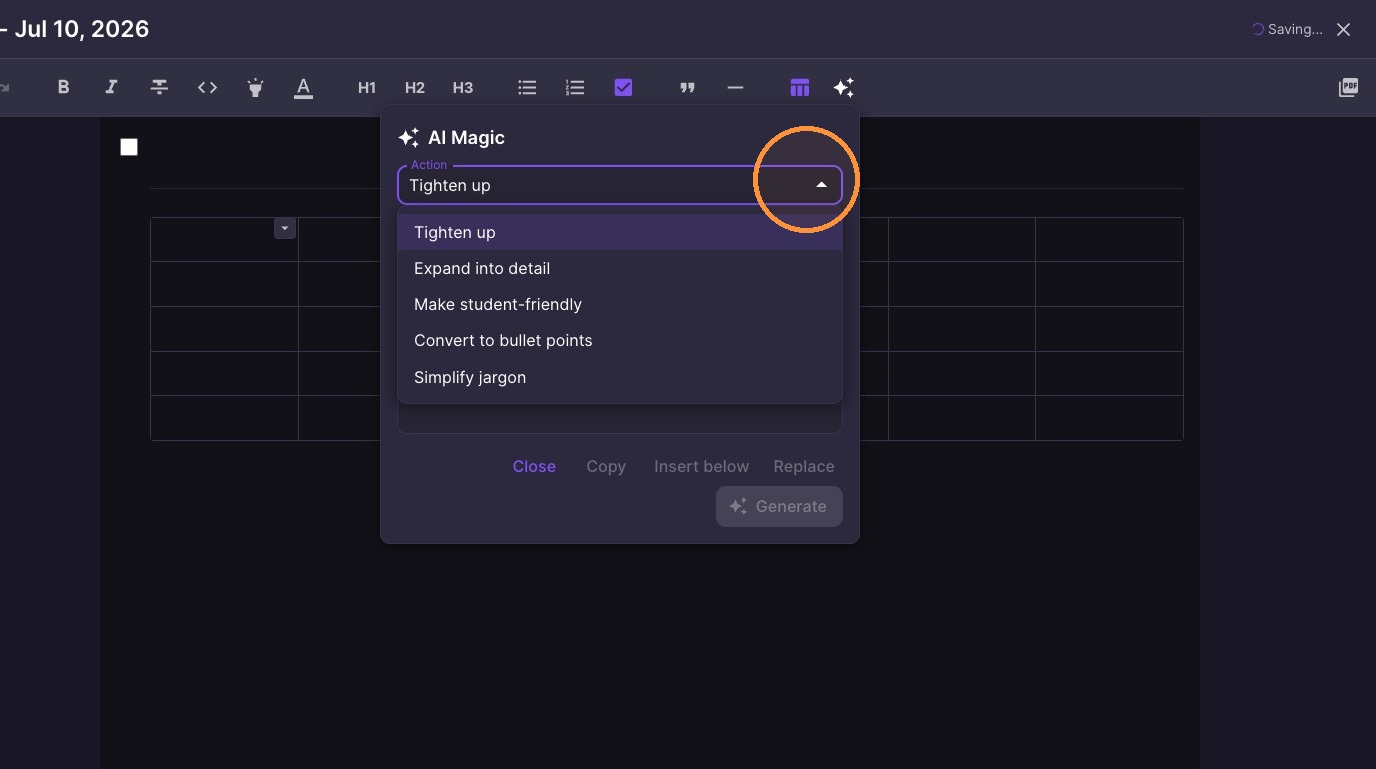
19. Click "AI Magic"
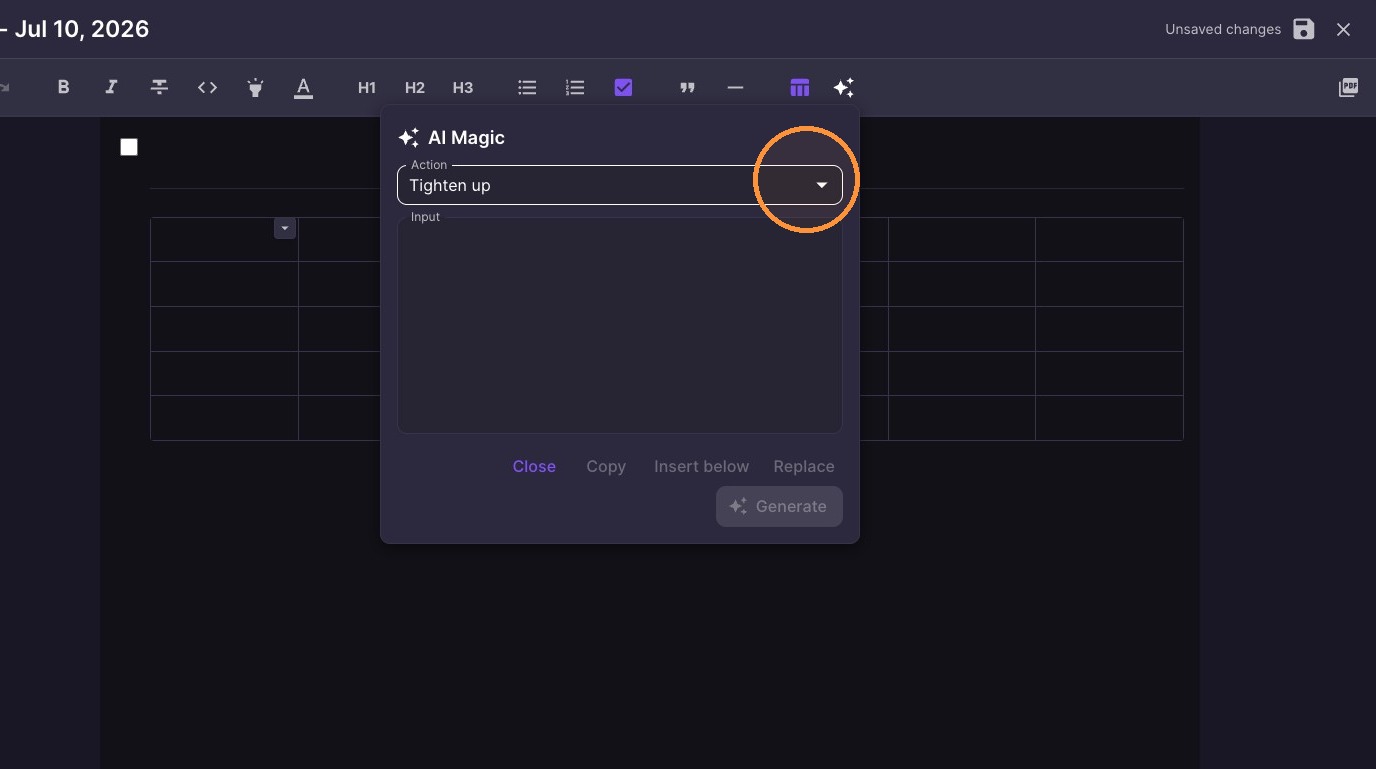
20. Select an action from the AI Magic dropdown menu
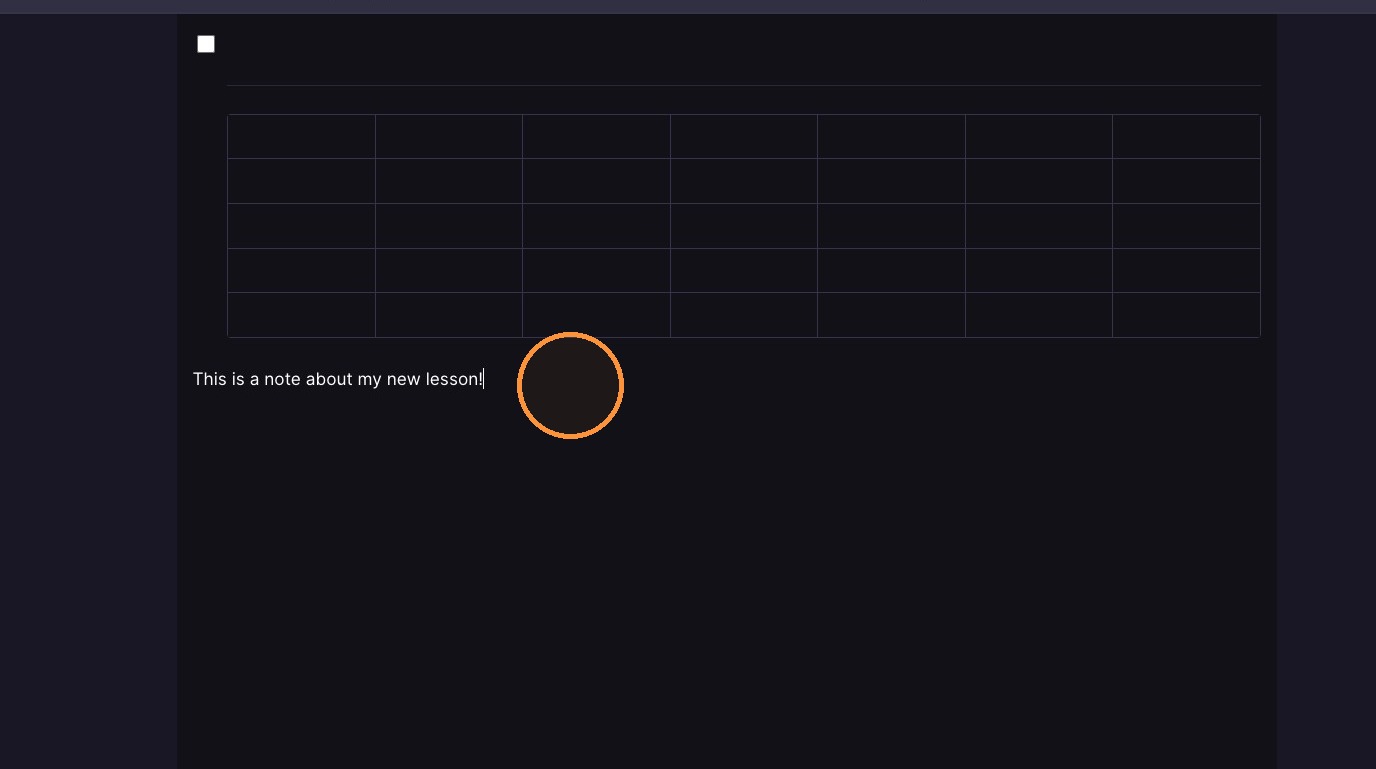
21. Type content into note body
Organization and Export
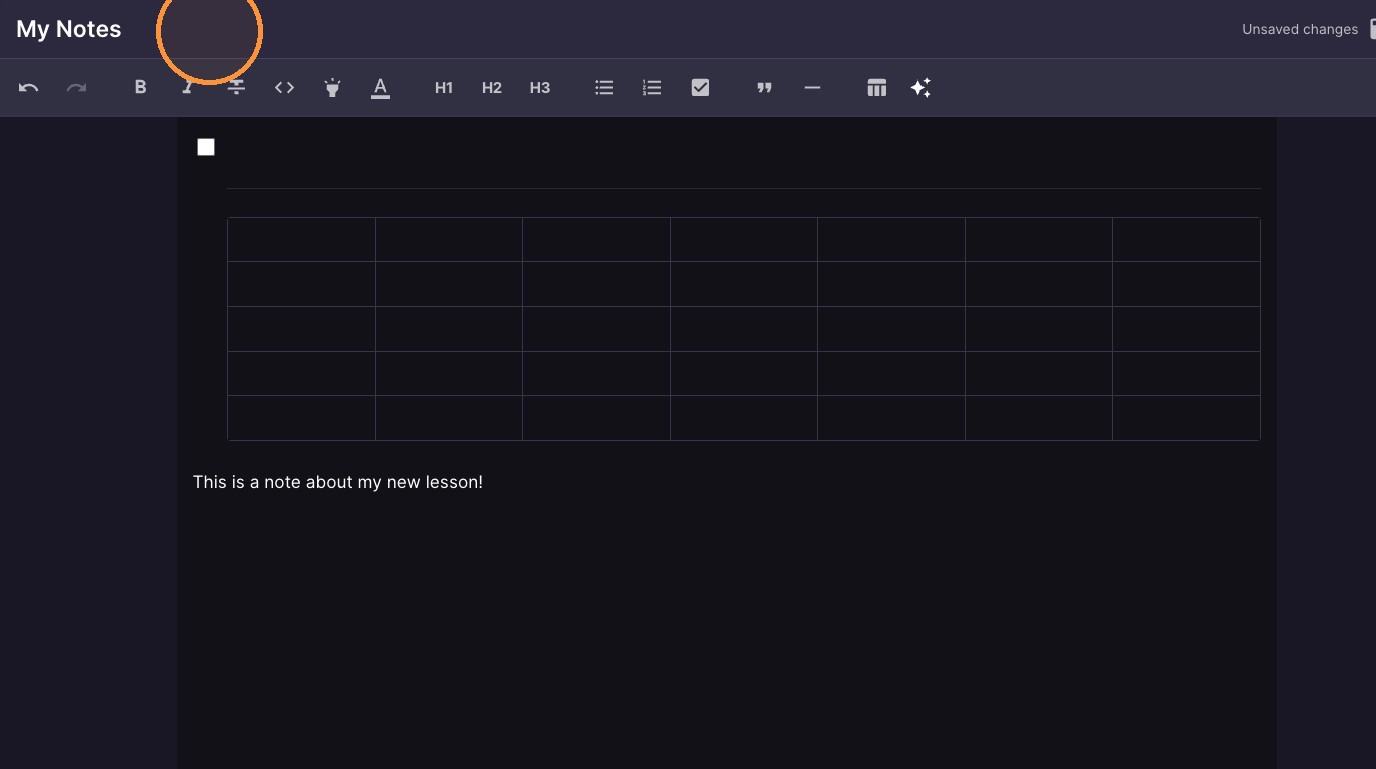
22. Rename the note
23. "Export PDF"