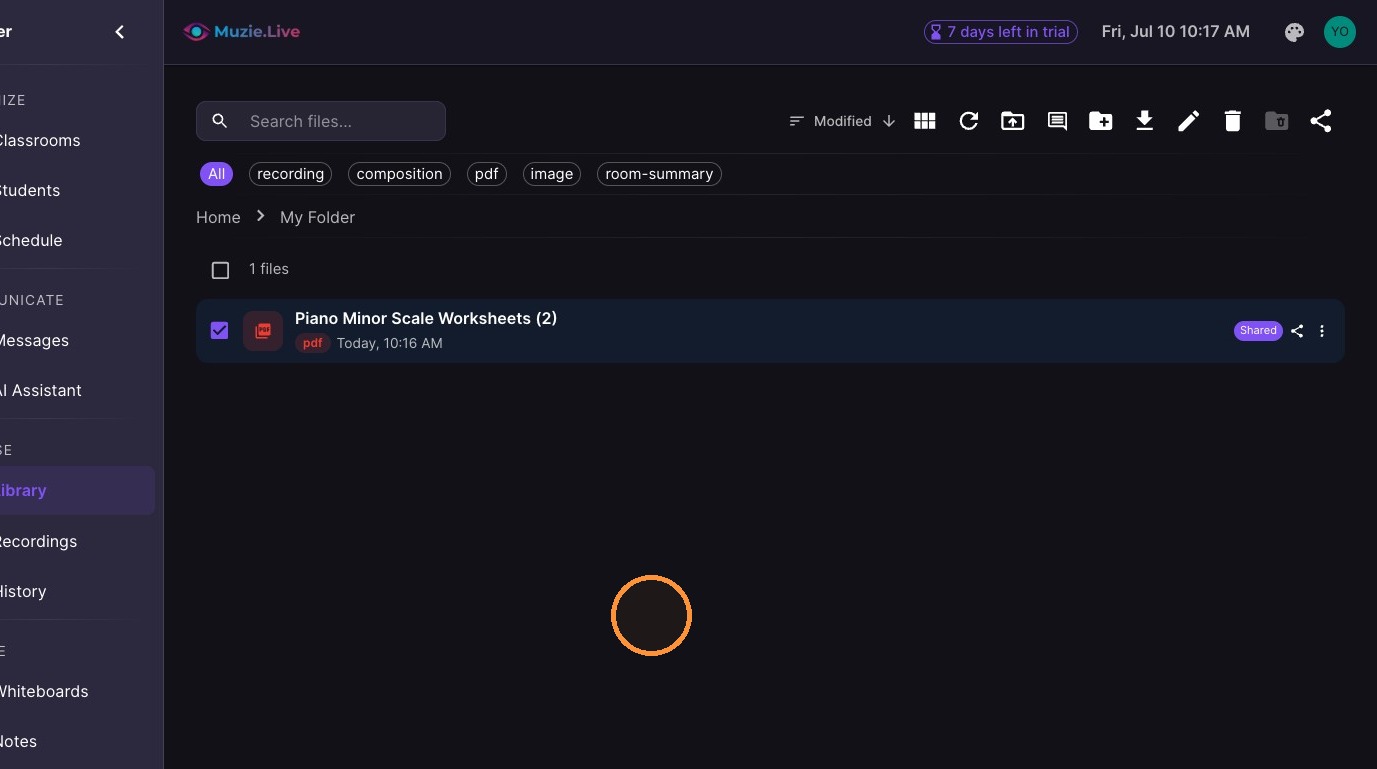
Learn how to organize your digital workspace by creating new folders and managing your file permissions. This guide provides a straightforward walkthrough to help you effectively share and sort your documents.
-
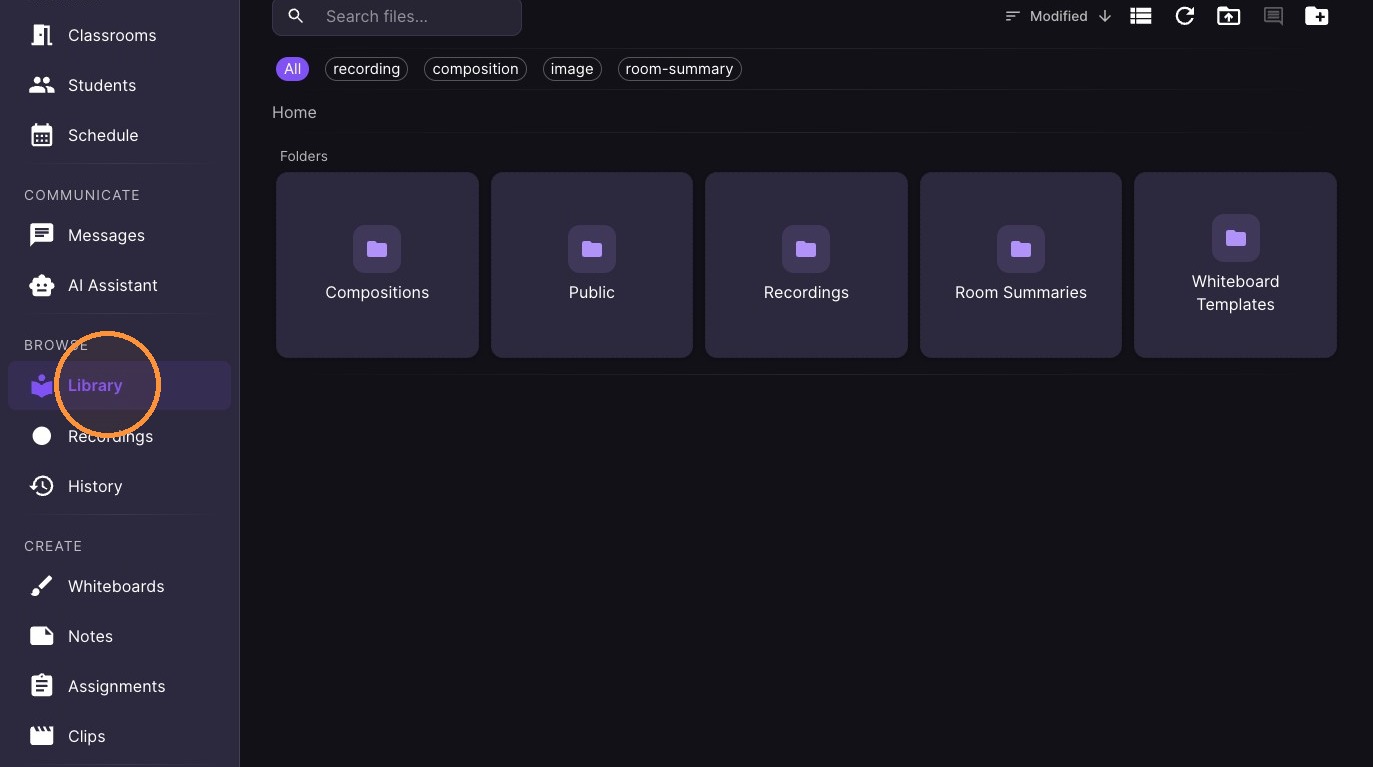
Click "Library"
-
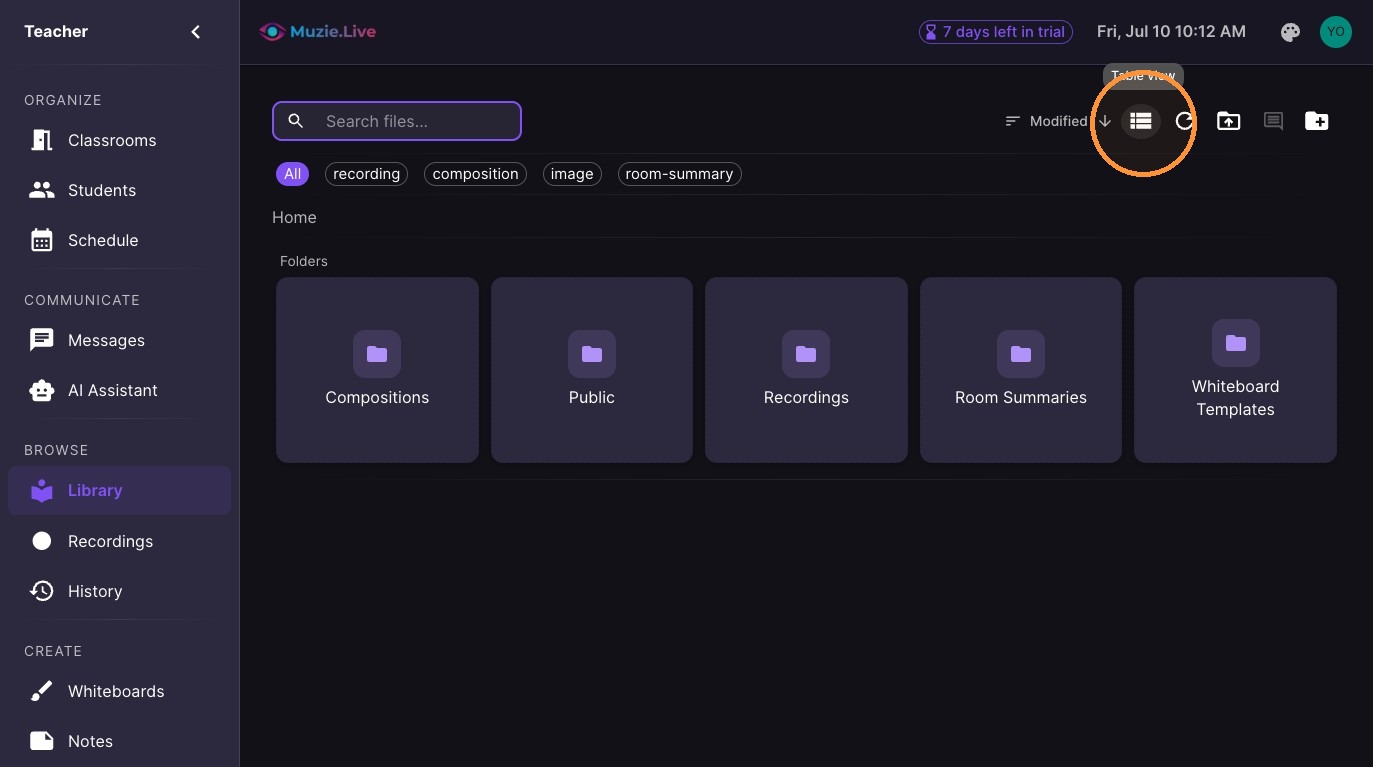
You can view files as a list or grid
-
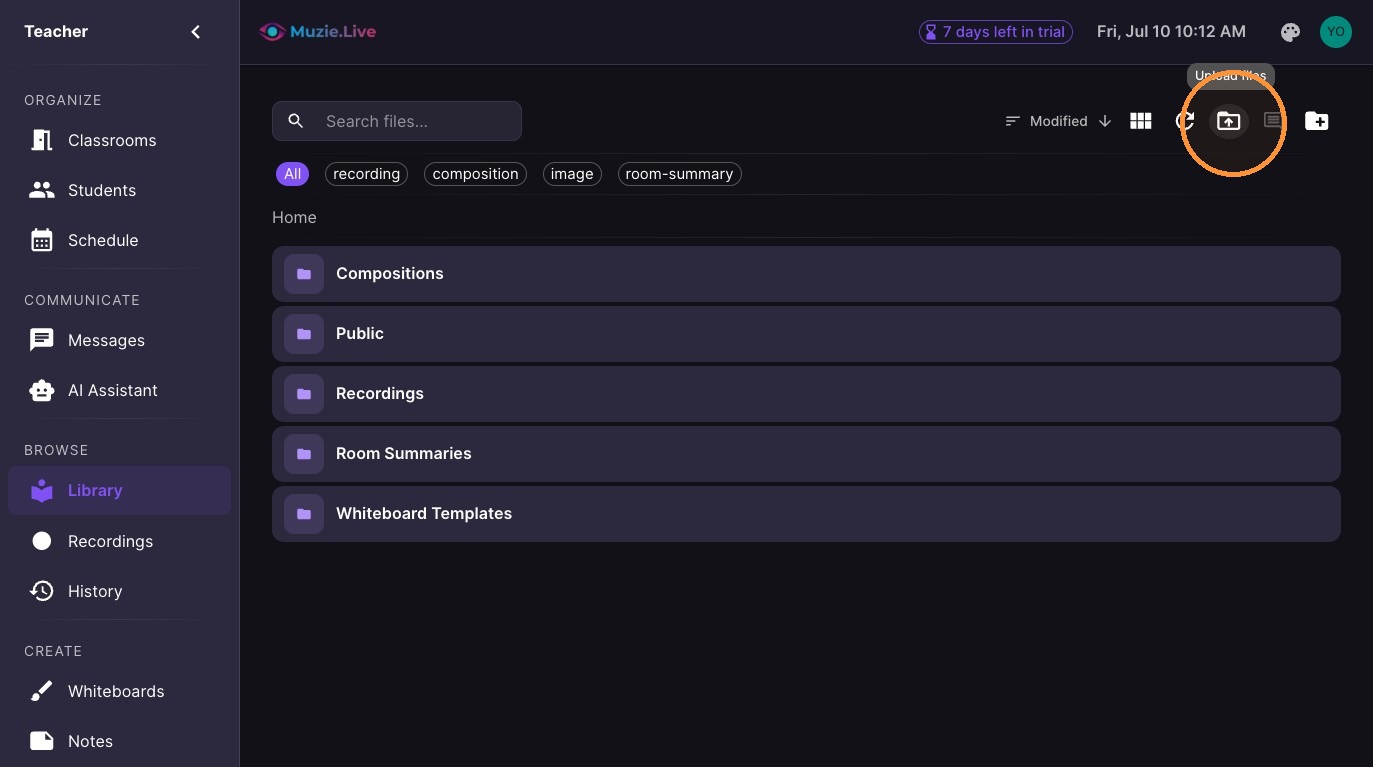
Upload files
-
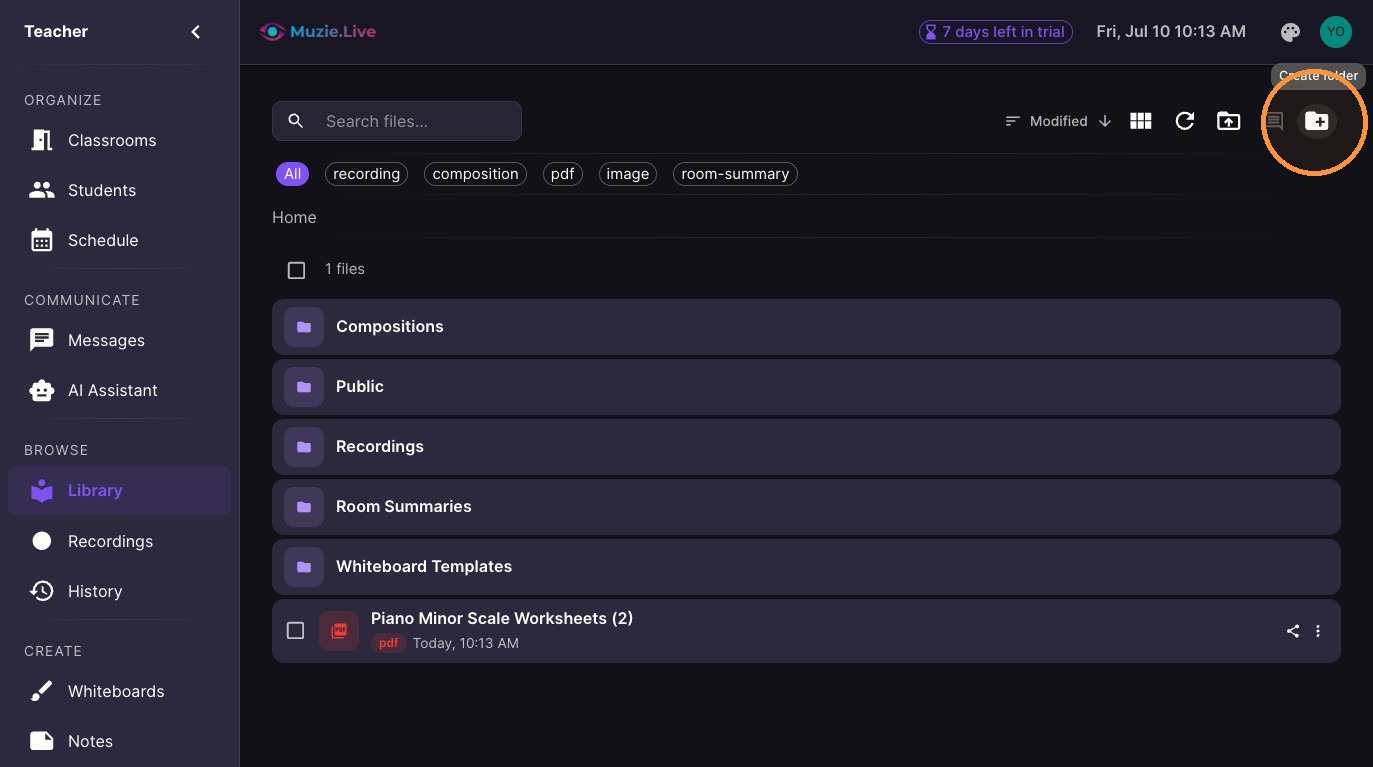
Create folders
-
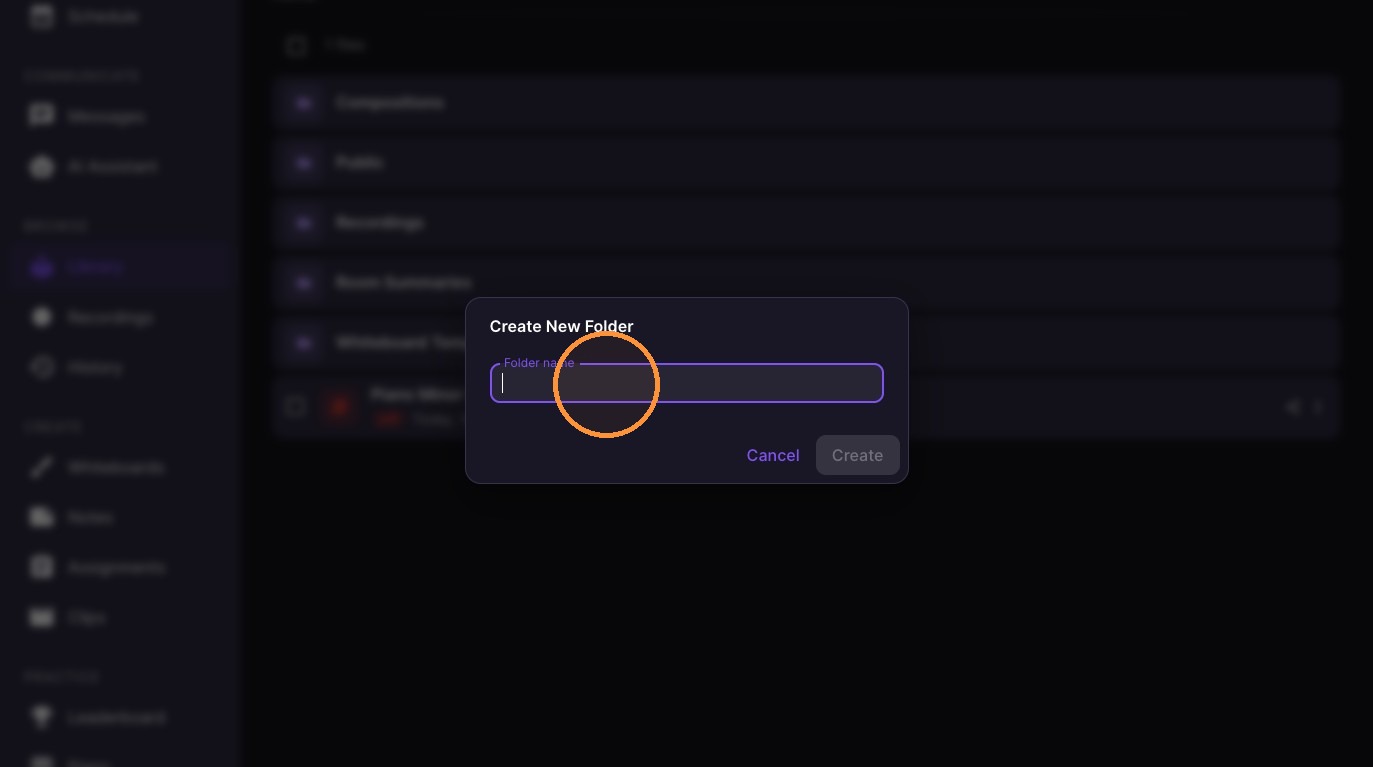
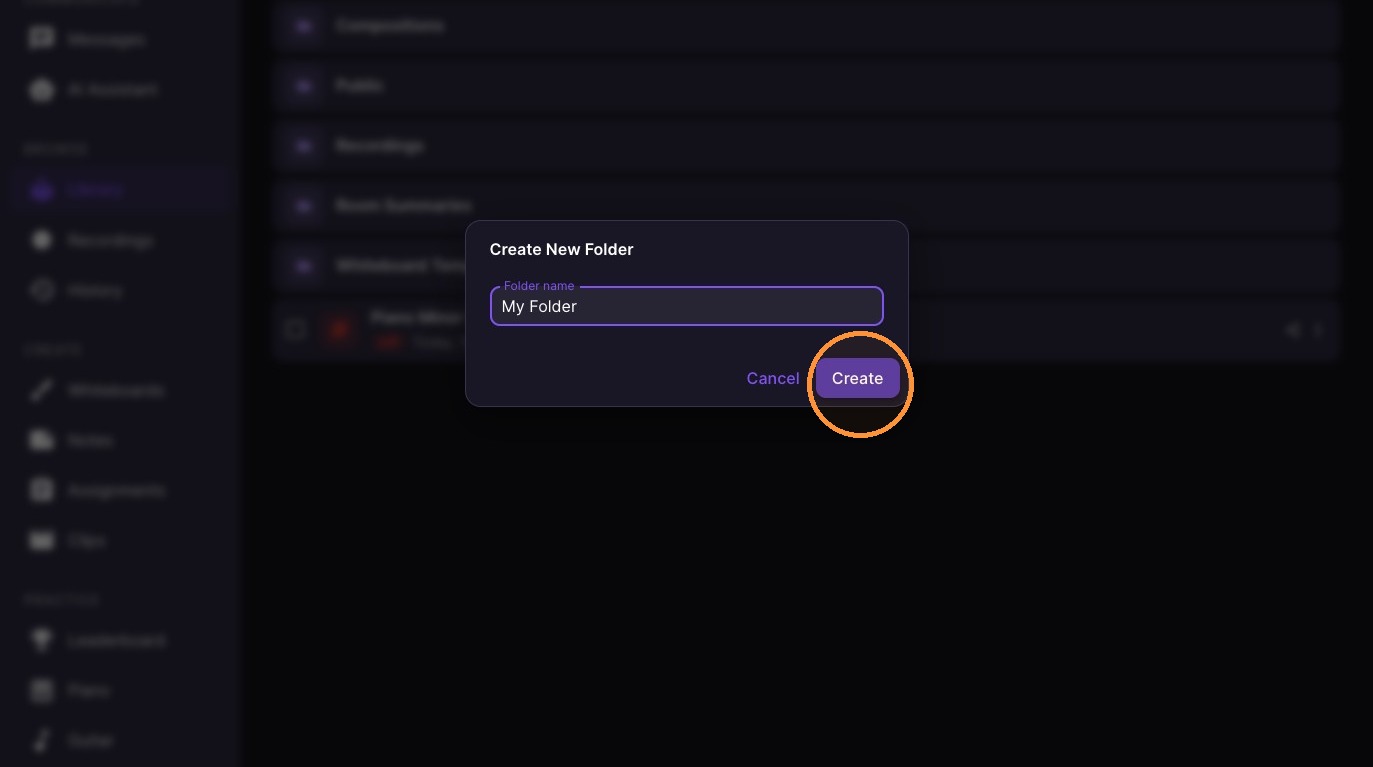
Type the folder name and click 'Create'
-
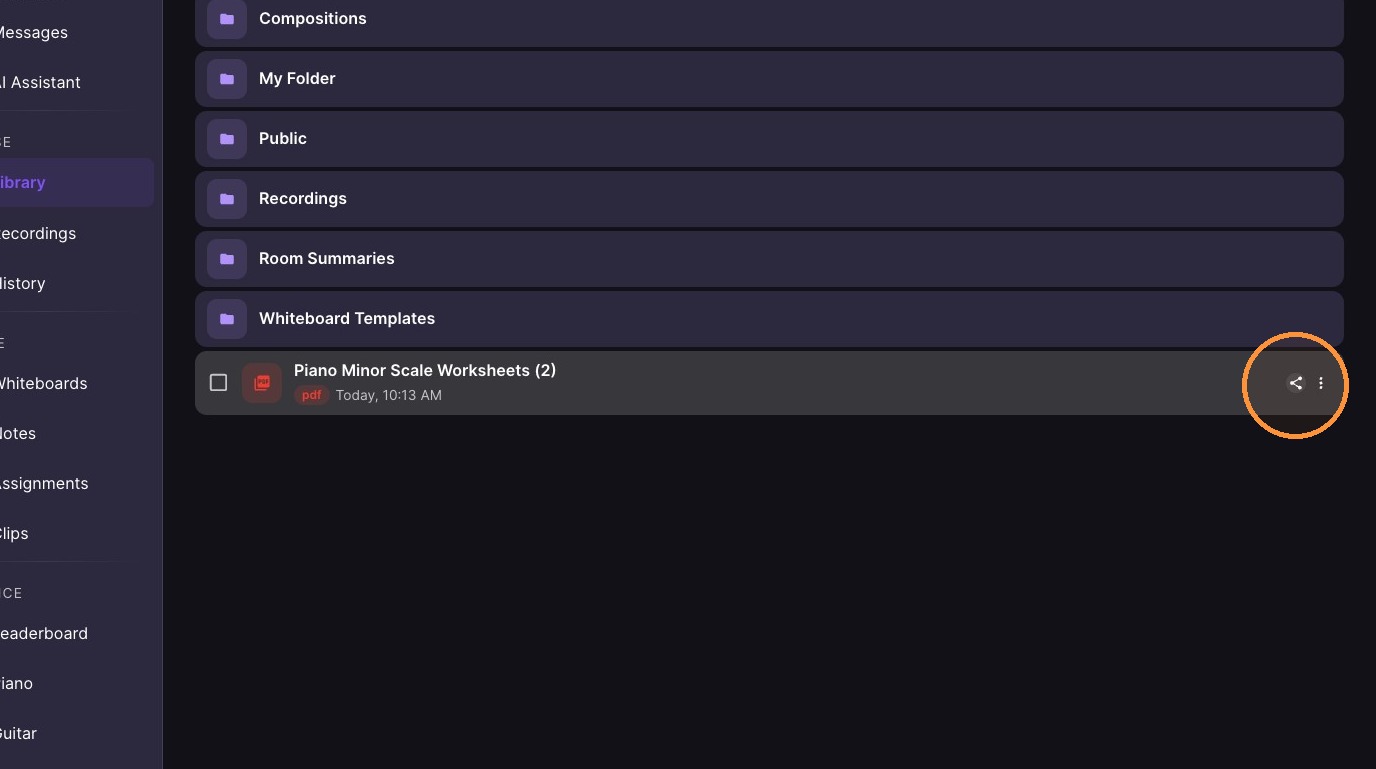
Click 'Share' icon for the specific file
-
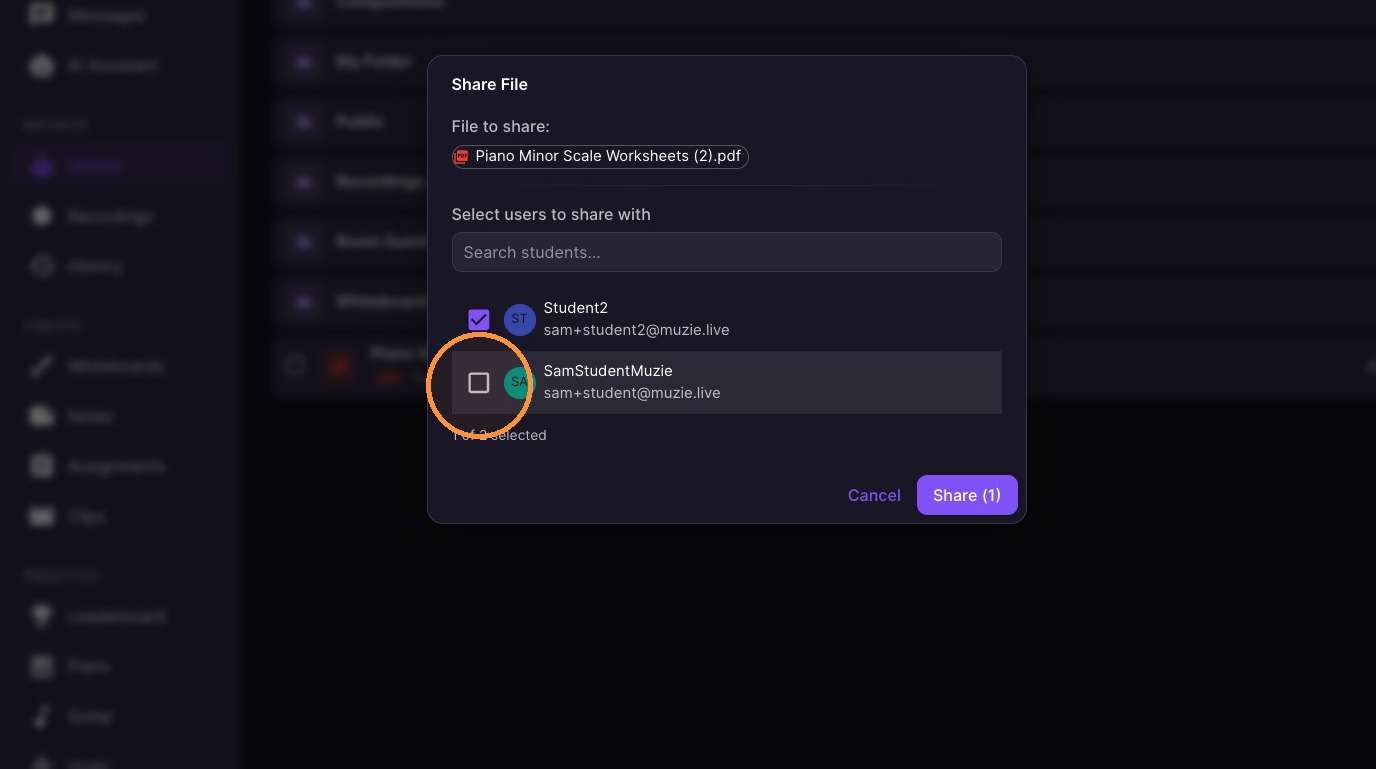
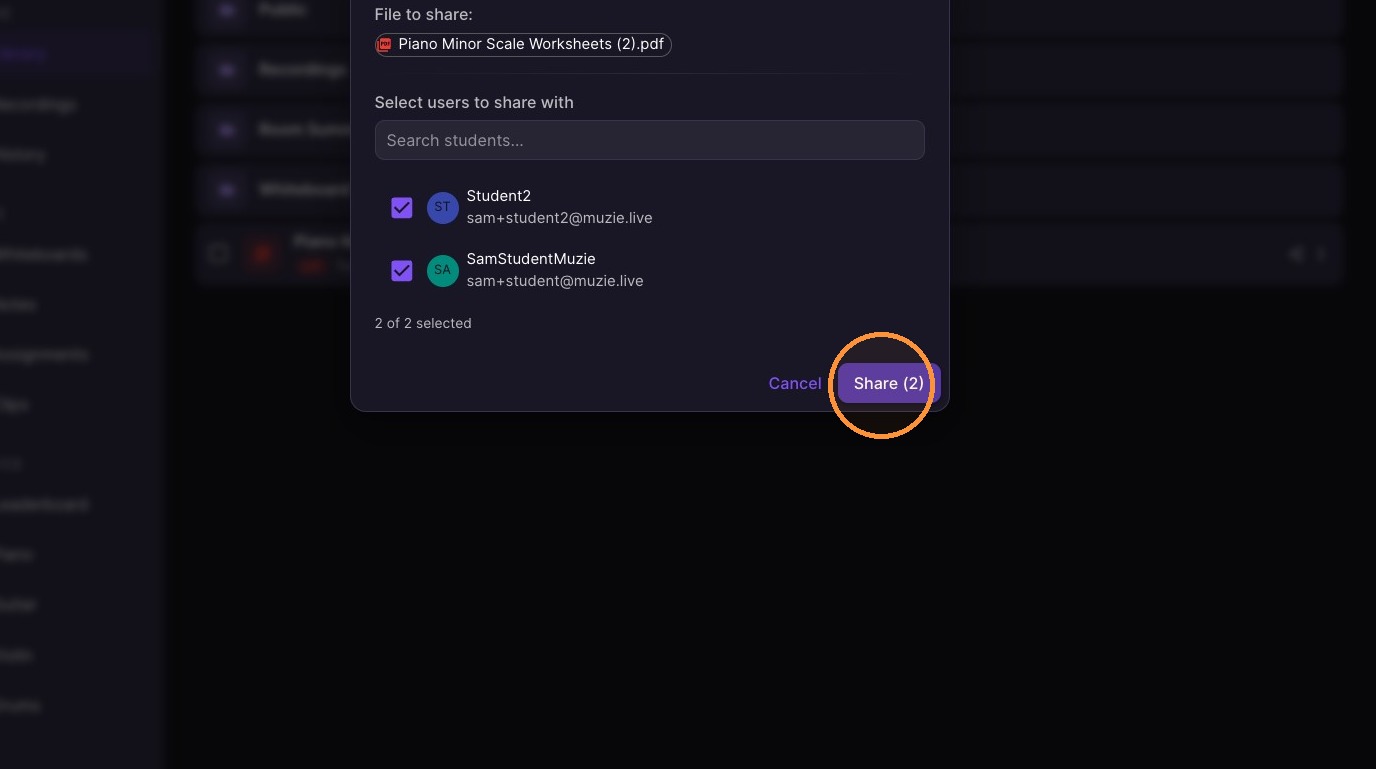
Select the recipients and click 'Share'
-
Double click to open
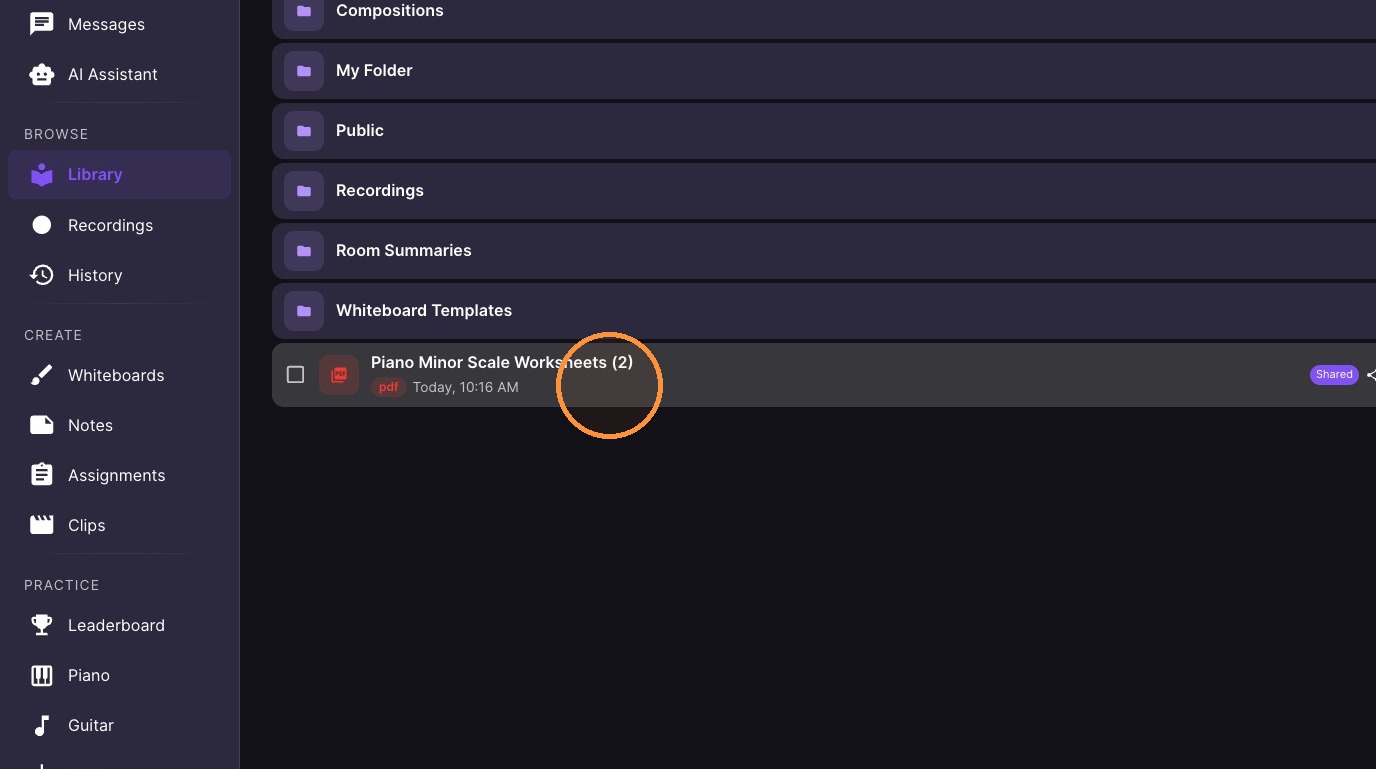
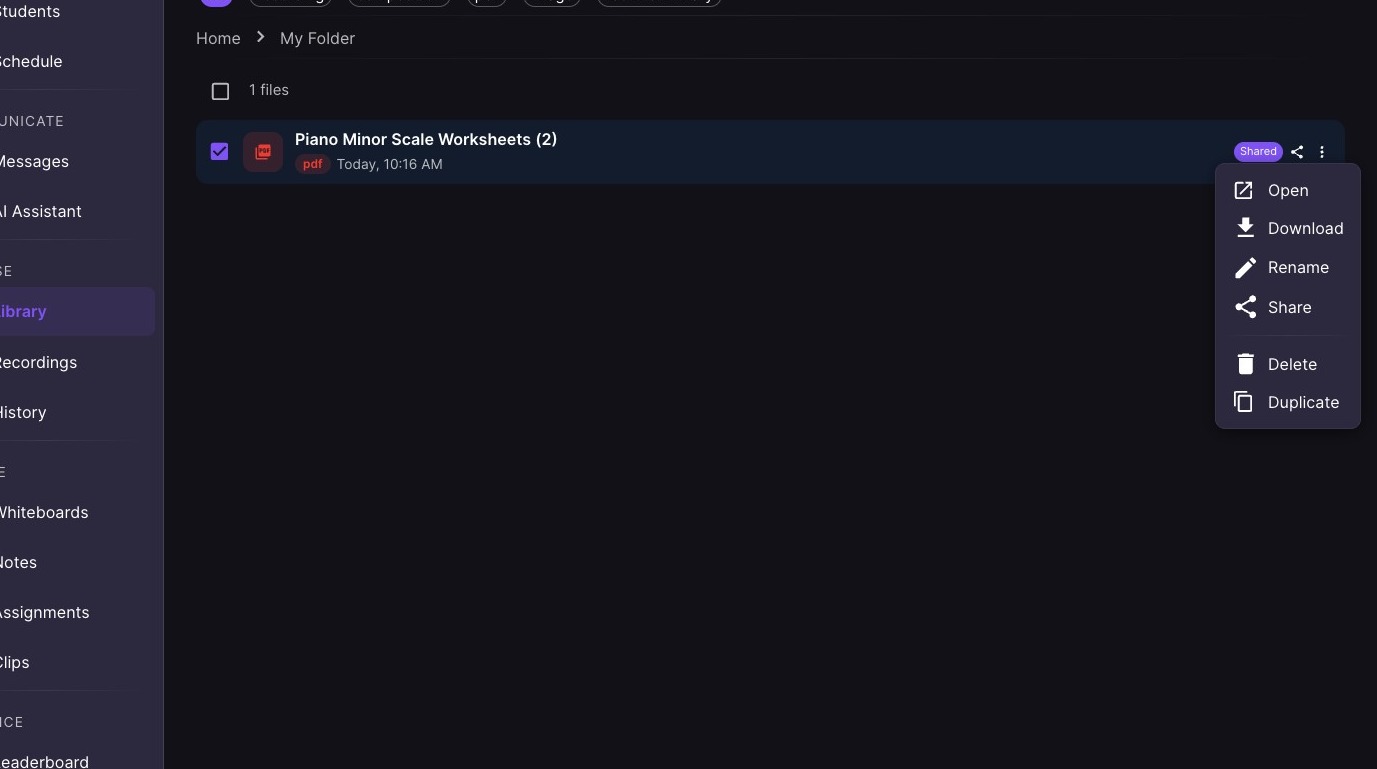
Tip: File options can be seen in two ways
-
Click the "Three Dots"
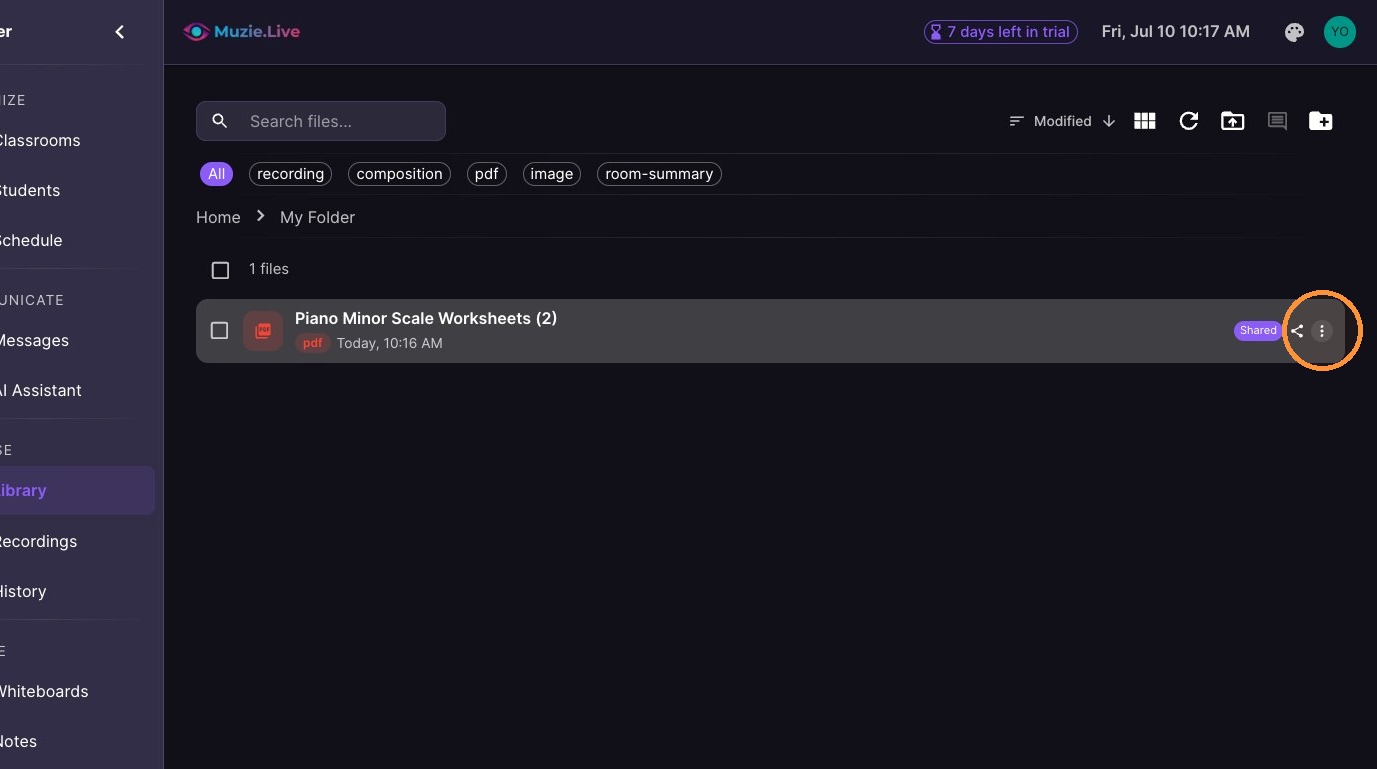
10. Opens the file options menu
11. Or - Select the file and view the options in the top toolbar