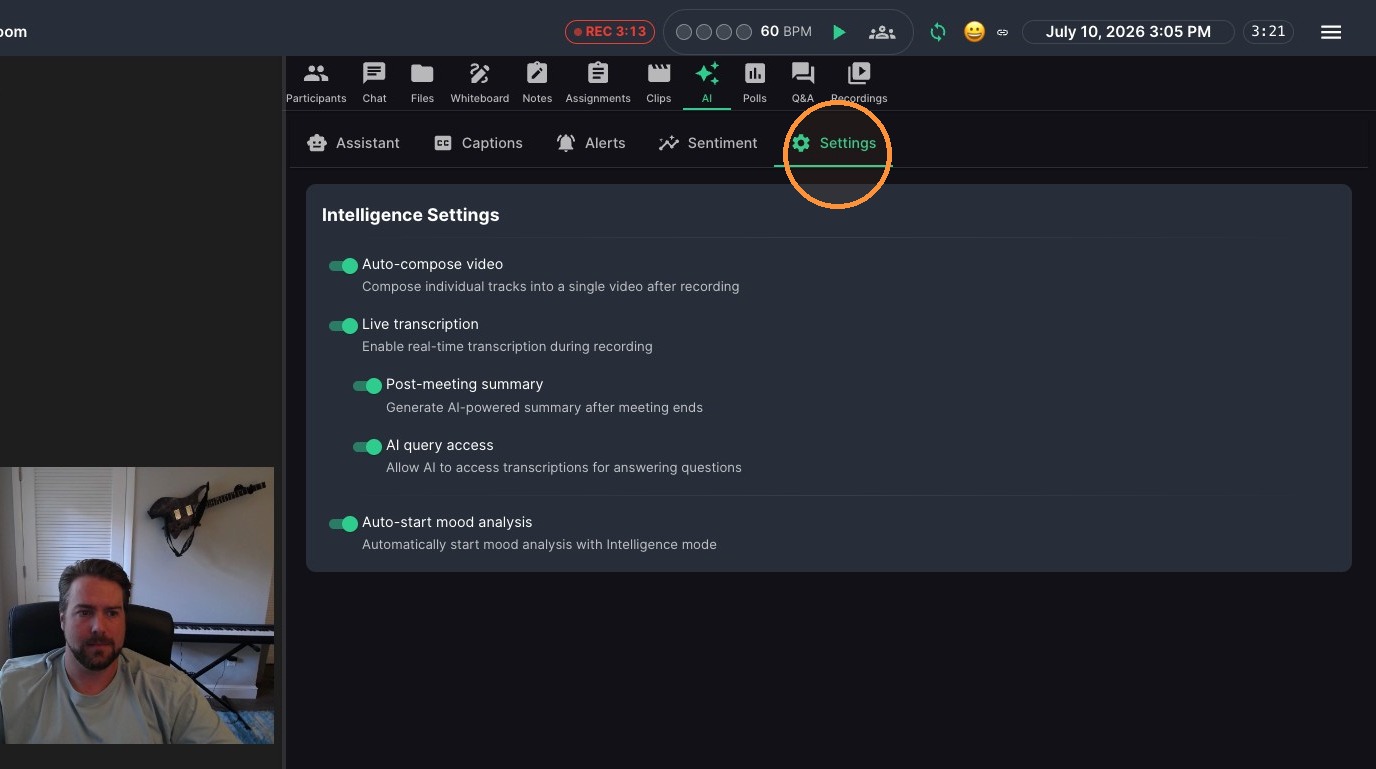
Use Classroom A.I. to stay on top of what’s happening in your lesson—without juggling extra notes. The Muzie Assistant helps you review live classroom insights, see alerts and action items as they come up, and check student engagement and sentiment in real time. Create assignments and notes from lesson transcripts & much more. You’ll also learn how to adjust Intelligence Settings, including automated video recording options, so the experience fits your classroom and teaching style.
AI Assistant Interaction
-
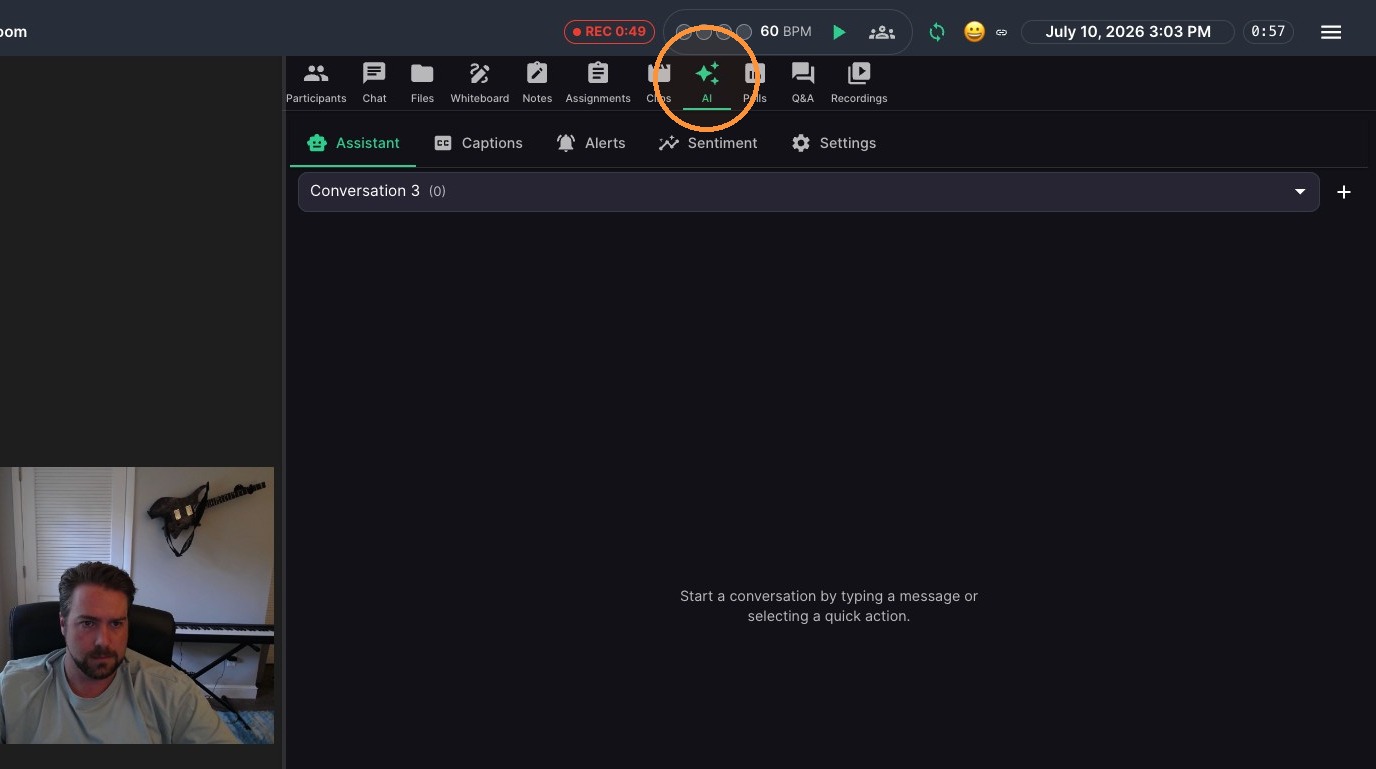
Click 'AI' icon in top navigation bar
-
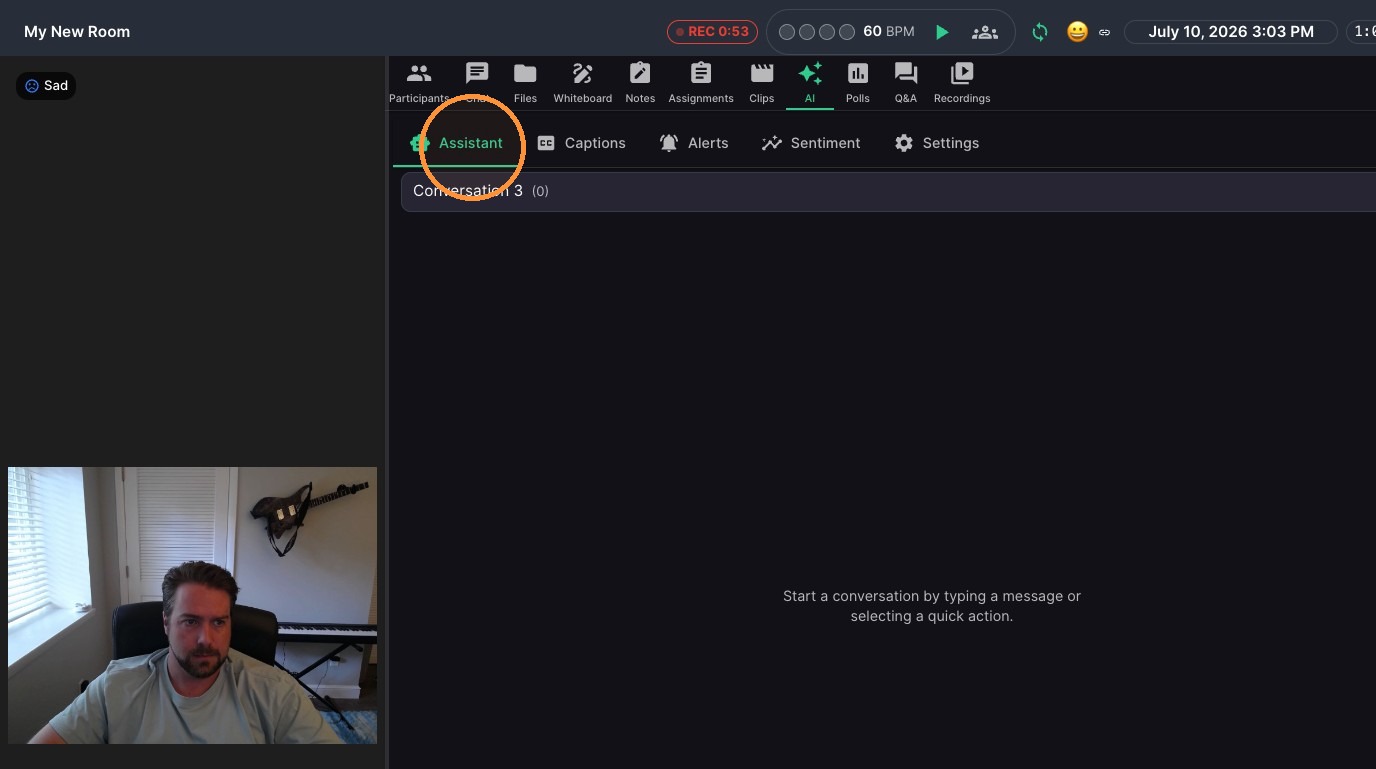
Click "Assistant"
-
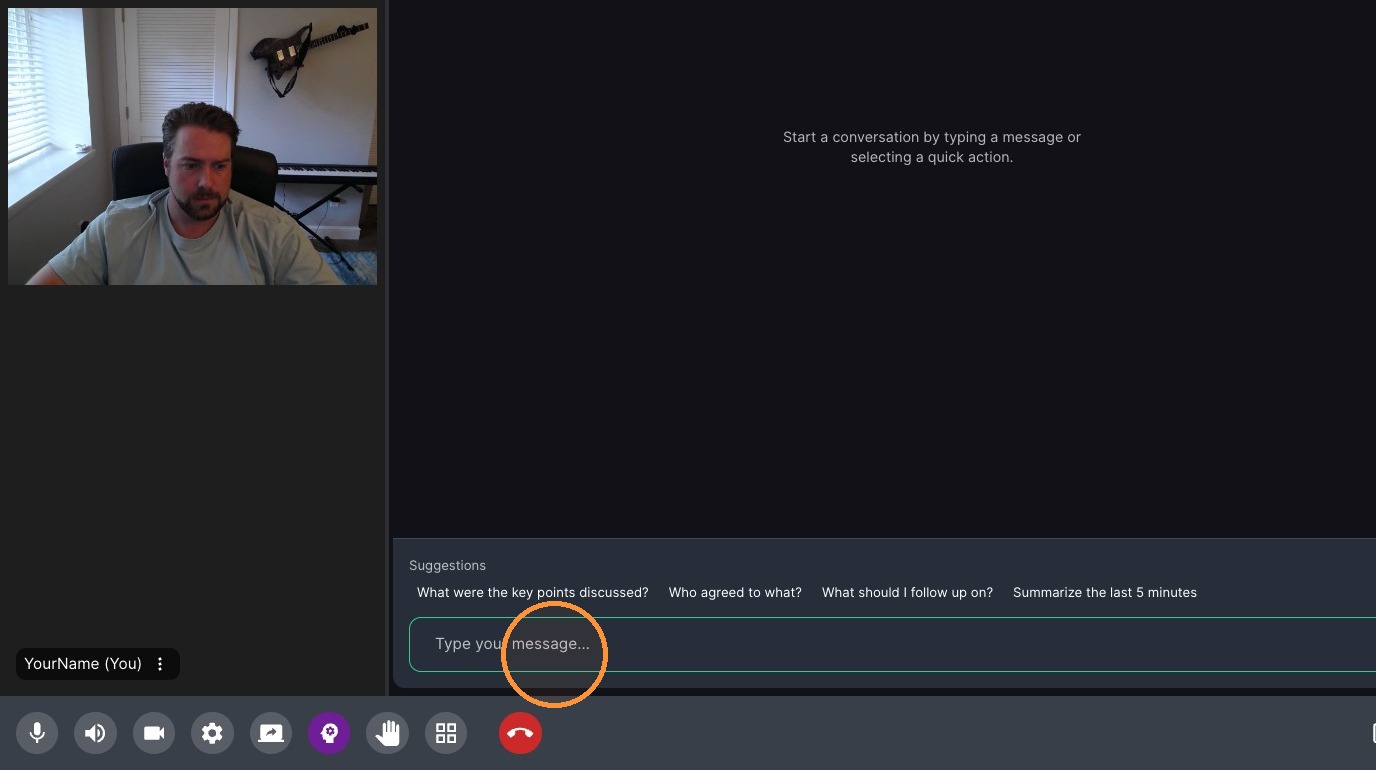
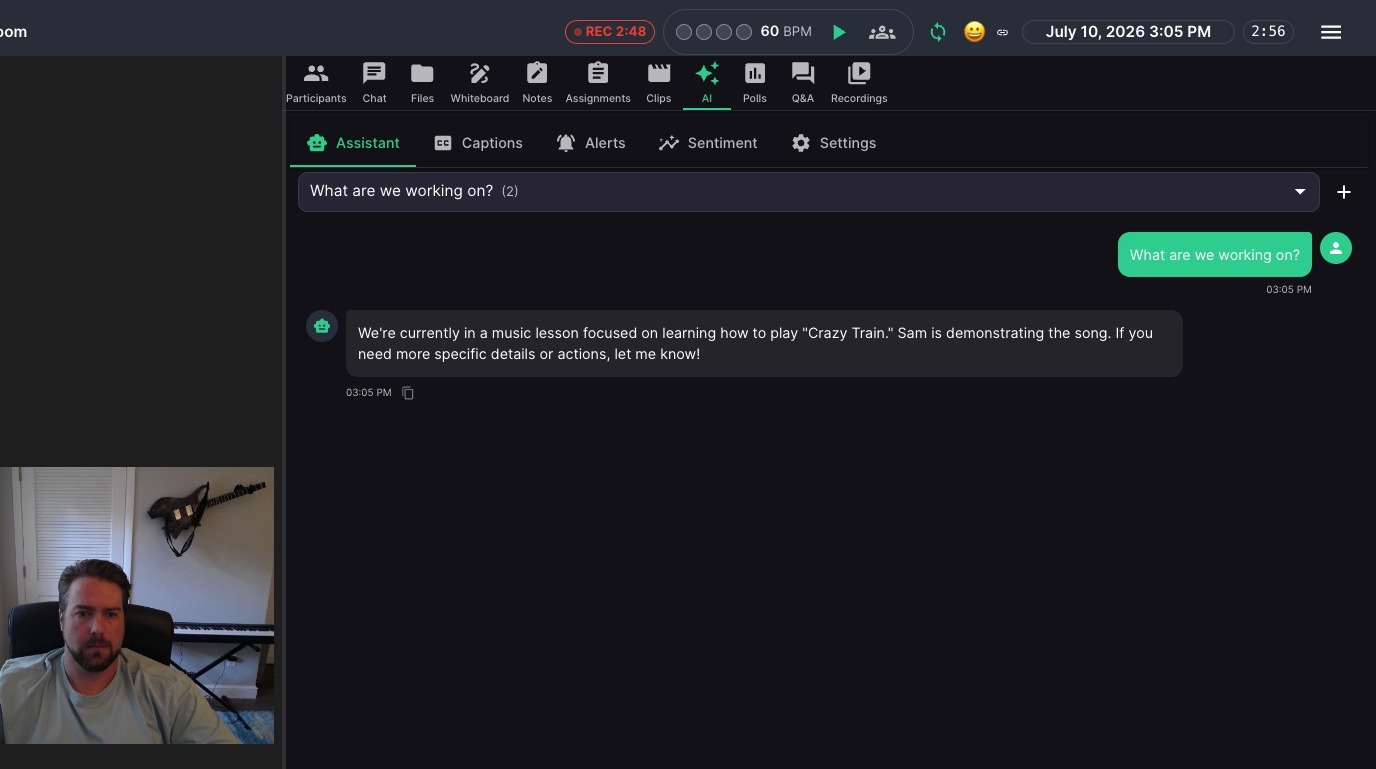
Type "a question or prompt" in chat field and press Enter
-
Review the answer
Insights and Monitoring
-
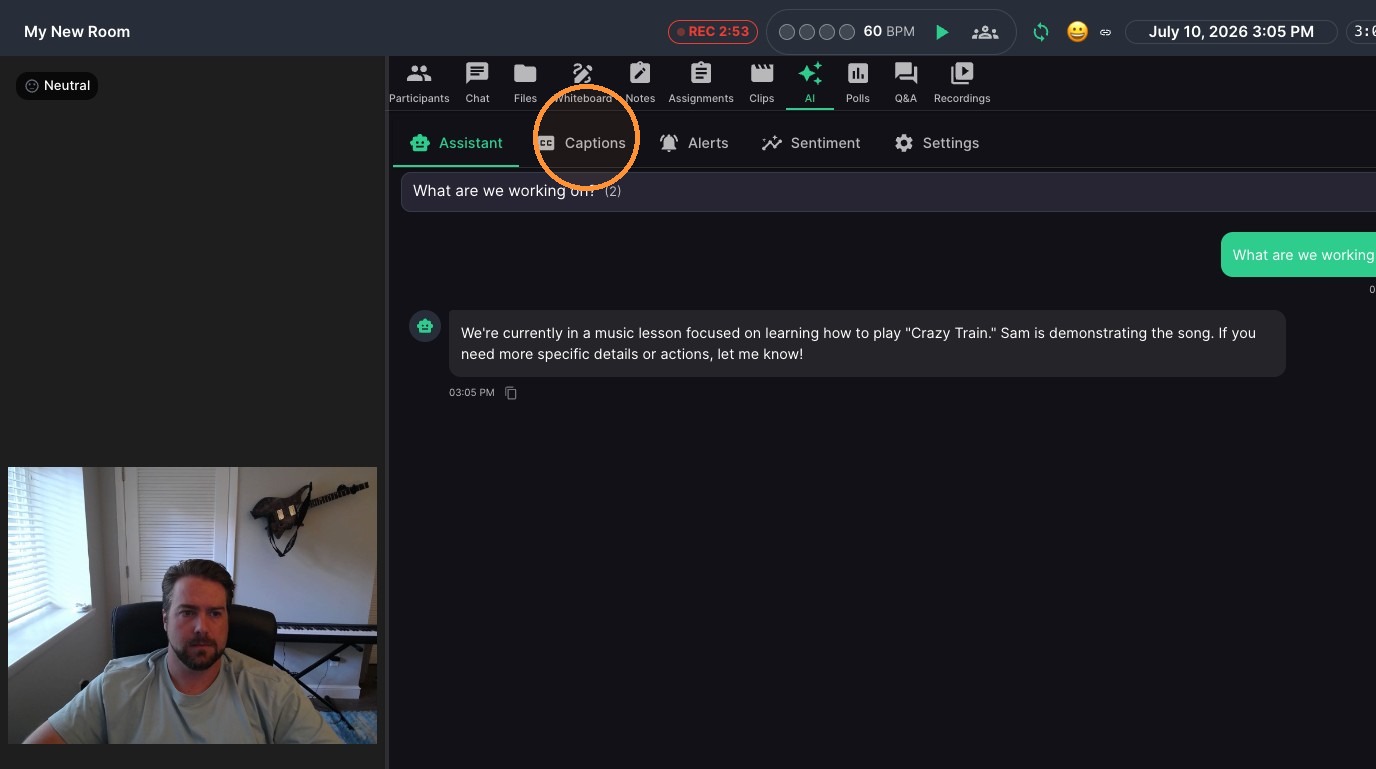
Click "Captions" to see a live transcript of the lesson
-
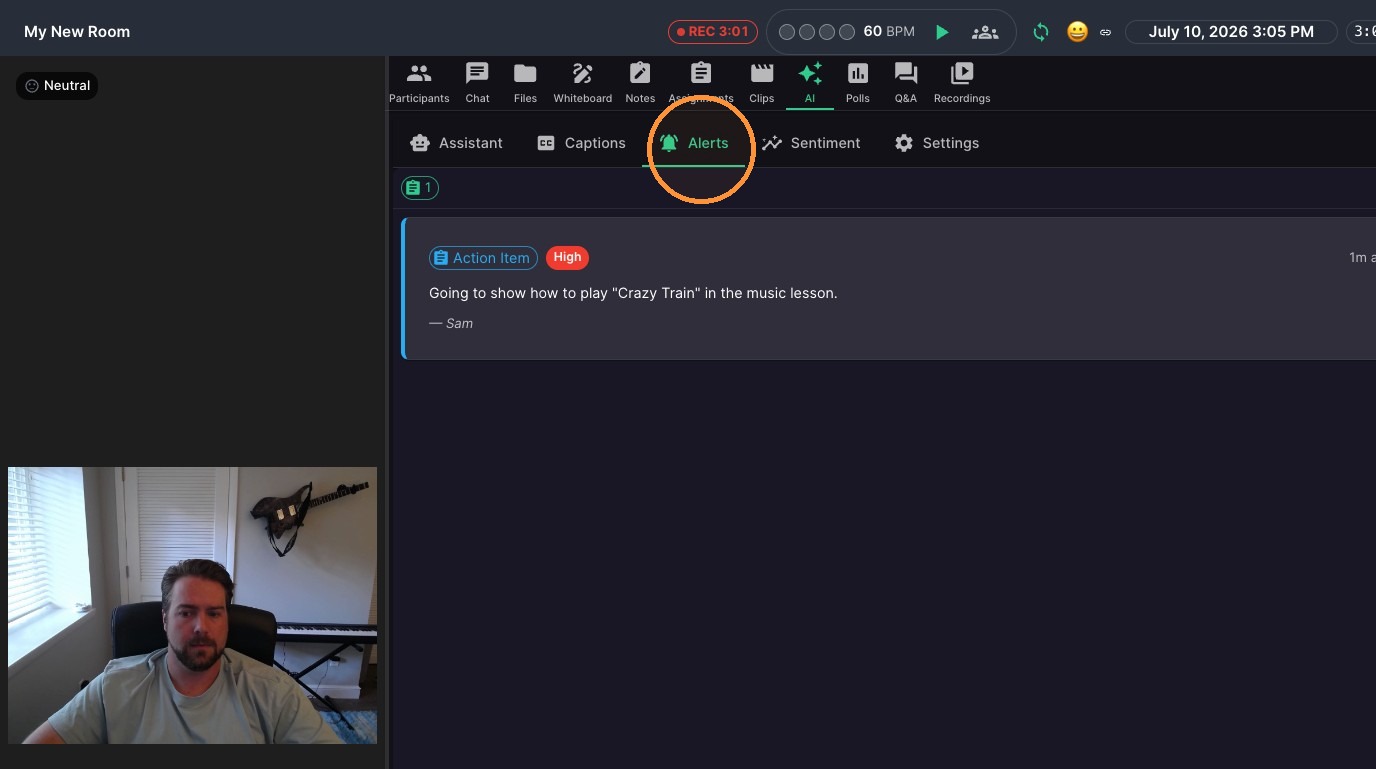
Click "Alerts" to see action items and lesson insight
-
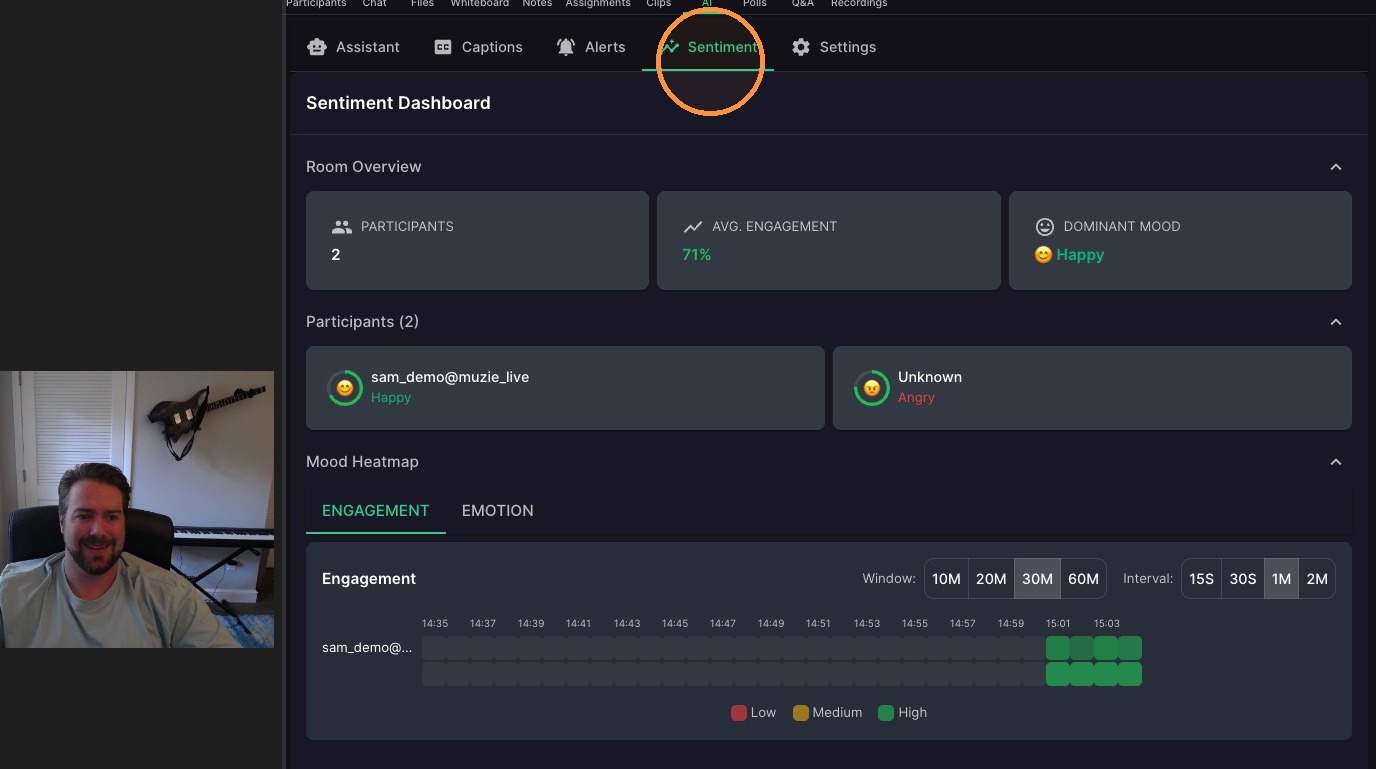
Click "Sentiment" to see real time emotion and engagement information
Intelligence Settings
-
Click "Settings" to customize how your A.I. works