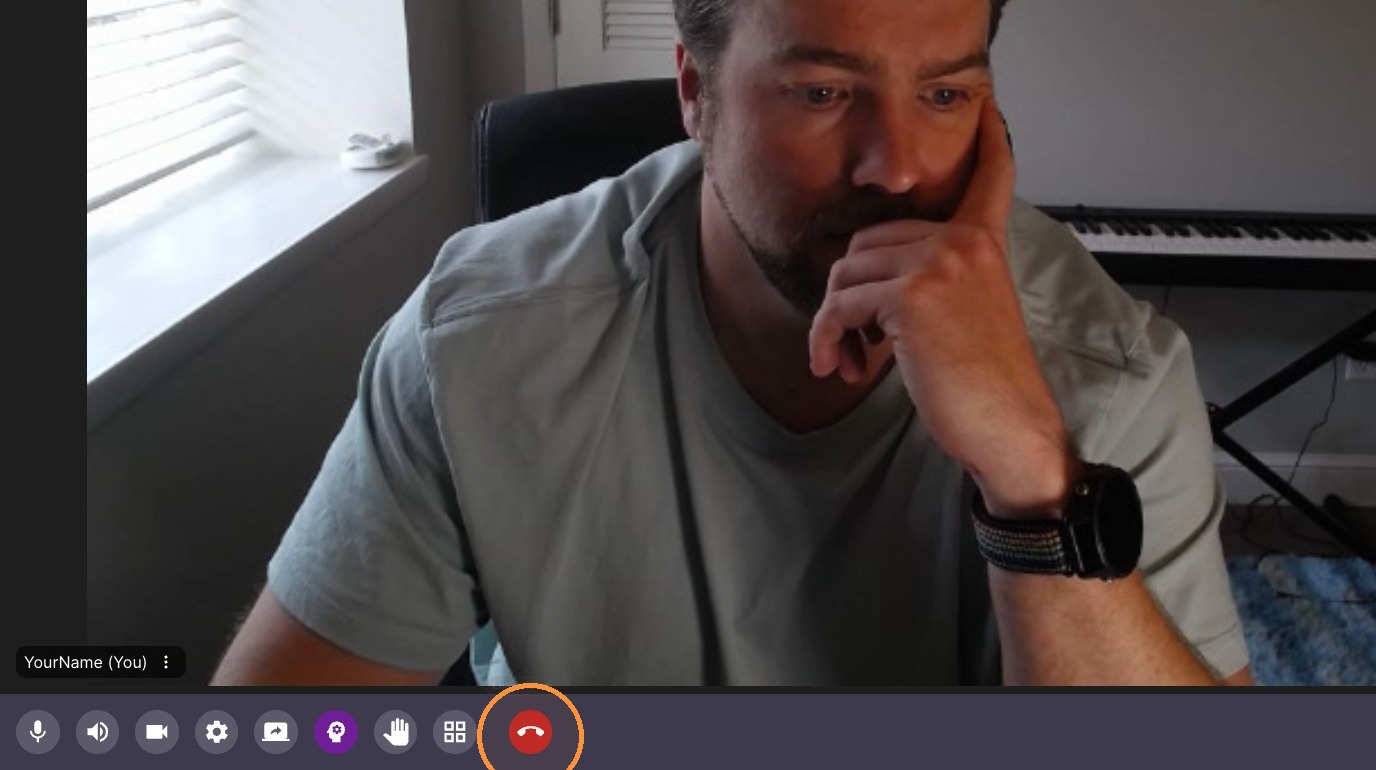
This guide quickly teaches you how to control core classroom features—navigation, tool use, session recording, and participant interaction—so you can run lessons smoothly, manage layouts and syncing, and handle common tasks like inviting guests or sending reactions. It’s ideal for hosts who want efficient, practical steps to keep classes organized and interactive.
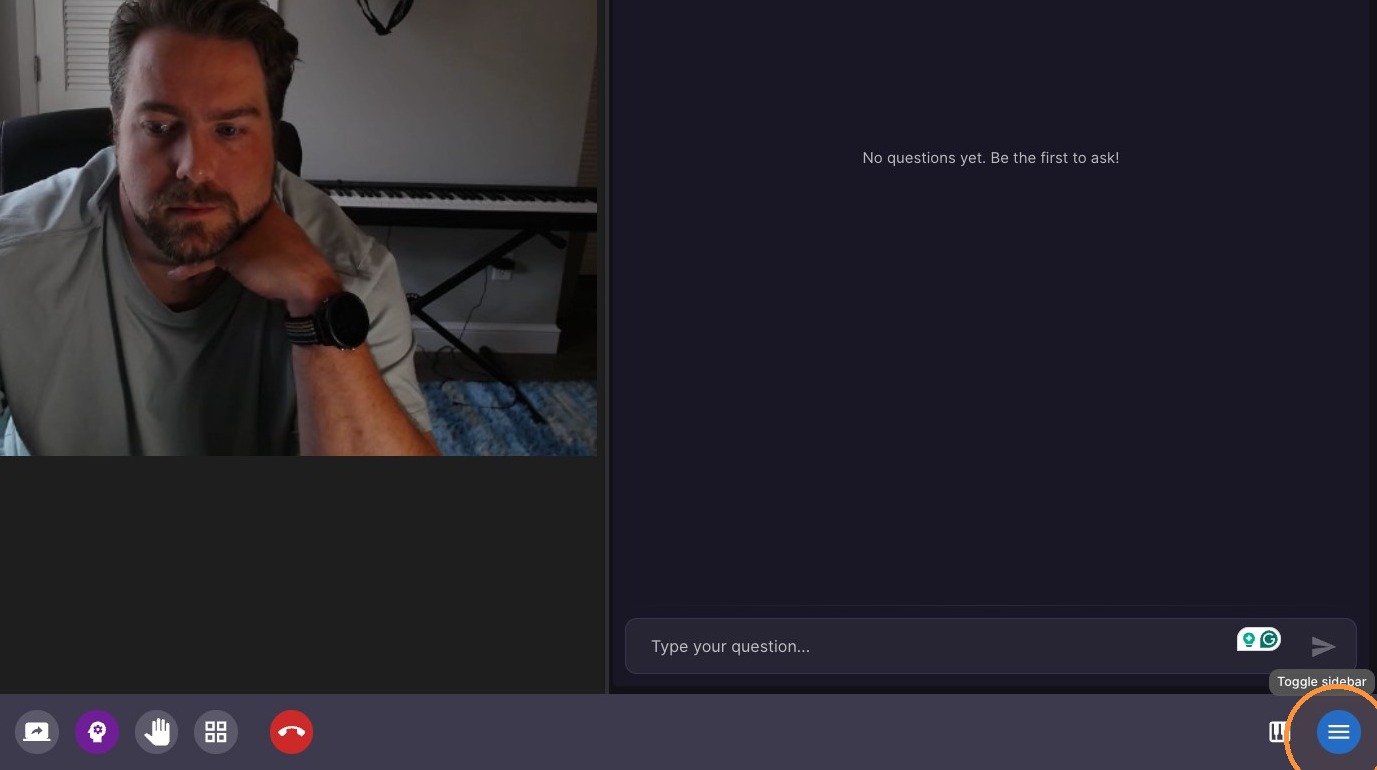
Sidebar Tools
-
Open and Close Tools
Instrument Panel Configuration
-
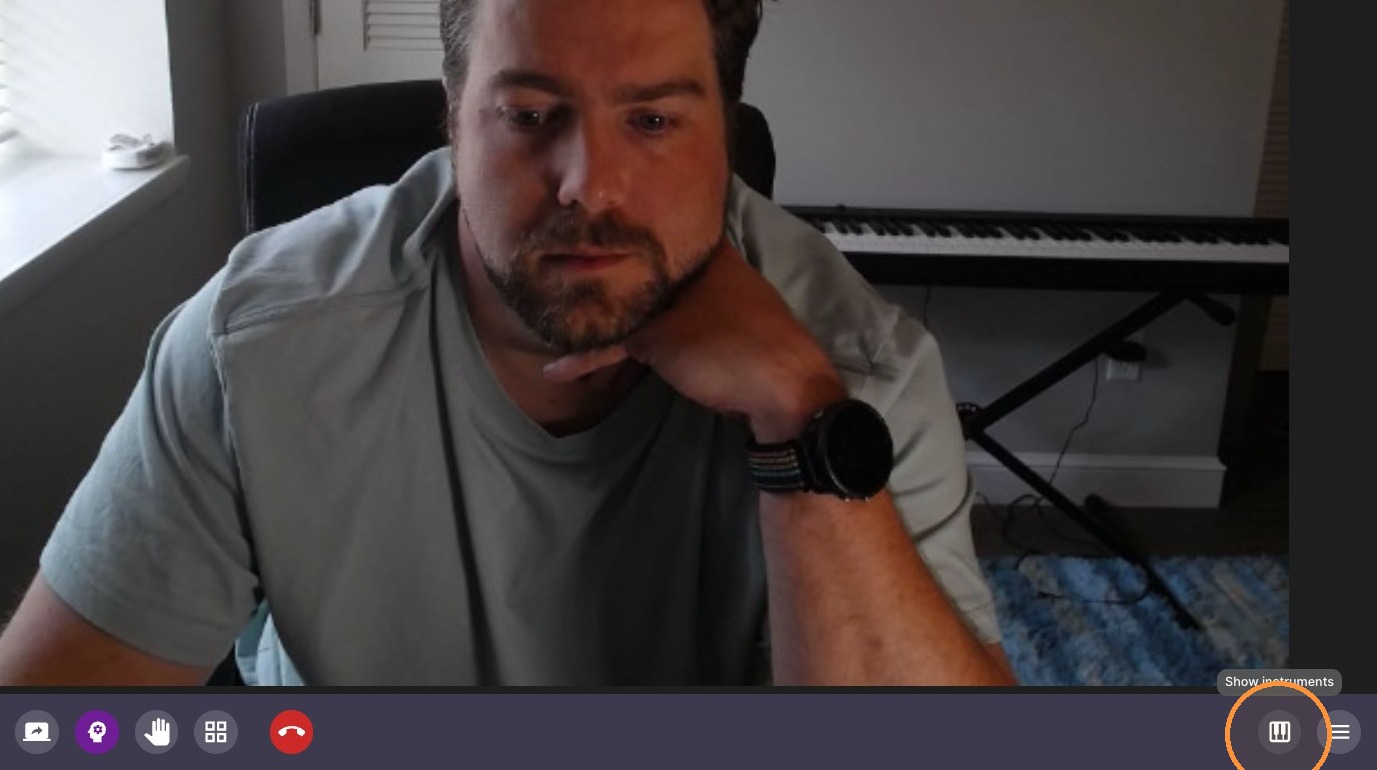
Open instrument panel
-
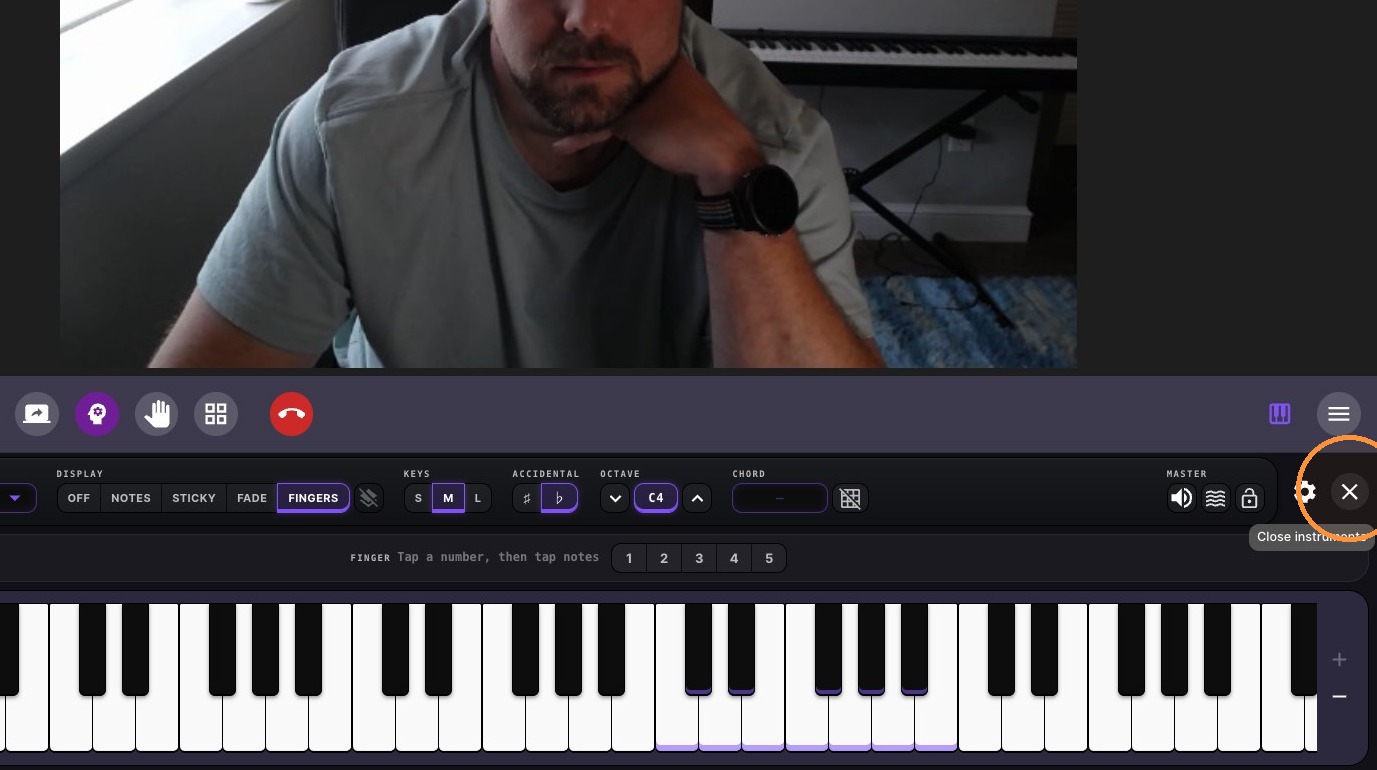
Close instrument panel
Session Management
-
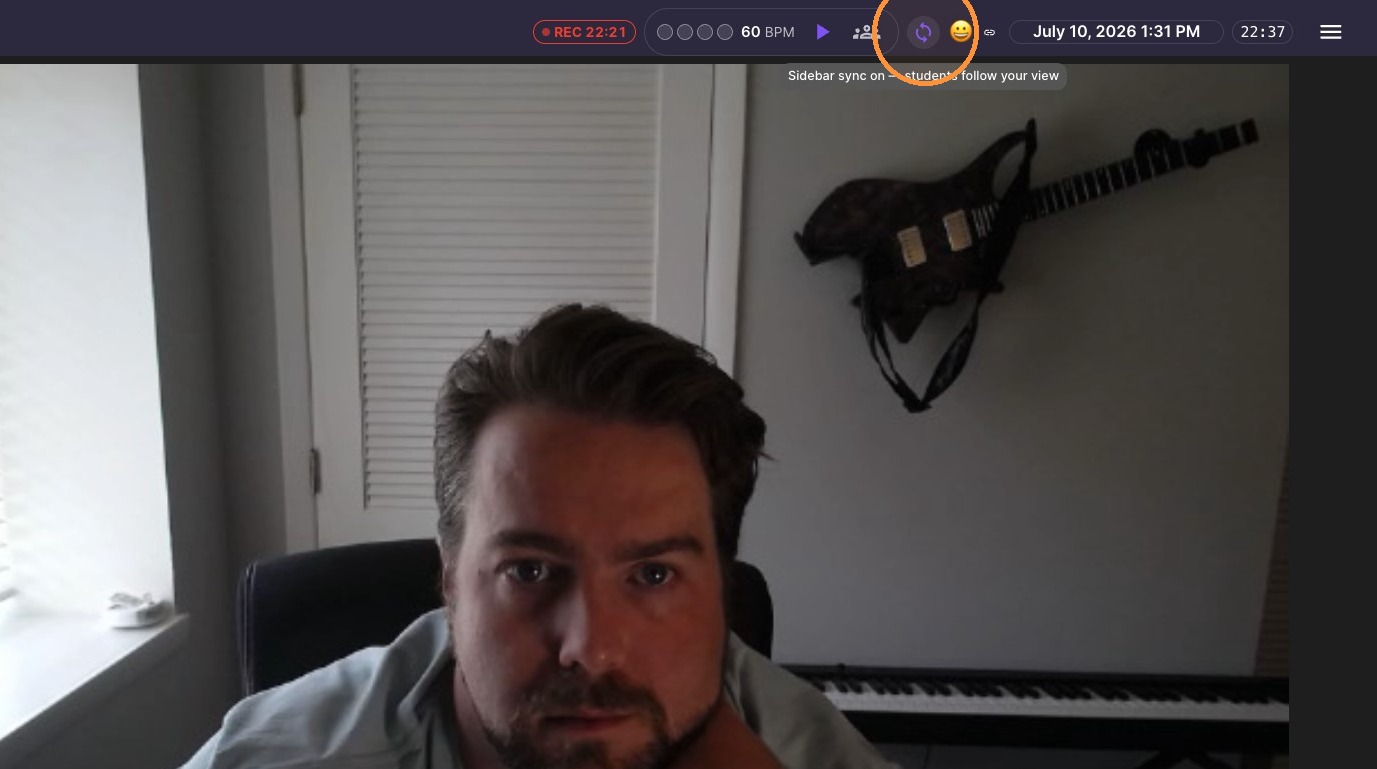
Enable sidebar sync (when on - files and tools opened by the teacher open automatically for the students)
-
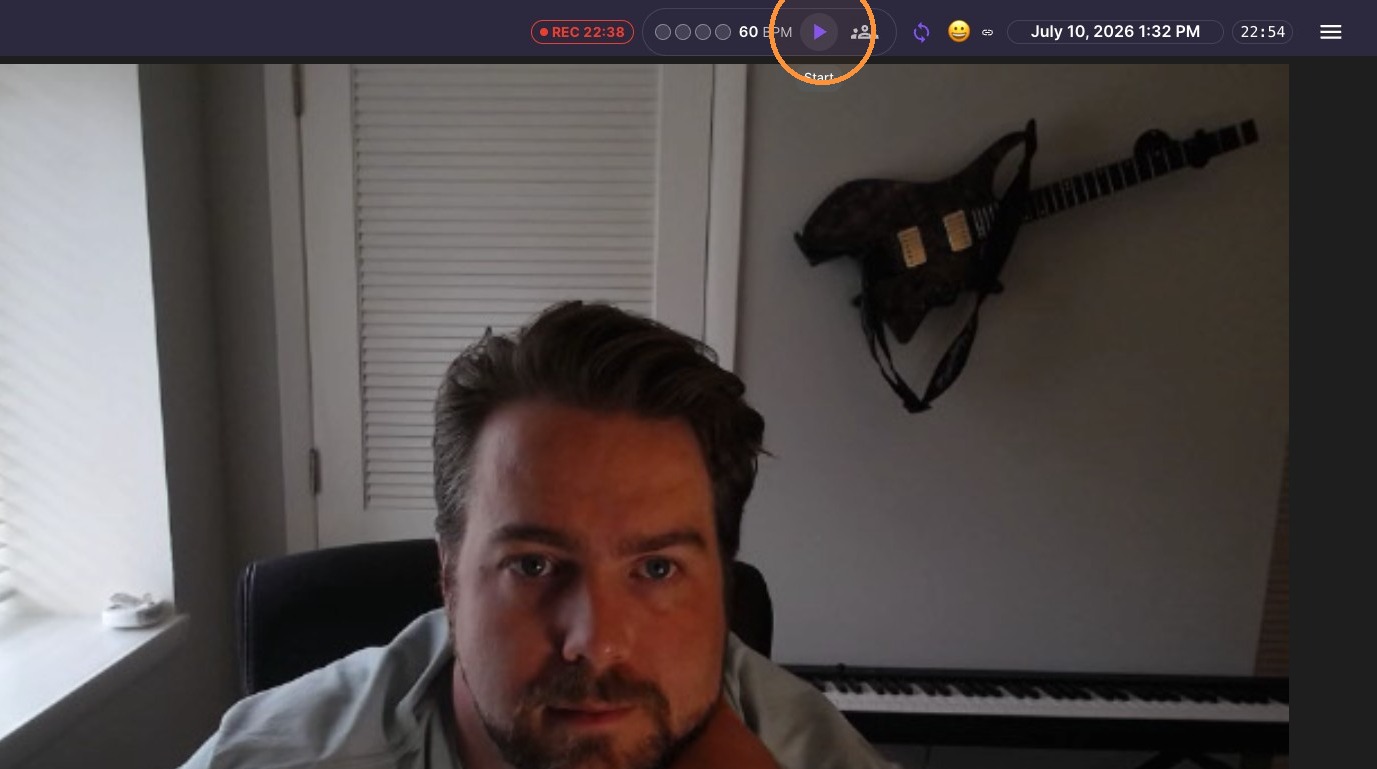
Start metronome
-
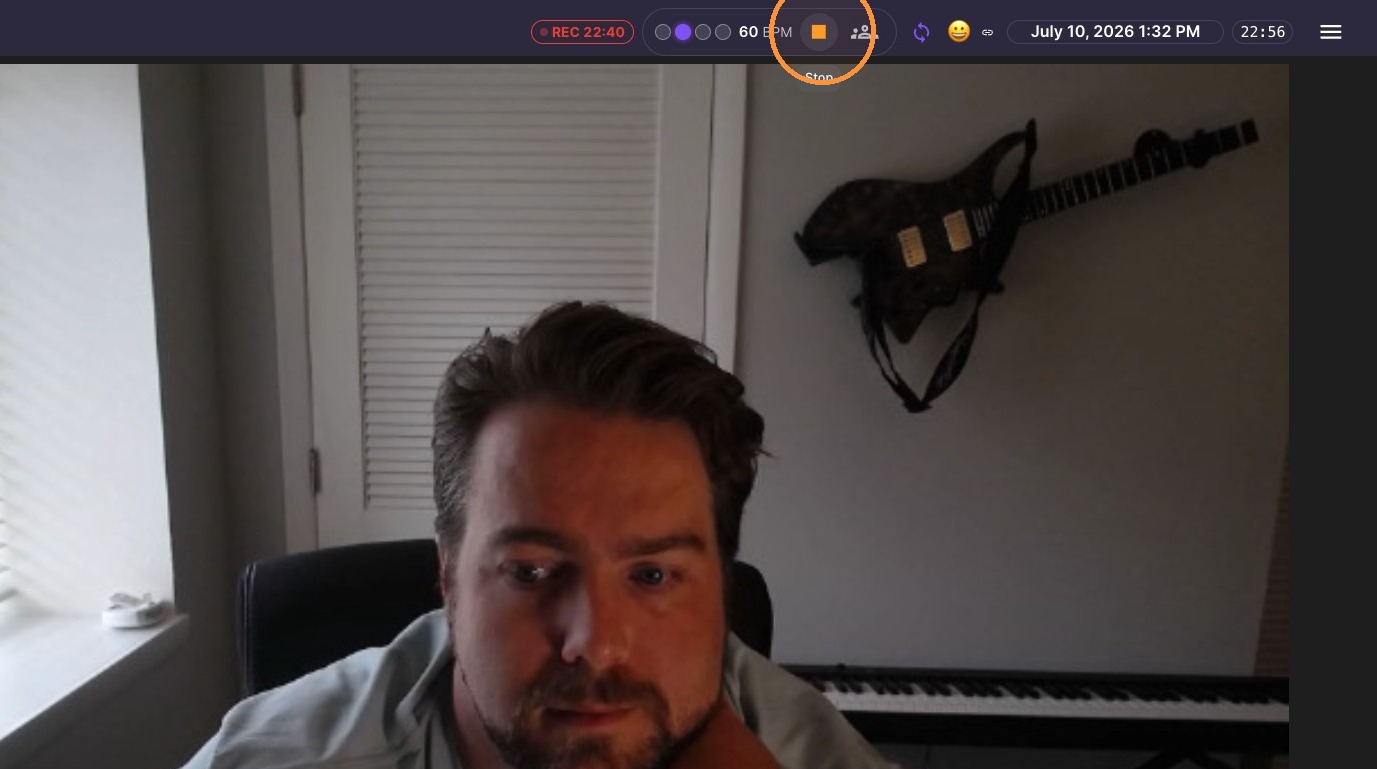
Stop metronome
Layout and Interaction
-
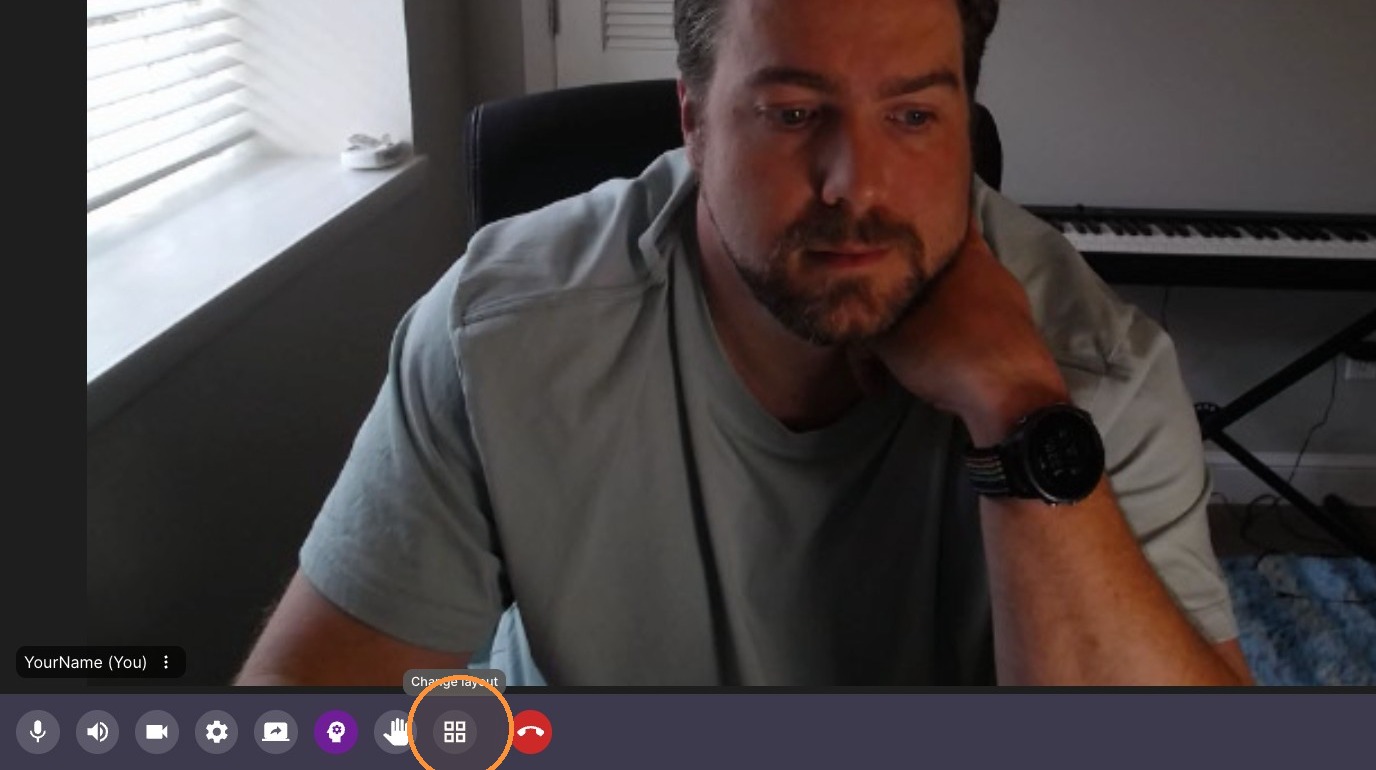
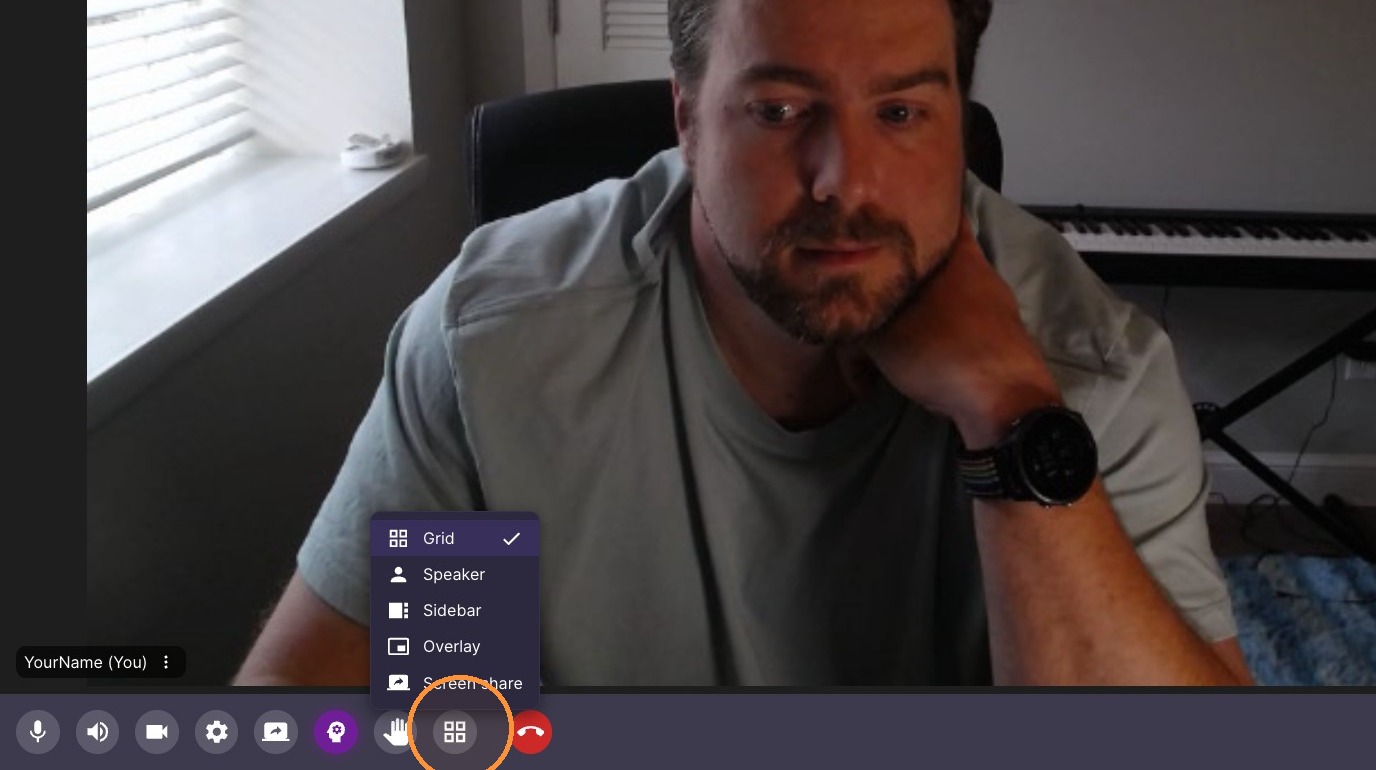
Change classroom layout
-
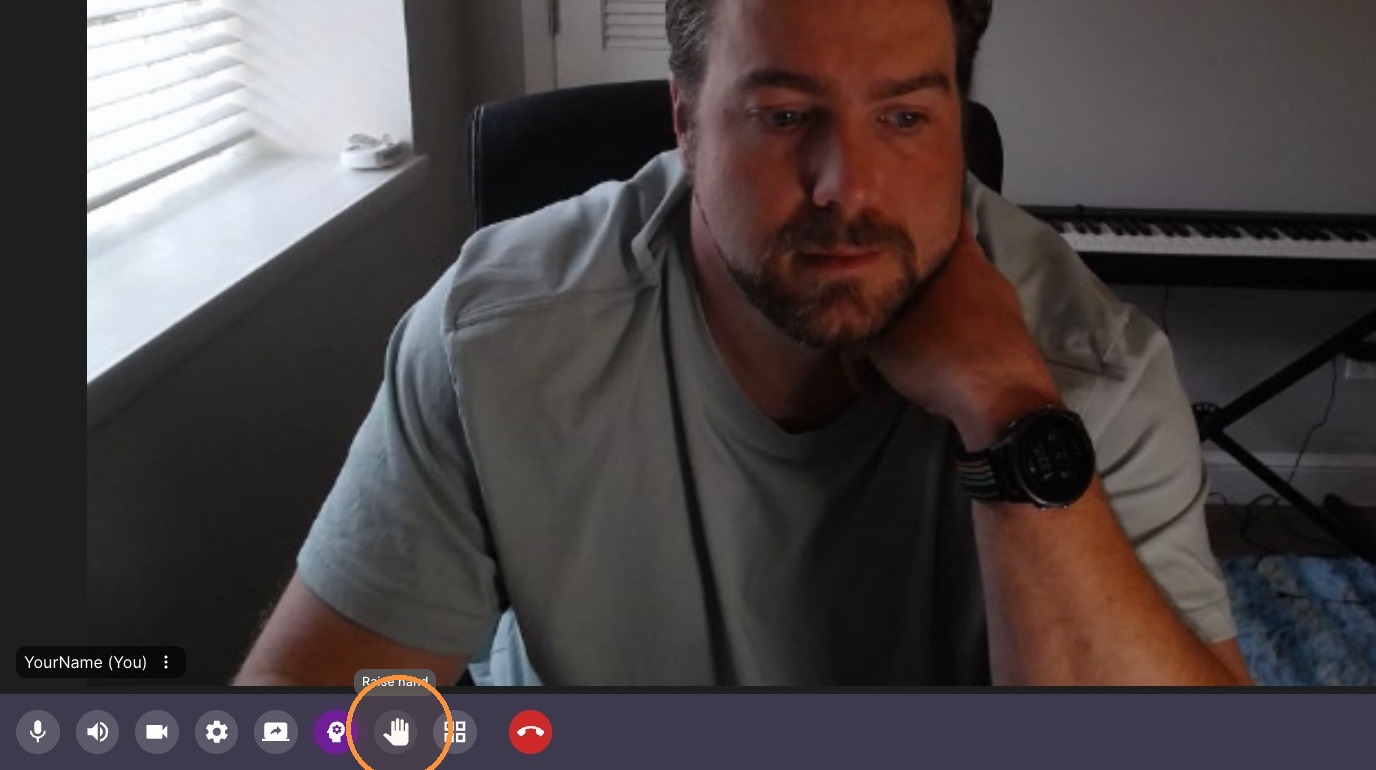
Raise hand
-
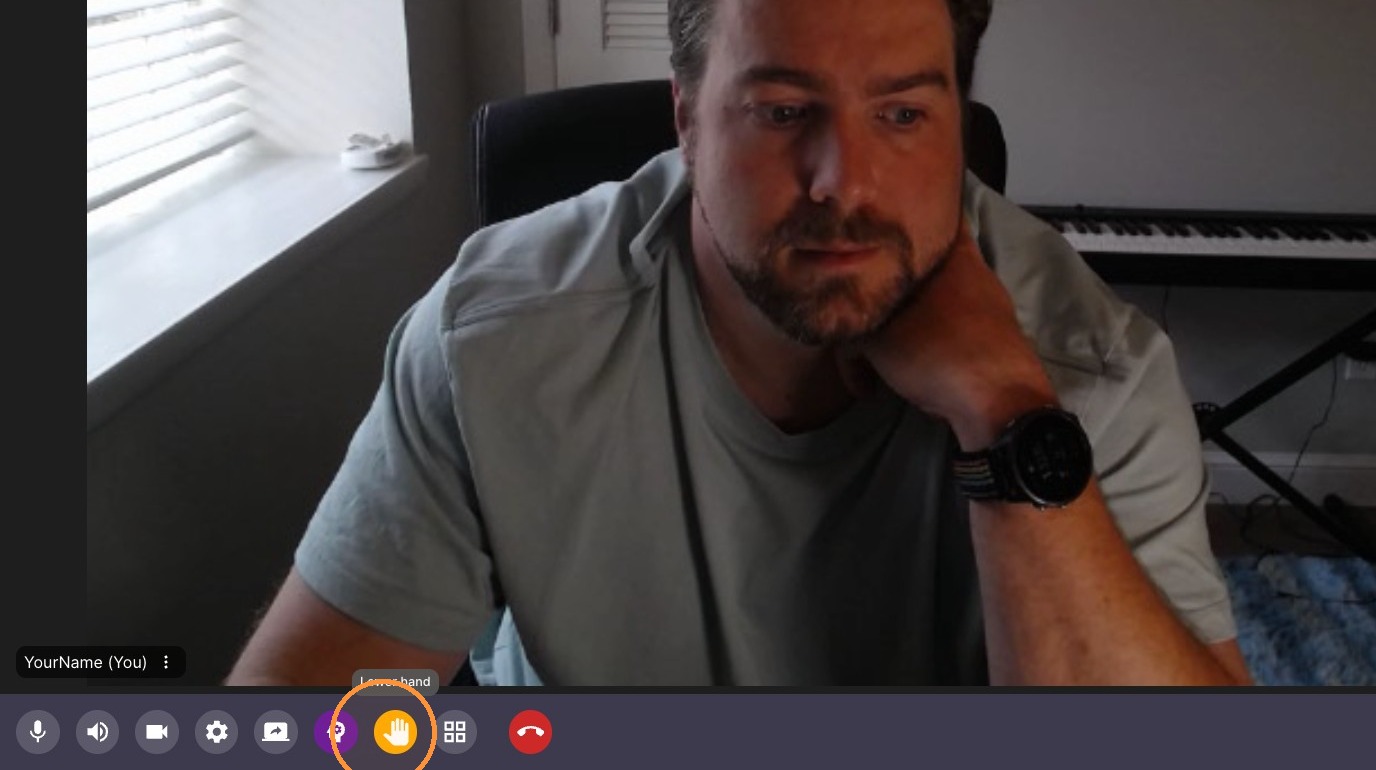
Lower hand
-
End Call