

Learn how to navigate the Muzie platform to communicate directly with your instructors. This guide simplifies the process of finding your conversation history and sending messages to ensure you stay connected for your lessons.
-
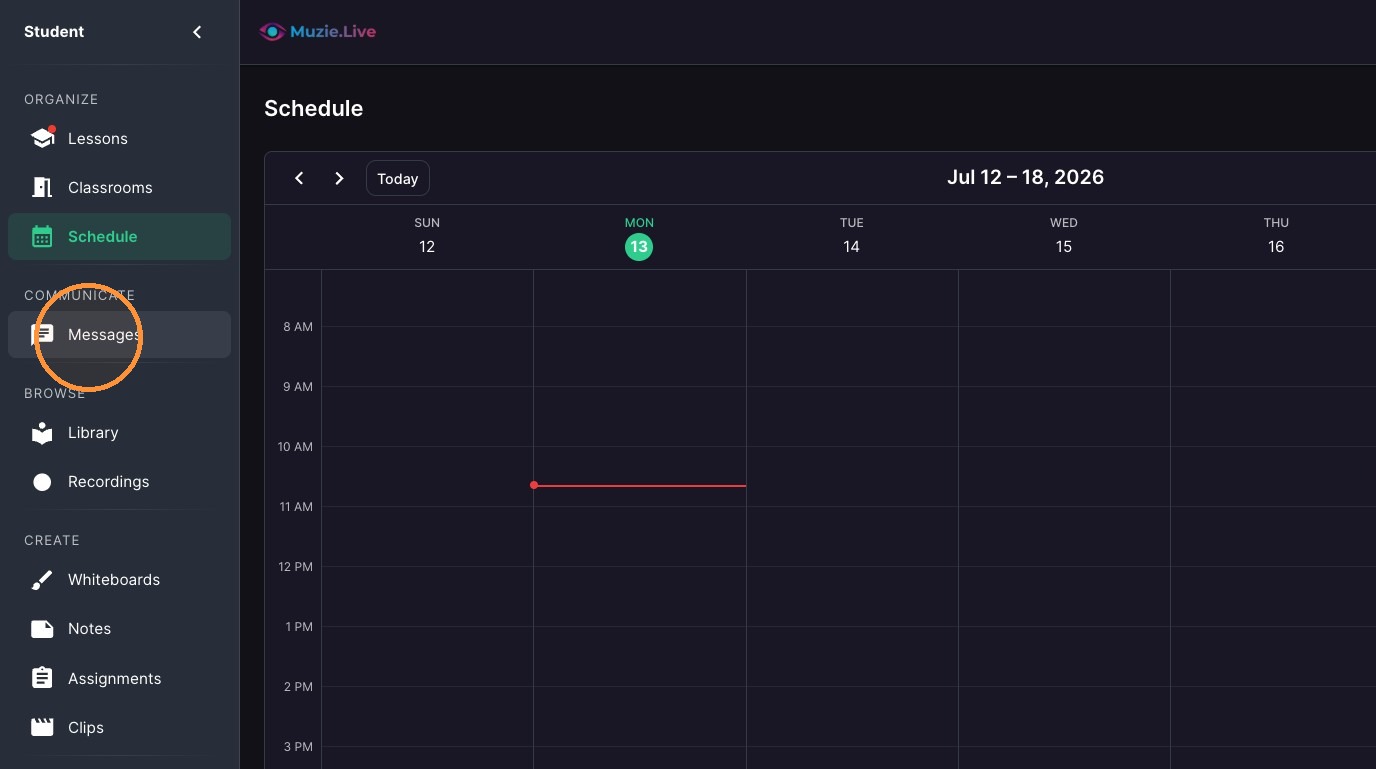
Click "Messages"
-
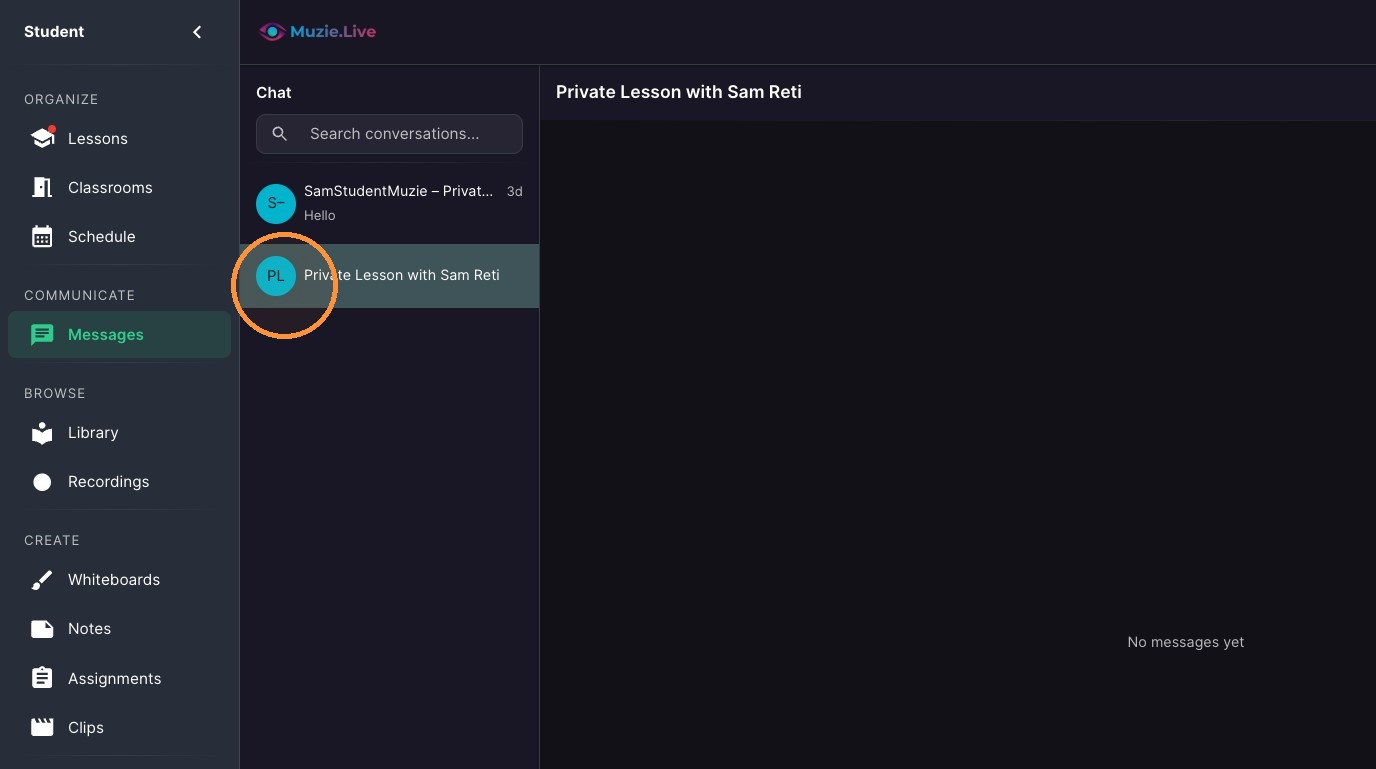
Select the conversation
-
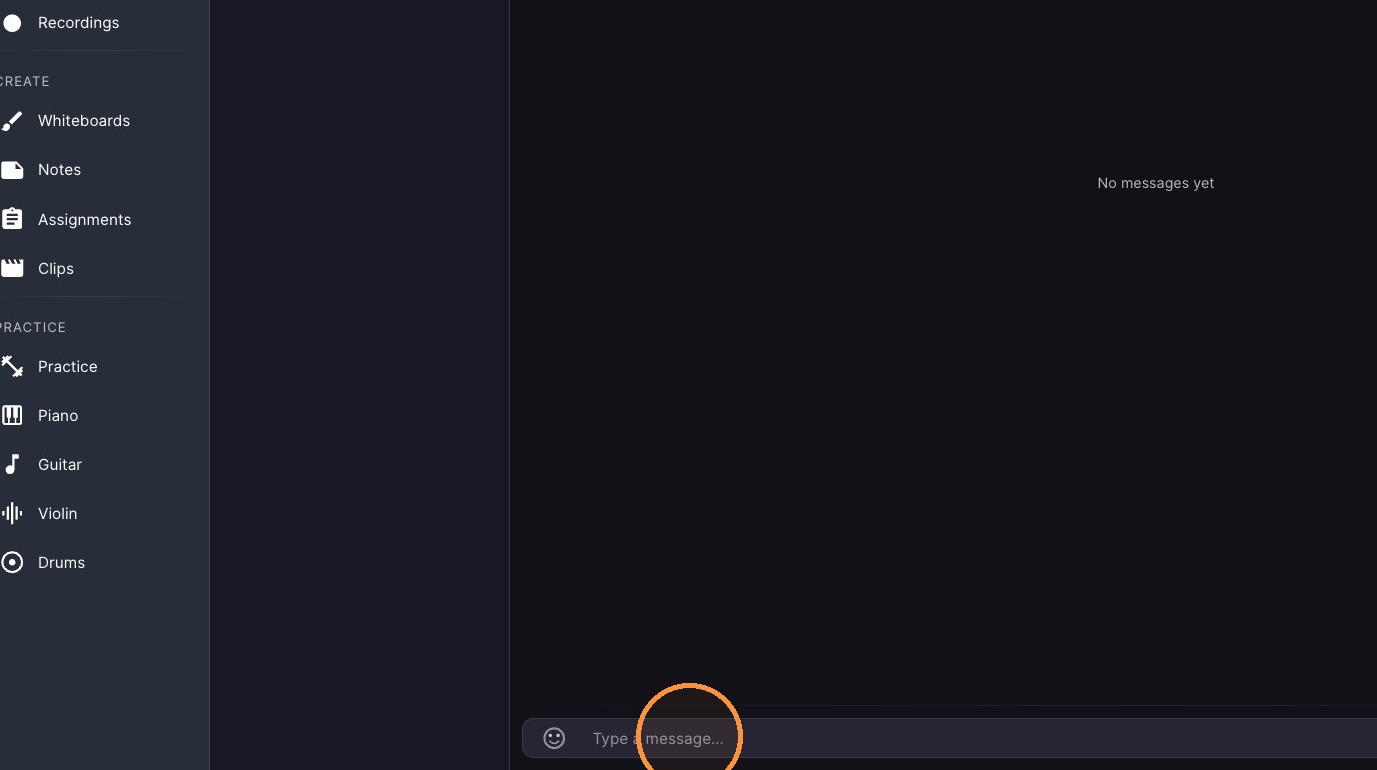
Type into the message input field.
-
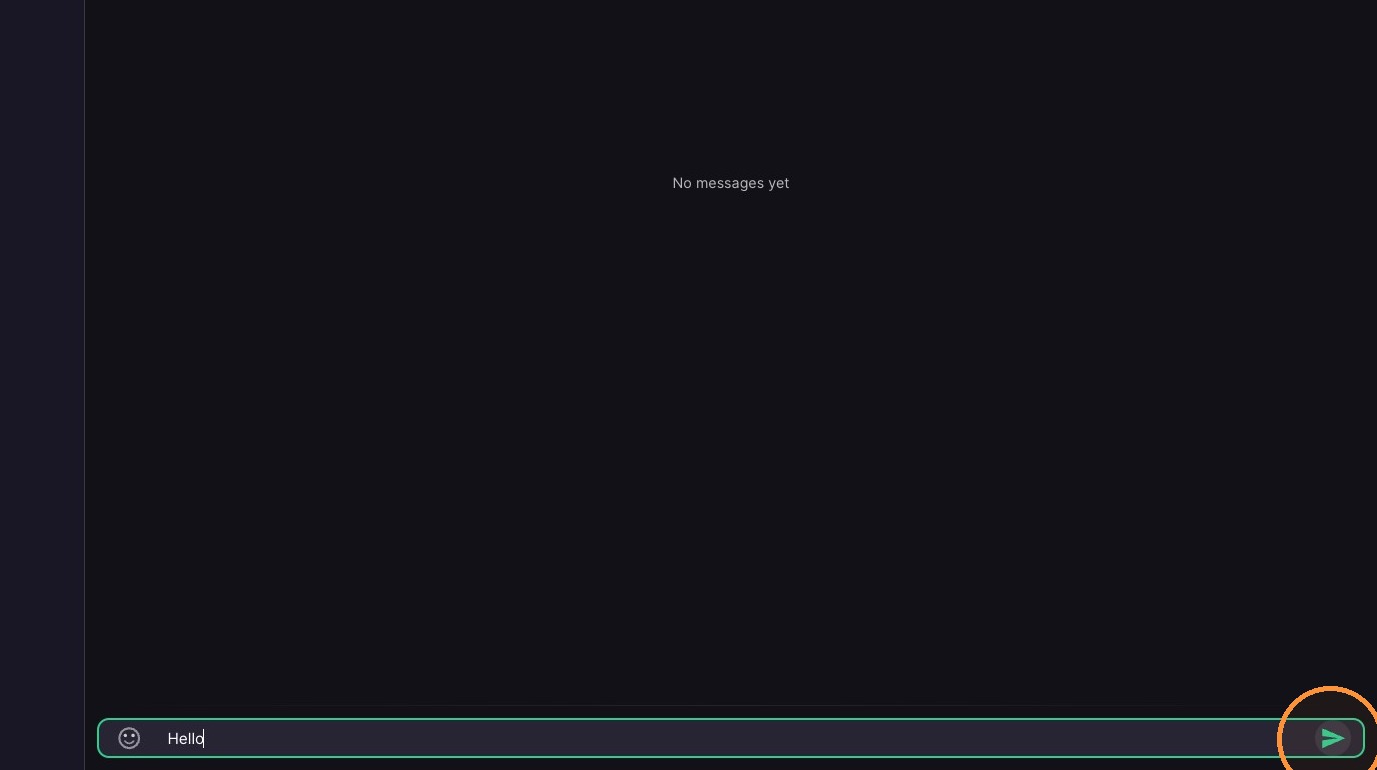
Click the send icon.
-
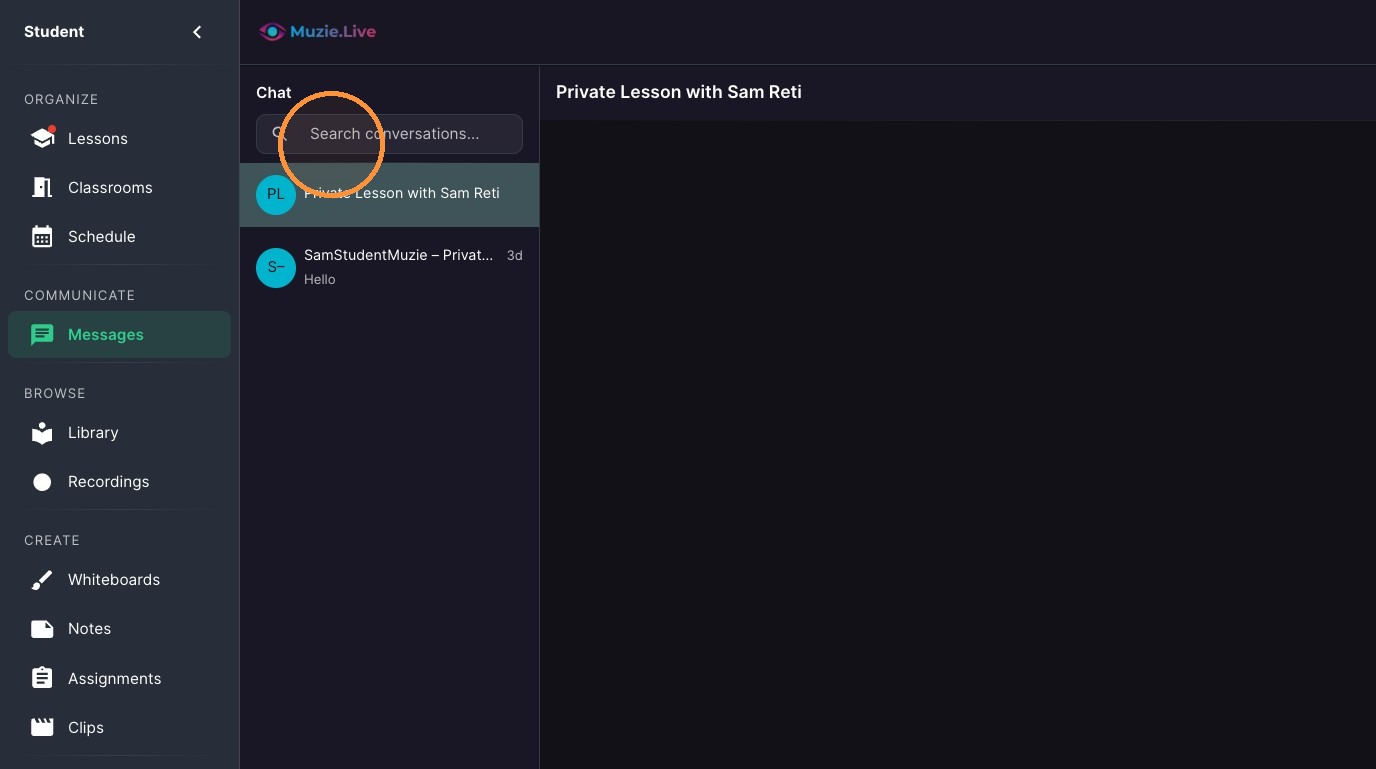
If Needed - Click the 'Search conversations...' field
Students can message each other only in a group chat that includes the teacher — there is no direct student-to-student messaging.
On an iPhone, if Messages will not scroll down to the typing box: install the app — open app.muzie.live in Safari, tap Share, then Add to Home Screen — and open Messages from there.