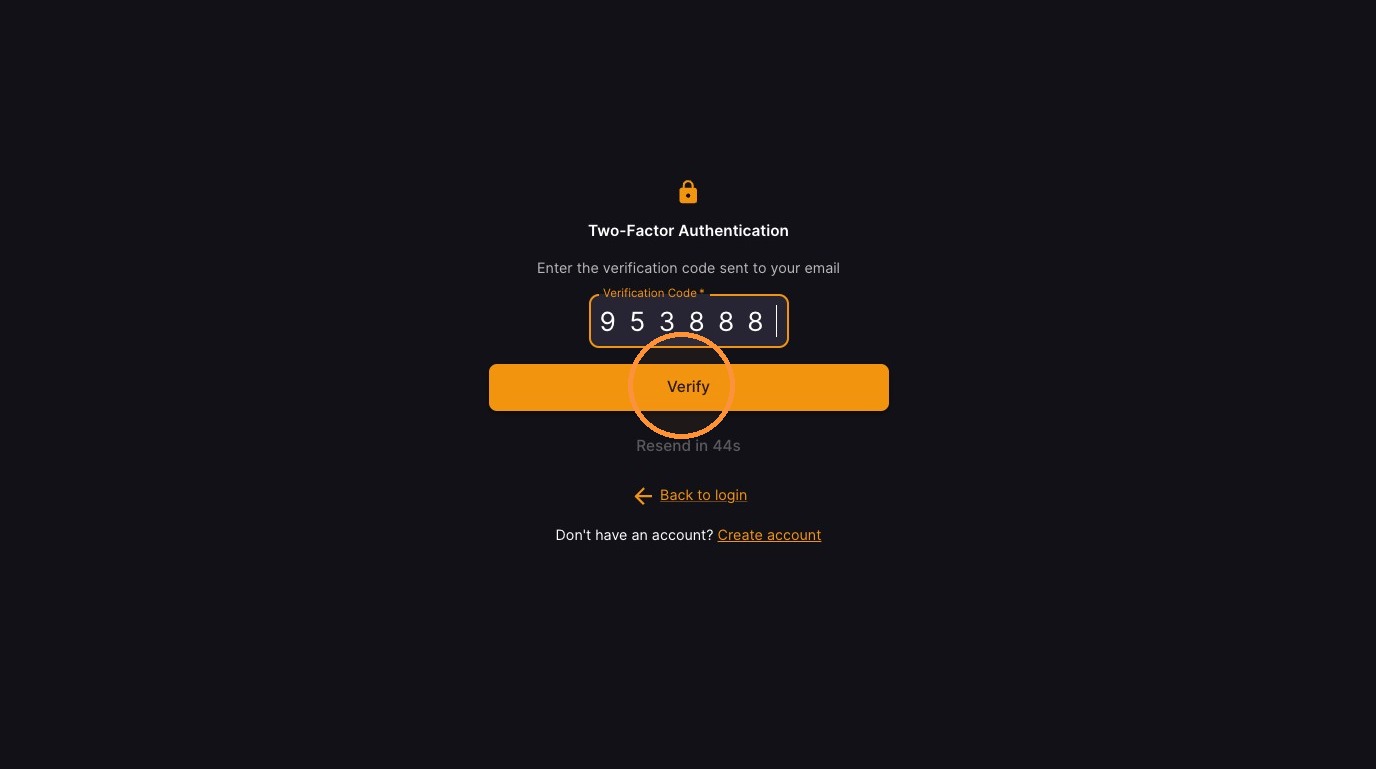
Use this guide to create your student account with the teacher code your school or teacher gave you. You’ll choose the Student option, enter your name and other details, and set your password. After you create the account, check your email for a verification code and enter it to confirm your identity so you can sign in and start using your account.
Account Registration
-
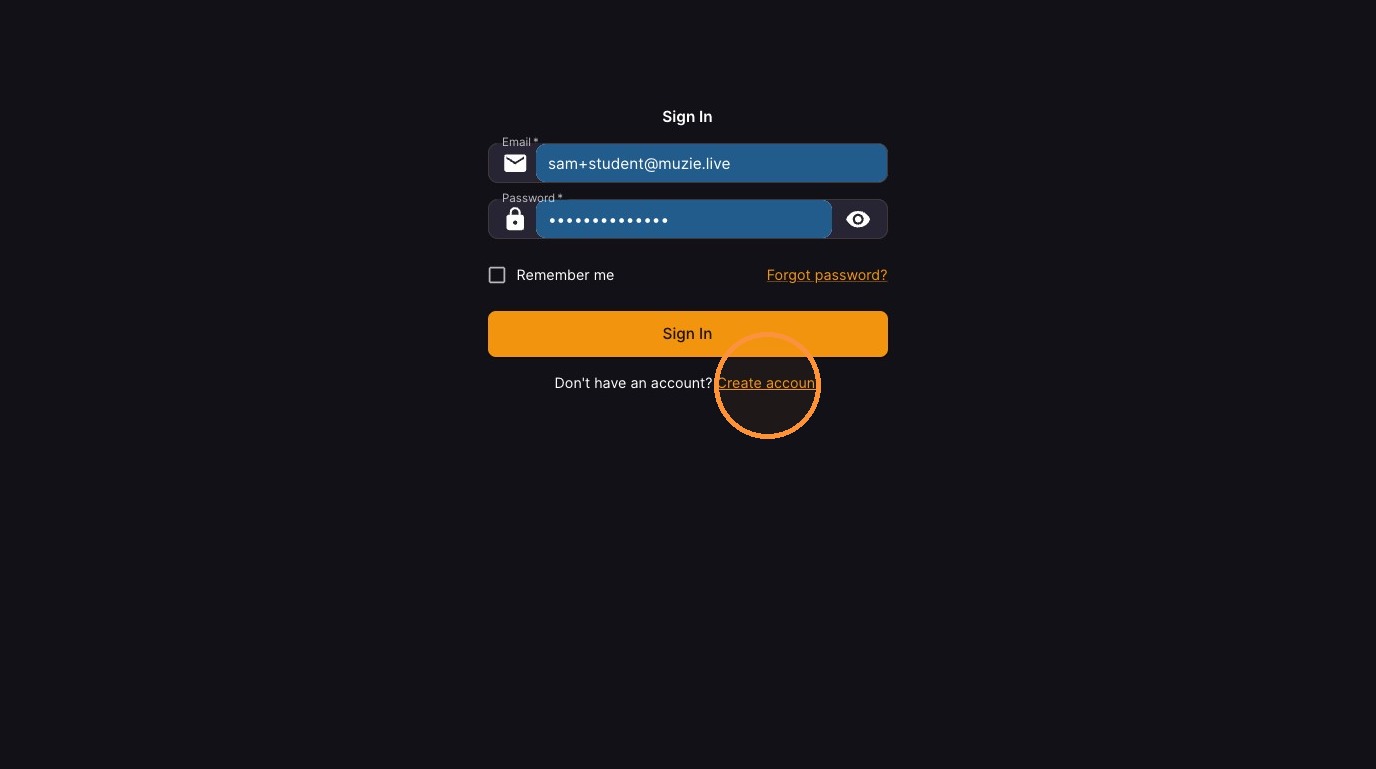
Click Create account
-
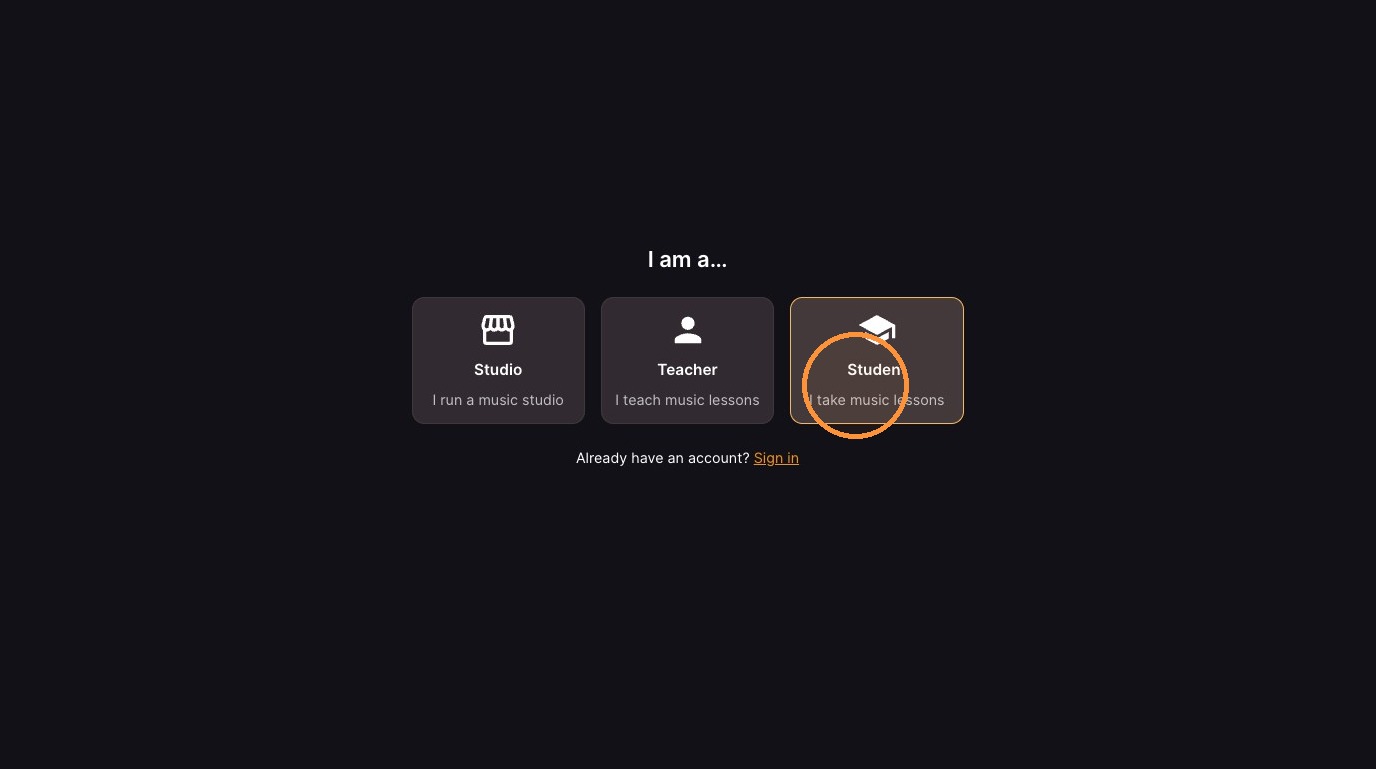
Select Student option
-
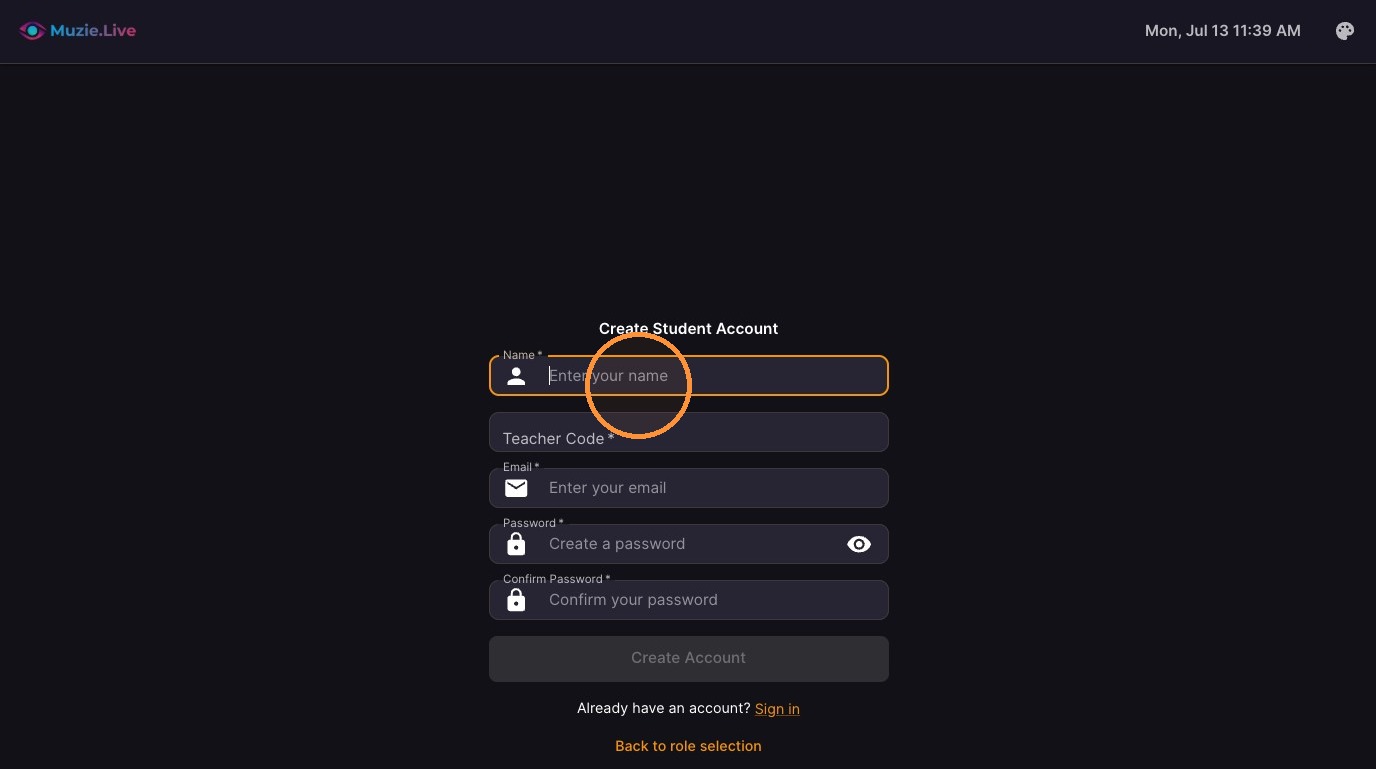
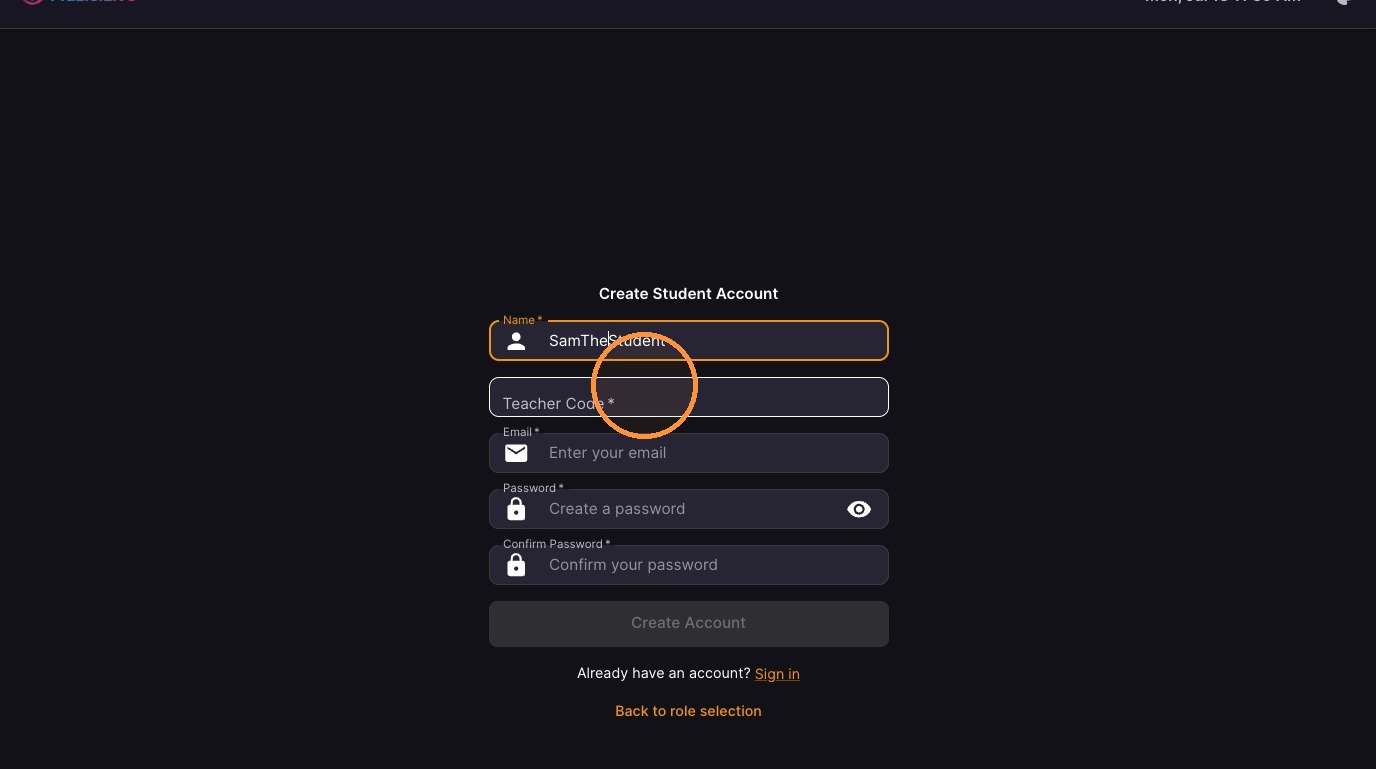
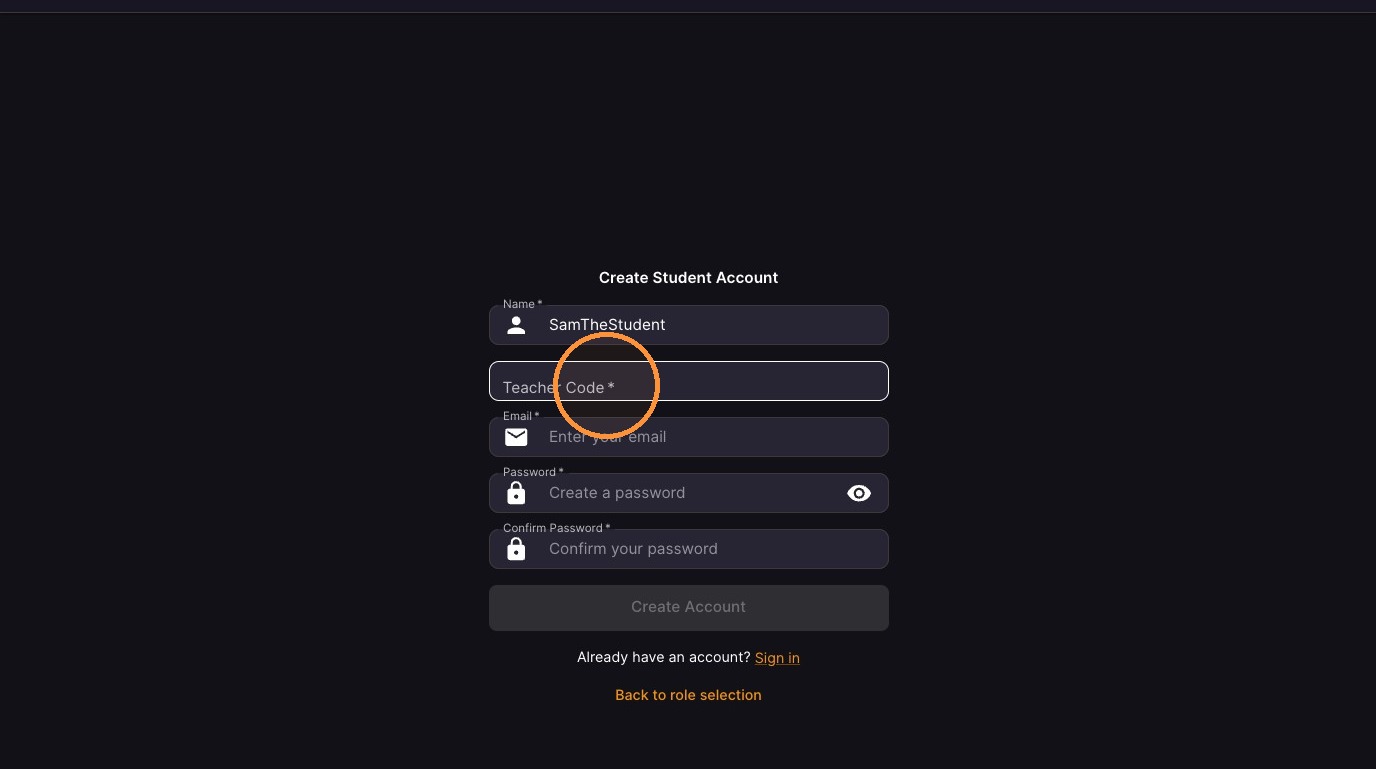
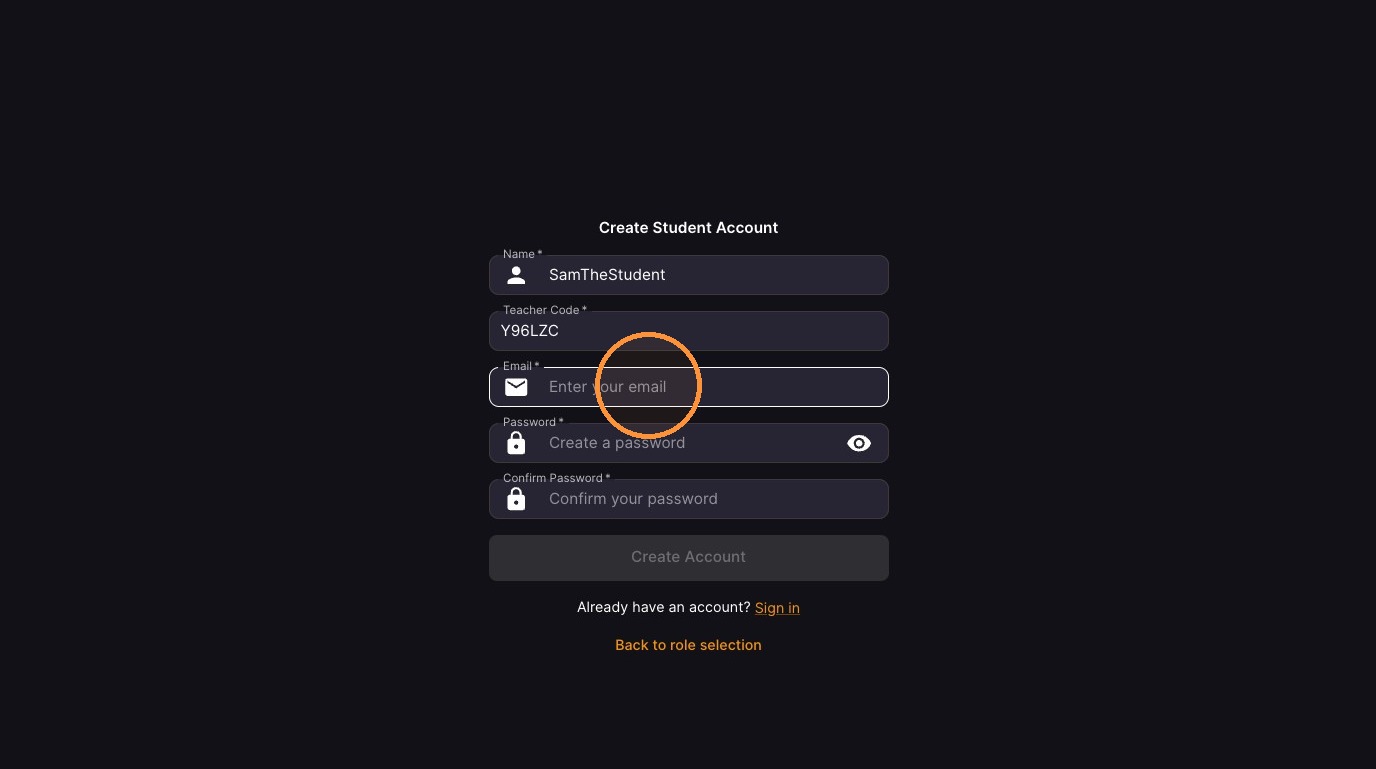
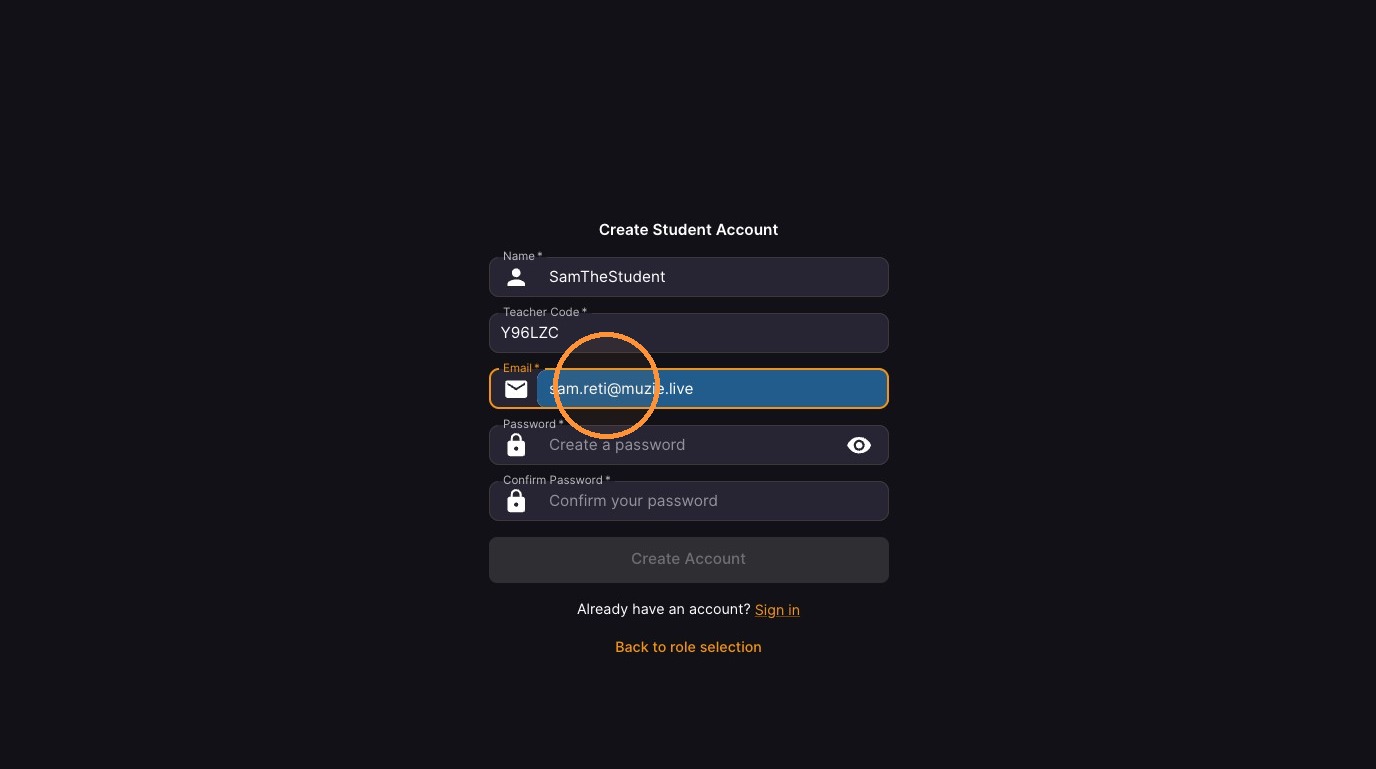
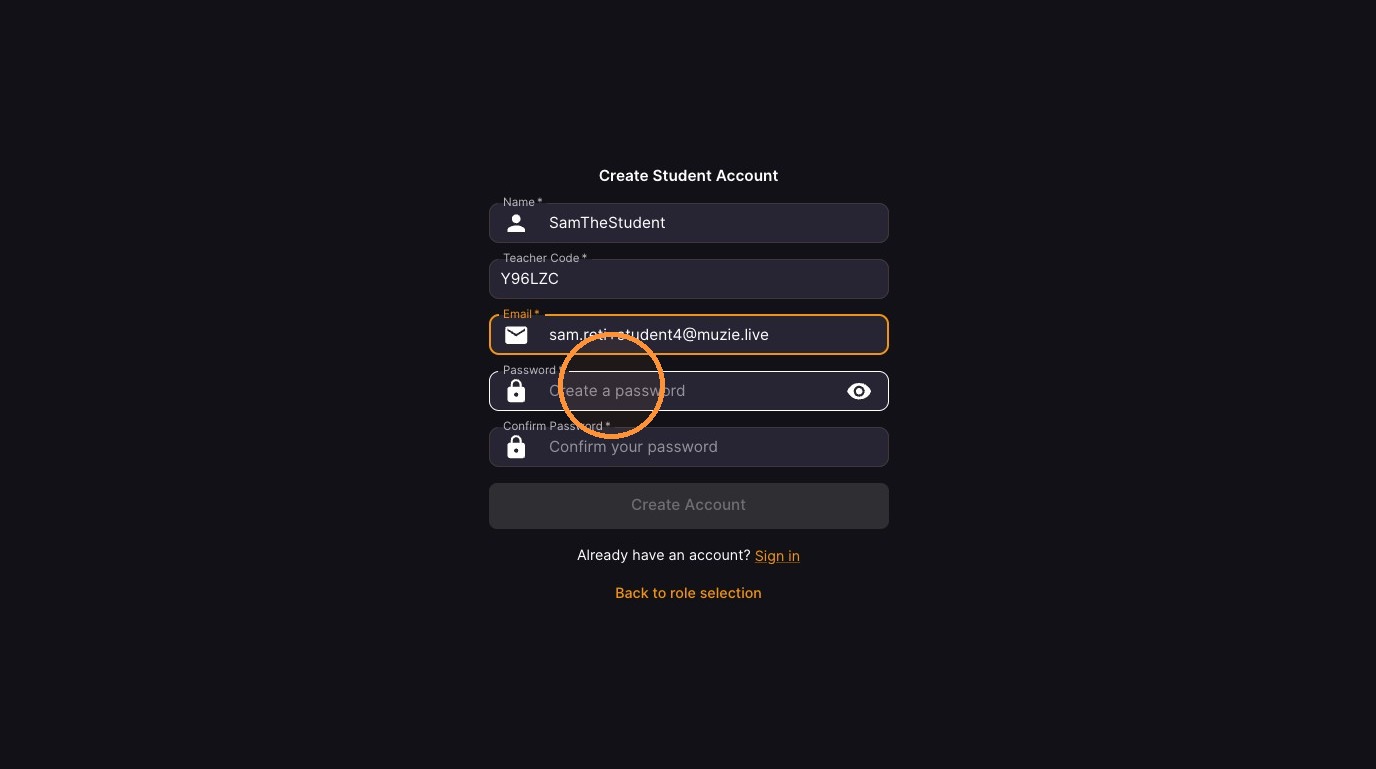
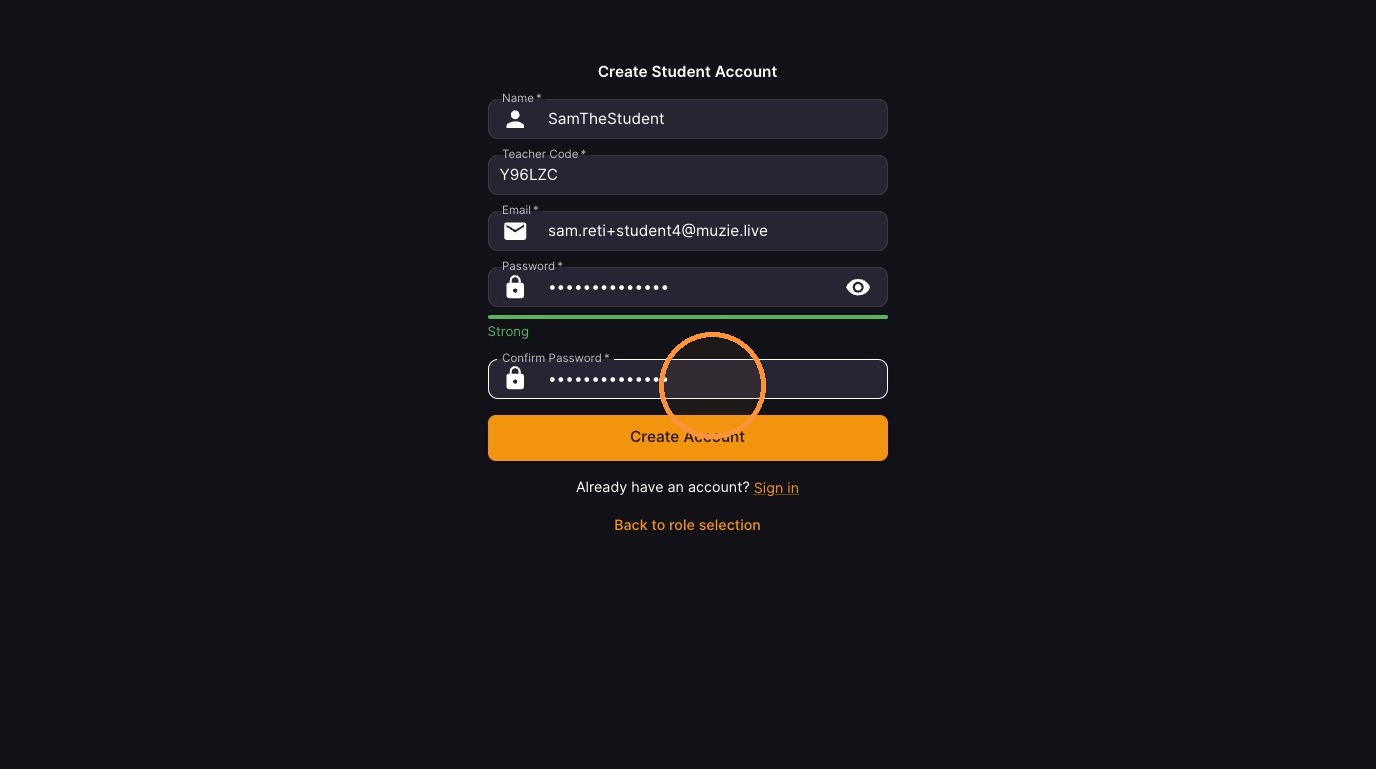
Fill in registration details including Name, Teacher Code, Email, and Password
-
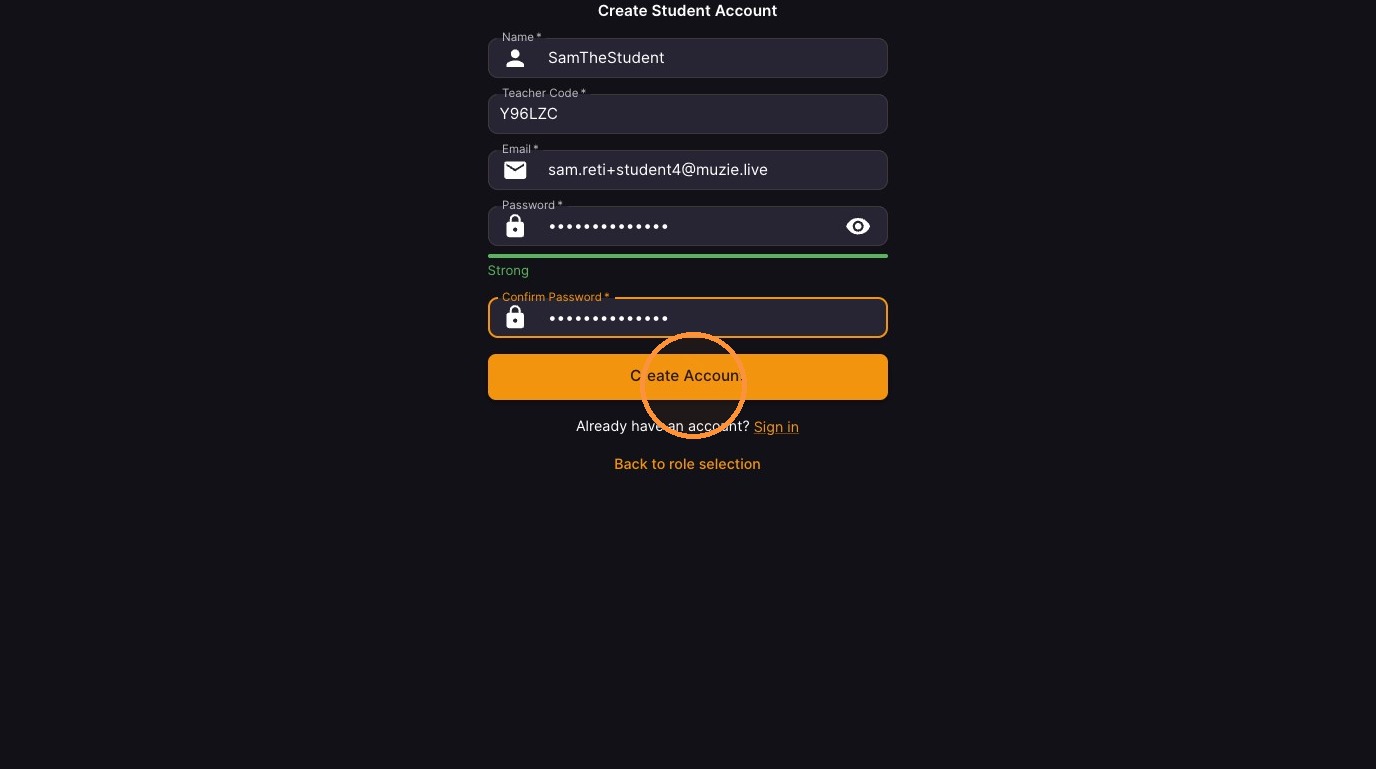
Click Create Account
-
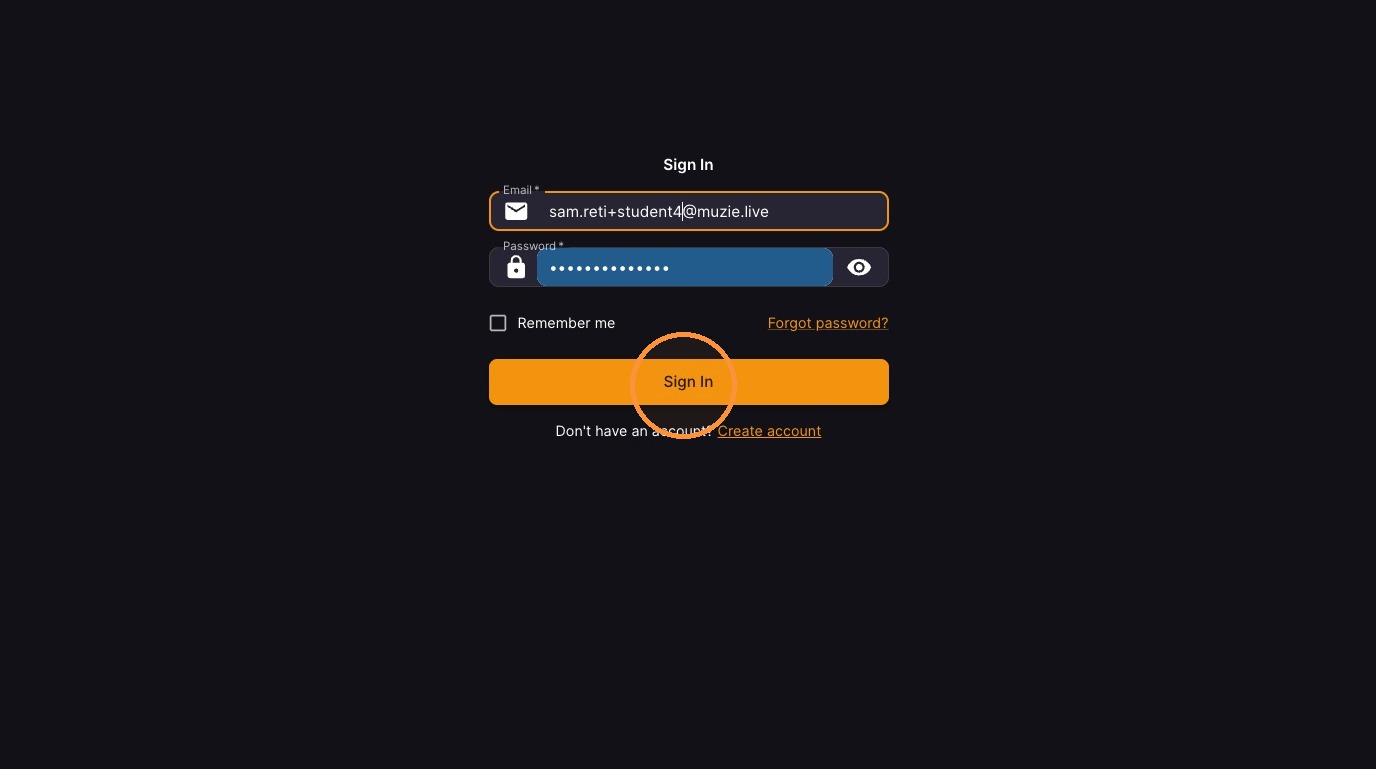
Click Sign In
Identity Verification
-
Copy verification code from your email
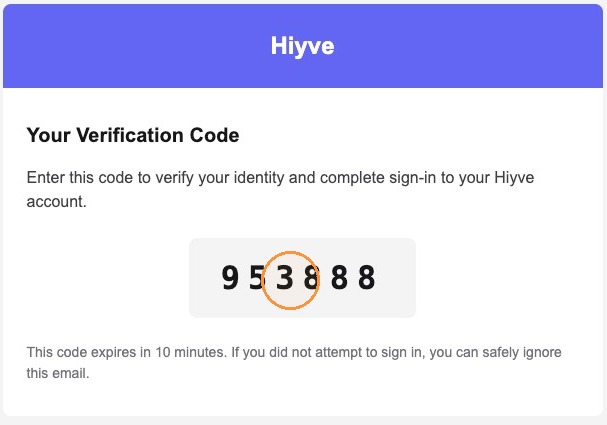
-
Enter Your Code & Click "Verify"